
speedyblues10 - Minecraft Skins & Skin History
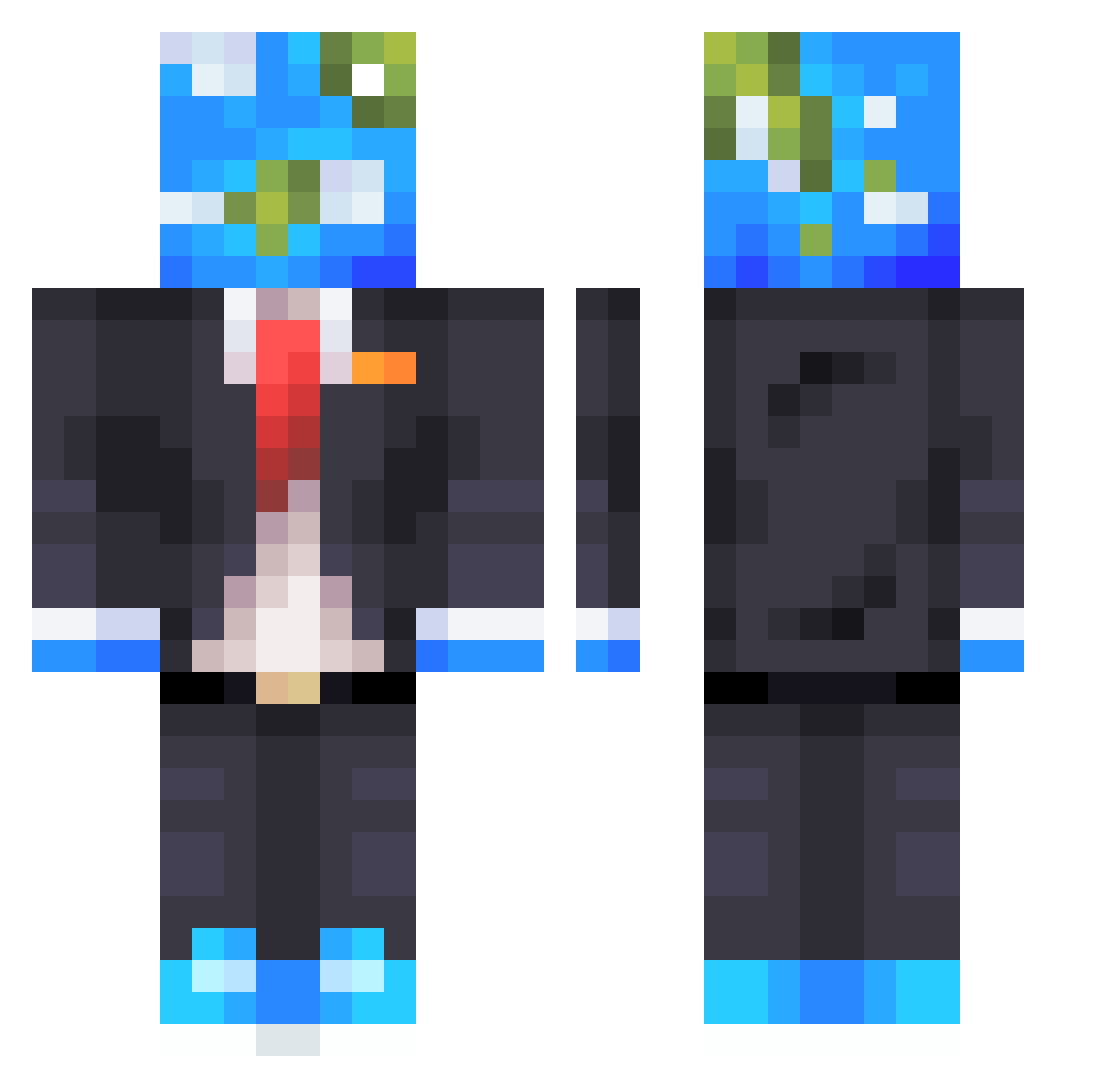
Current Minecraft skin of the player speedyblues10, loaded from the official Mojang API. Rotate the 3D model with your mouse or finger, then download the skin as a PNG file and use it in Minecraft: Bedrock Edition or Java Edition for free. When speedyblues10 changes their skin, this page updates automatically and the old skin stays in the history below.
Other players with this skin (610)
speedyblues10 was the 508th player we have seen with this skin, first spotted on 22.10.2026. The same skin was seen on these players. Open a nickname to see their current skin and skin history.
 DecayedCobra jack23334 TheSpicyLettuce VaNe1_ hamilton_YT StonedGoose Exorcista97 Minecrafter22422 DrDiabetes12 Vic_09 Tetracake _SLR_ Gejstr Mr_epite Alphacoco furhbjk2 camelgamer Jayy_____ sniper_2007 Topsis13 SaulSanFlo Planet23 Notriox 2Broken DeputyBleezy OG_5urvivor _TheBeam_ bartvslol 2Beans_1Cream Jentary MRfrien ilikeurpp oMxk sashabenali S0m30ne1 CloverWHO SC000T soeanro foxcindy04 Giant_huan xXkitty_loverXx Max5092 ItzChoZen GUSGUSMED HTYZS Zero_Soulz100 ModernAss J00ZZZ RenderZ_ Astra_0 ItsYuriUwU nFNature tom_lifts FISTOR7 BlockPotatoPTO ECONOMIC283 David48716 NameNot_Valide szkudii anderlein
More Earth Head Minecraft skins
How to install the speedyblues10 skin
- Press the Download button above to save the skin as a PNG file.
- Minecraft: Bedrock Edition (PE): open the Dressing Room from the main menu (or tap your character → Edit Character), go to Classic Skins → Owned, press the + (new skin) button, choose the downloaded PNG and pick the Classic (Steve) model. Works on PC and mobile; consoles cannot import custom skins.
- Minecraft: Java Edition: open the Minecraft Launcher, go to the Skins tab, click New Skin, load the PNG, pick the Classic (Steve) model and press Save & Use. You can also upload it at minecraft.net → Profile → Change Skin.
The skin does not show up after import - what should I do?
Restart Minecraft and open the Dressing Room again - imported skins sometimes appear only after a restart. Also make sure you selected the imported skin and picked the Classic (Steve) model.
Which model should I choose, Classic or Slim?
This skin is designed for the Classic (Steve) model. If you pick the wrong model, the arms of the skin will look stretched or squeezed.
Is the skin of speedyblues10 free to download?
Yes. Press Download, save the PNG file and use it in Minecraft: Bedrock Edition or Java Edition - no payment or registration needed. The skin also works on multiplayer servers and Realms.
More skins
Looking for more? Go back to all Minecraft skins and check the top skins of the week, month and all time, or find any player's skin by nickname.