
scubaSteve95 - Minecraft Skins & Skin History
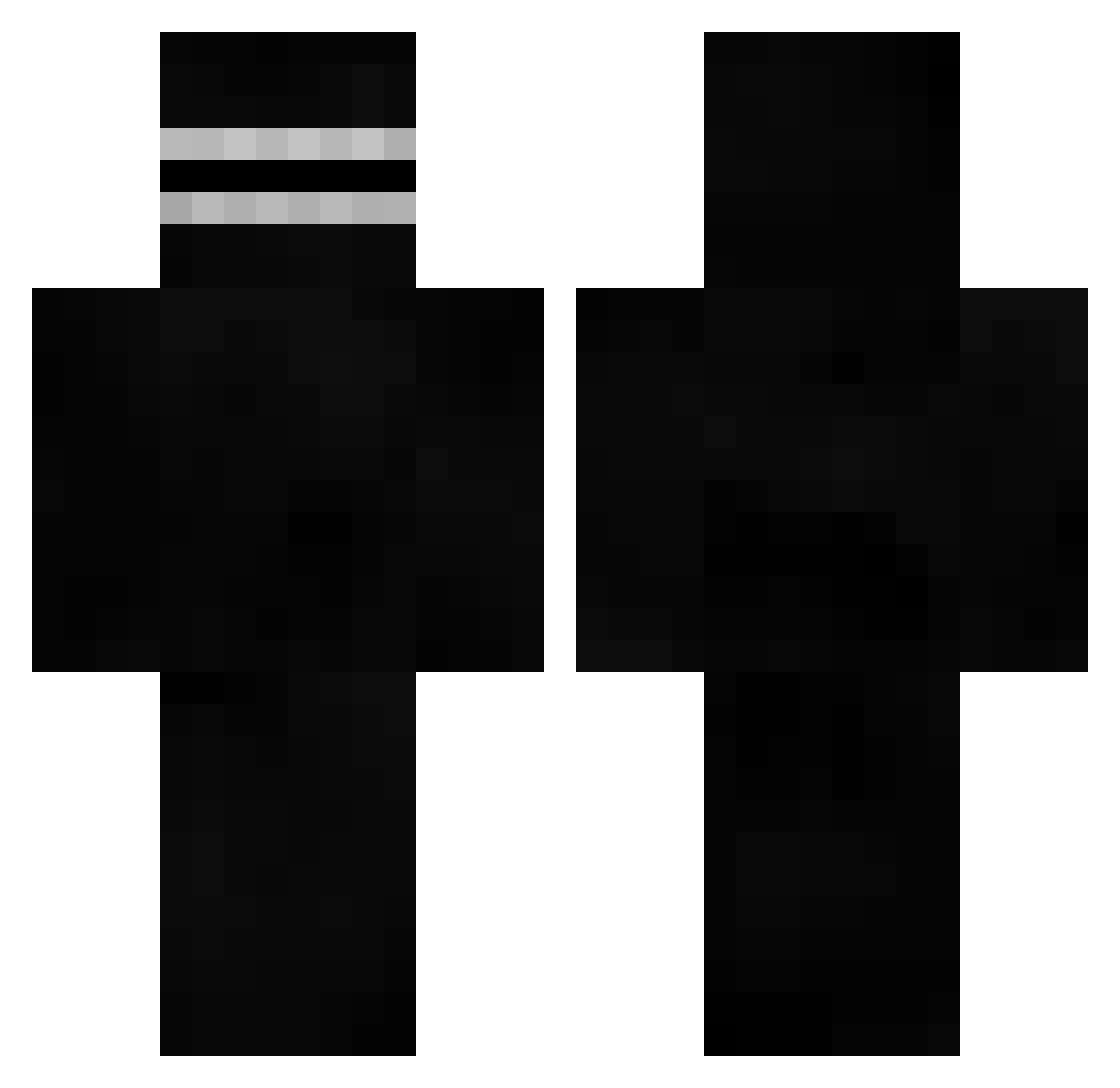
Current Minecraft skin of the player scubaSteve95, loaded from the official Mojang API. Rotate the 3D model with your mouse or finger, then download the skin as a PNG file and use it in Minecraft: Bedrock Edition or Java Edition for free. When scubaSteve95 changes their skin, this page updates automatically and the old skin stays in the history below.
Other players with this skin (672)
scubaSteve95 was the 593rd player we have seen with this skin, first spotted on 29.10.2026. The same skin was seen on these players. Open a nickname to see their current skin and skin history.
 Mhardys PowerDrishTR kukijz_69 Nassouille atesbeldag DarekZaam jim03050 Vicgil Pancrasio17 KitKatChunky_ HerbIsMid JiLeex TheRealCorieSmi Mr_Rayan0_0 zElo42 bladegaucho snowsam0 Jelsmurf Neopir F0RZAA okan6 Xionsis Ddeal wipeafternut69 josue677 JonnyP0g obipusu DaiKiiy kristian0612 RealAnt Kilogs Above_Afro Marko__ KillerbotXY7 ZabieruC sweetvihvih OpzThang GalaxyYou Zryez swanchfoaen lailar0cks J0Z0K Silent_Yoshi ythi yonginKing M3tjuu zCaioBr_ Maikaobeir ecclesiastically ScoobyDoobyJoo HyperZone kickslap moon9437 sh4d0wd4ark Tonddu Deathkilleryeet __WeaZie__ Titirider13 kevinsitoh DHRLSR
More Visor Minecraft skins
How to install the scubaSteve95 skin
- Press the Download button above to save the skin as a PNG file.
- Minecraft: Bedrock Edition (PE): open the Dressing Room from the main menu (or tap your character → Edit Character), go to Classic Skins → Owned, press the + (new skin) button, choose the downloaded PNG and pick the Classic (Steve) model. Works on PC and mobile; consoles cannot import custom skins.
- Minecraft: Java Edition: open the Minecraft Launcher, go to the Skins tab, click New Skin, load the PNG, pick the Classic (Steve) model and press Save & Use. You can also upload it at minecraft.net → Profile → Change Skin.
The skin does not show up after import - what should I do?
Restart Minecraft and open the Dressing Room again - imported skins sometimes appear only after a restart. Also make sure you selected the imported skin and picked the Classic (Steve) model.
Which model should I choose, Classic or Slim?
This skin is designed for the Classic (Steve) model. If you pick the wrong model, the arms of the skin will look stretched or squeezed.
Is the skin of scubaSteve95 free to download?
Yes. Press Download, save the PNG file and use it in Minecraft: Bedrock Edition or Java Edition - no payment or registration needed. The skin also works on multiplayer servers and Realms.
More skins
Looking for more? Go back to all Minecraft skins and check the top skins of the week, month and all time, or find any player's skin by nickname.