
qafy69 - Minecraft Skins & Skin History
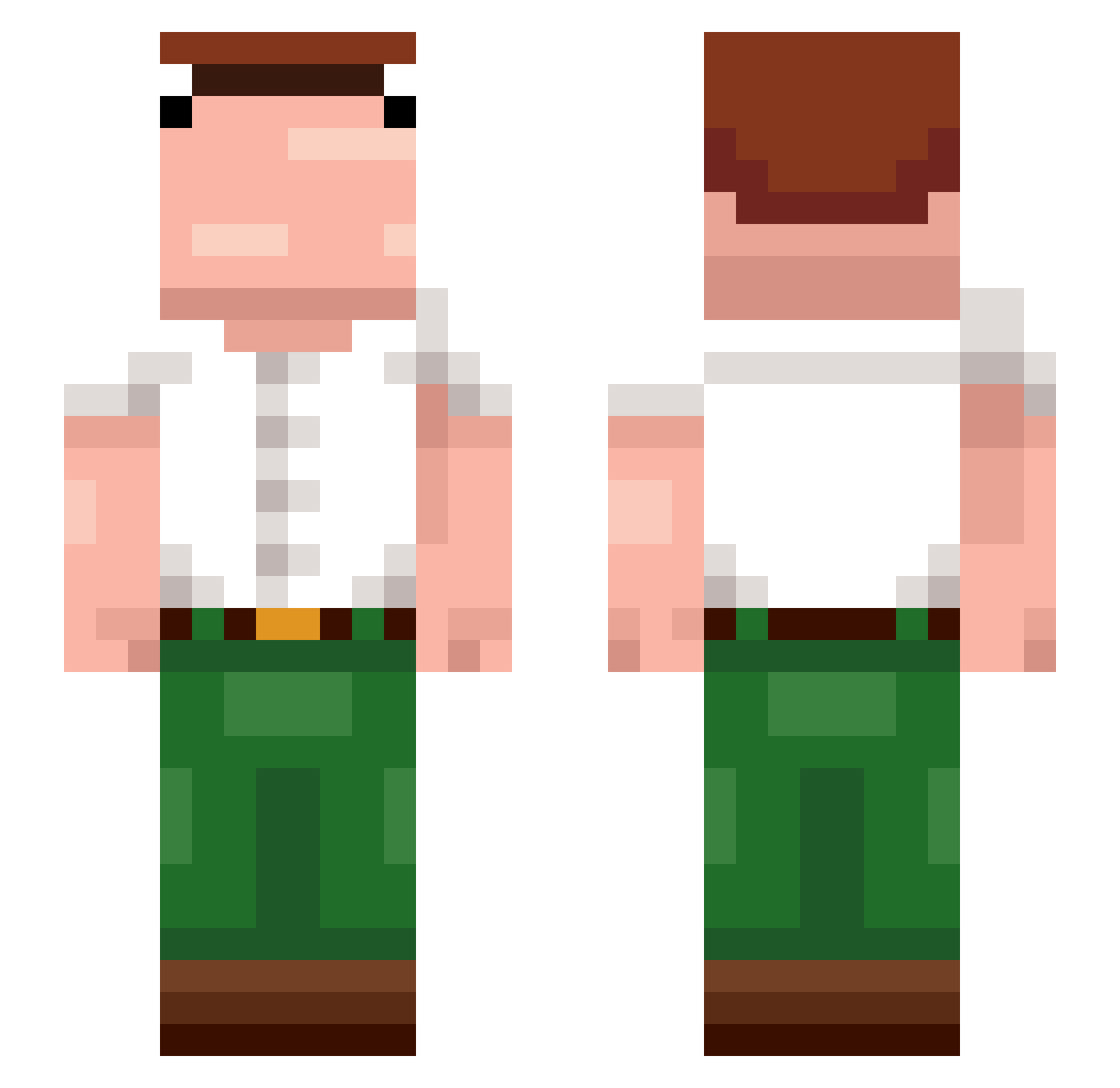
Current Minecraft skin of the player qafy69, loaded from the official Mojang API. Rotate the 3D model with your mouse or finger, then download the skin as a PNG file and use it in Minecraft: Bedrock Edition or Java Edition for free. When qafy69 changes their skin, this page updates automatically and the old skin stays in the history below.
Other players with this skin (374)
qafy69 was the 306th player we have seen with this skin, first spotted on 19.10.2026. The same skin was seen on these players. Open a nickname to see their current skin and skin history.
 abacaxip3lad0 Kalwbs1 Aiossa matt_sgt Yashel10 Luuqitos Aiden_Ex DaffyTube SmuMellow skittles239 Arashi2I ailixiya0v0 Myrdd1n_ sumtlngwong Jeanbarr Todynho9682 DecafHalo RONALDOADAMI mendezx2095 oAlpha_ maxissj RuinsOfWar5002_ ko44ka D4rK3NeSS trtrdnc _TOXIC_12 MassiveLegend67 bibbitty ian2_5 Physwiz Fissmann yumiao520 JackPaddy_ SherriffWill _Thanospazdanos_ skipsoso_ BihDihSebas reideey DoenermanAli The_Chip puercodepierite1 babaprogaming remuss078 Casluu231 danielplayboy007 szymusgyat Petersm _Kazakhstan_ MateoCorleone Jqx_ KingMarmota Etched_destiny IDV_77 yCronz spifycow420 Skorpio1742 mKura GormFJ JerryLeon Jafer7
More Peter Griffin Minecraft skins
See all 227 Peter Griffin skins
How to install the qafy69 skin
- Press the Download button above to save the skin as a PNG file.
- Minecraft: Bedrock Edition (PE): open the Dressing Room from the main menu (or tap your character → Edit Character), go to Classic Skins → Owned, press the + (new skin) button, choose the downloaded PNG and pick the Slim (Alex) model. Works on PC and mobile; consoles cannot import custom skins.
- Minecraft: Java Edition: open the Minecraft Launcher, go to the Skins tab, click New Skin, load the PNG, pick the Slim (Alex) model and press Save & Use. You can also upload it at minecraft.net → Profile → Change Skin.
The skin does not show up after import - what should I do?
Restart Minecraft and open the Dressing Room again - imported skins sometimes appear only after a restart. Also make sure you selected the imported skin and picked the Slim (Alex) model.
Which model should I choose, Classic or Slim?
This skin is designed for the Slim (Alex) model. If you pick the wrong model, the arms of the skin will look stretched or squeezed.
Is the skin of qafy69 free to download?
Yes. Press Download, save the PNG file and use it in Minecraft: Bedrock Edition or Java Edition - no payment or registration needed. The skin also works on multiplayer servers and Realms.
More skins
Looking for more? Go back to all Minecraft skins and check the top skins of the week, month and all time, or find any player's skin by nickname.