
nickwrz - Minecraft Skins & Skin History
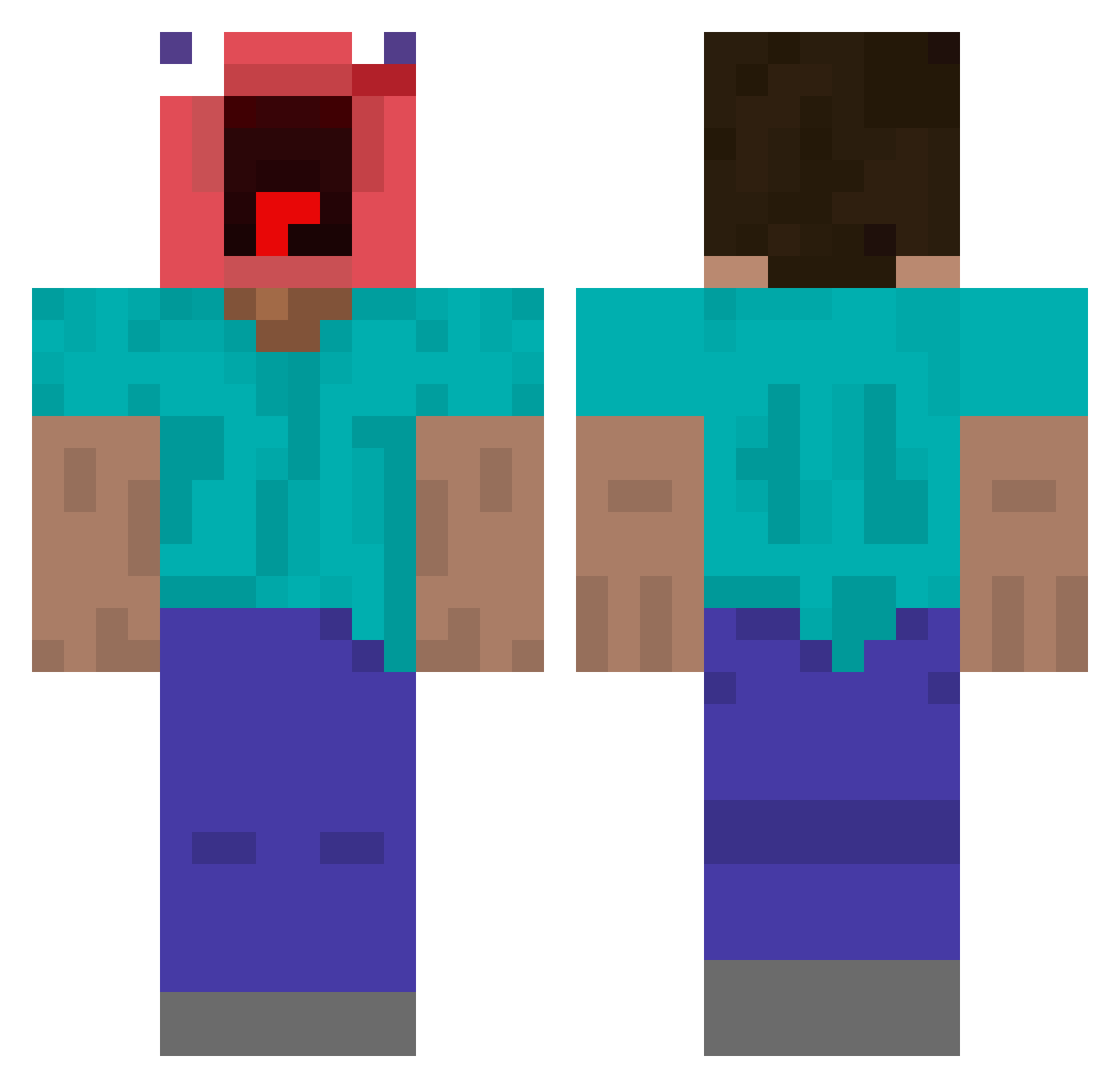
Current Minecraft skin of the player nickwrz, loaded from the official Mojang API. Rotate the 3D model with your mouse or finger, then download the skin as a PNG file and use it in Minecraft: Bedrock Edition or Java Edition for free. When nickwrz changes their skin, this page updates automatically and the old skin stays in the history below.
Other players with this skin (444)
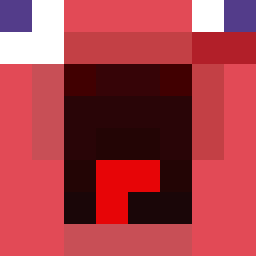
nickwrz was the 370th player we have seen with this skin, first spotted on 17.10.2026. The same skin was seen on these players. Open a nickname to see their current skin and skin history.
 Andera65 Sc4mmer AGOTANT N_E_O_2 ItsKaspers d400rs ALEATORI0O Melunh Jeffairy21 annen31 UKHaze Kicsesz DEPRISCHWESTER KolossalerFehler Bootiswreck Vorwahl1 LiusiQiu kevin12075 L4vicks mak9919 AK__SL Ernaybs StormRageMaster yuyusheng Jersey69 SCS69Exotic WooBaa HUY99G donkey8shrek XIAOmex Z31Vic gyronyoho Lboscoindat CallMeNoNamee JostlikethatKR RockoTheClown Red_Sh0gun PENETROM ShirtJ ScottyDaddy3000 qrvcx G0tr0n rezziie iLickBATTERYZ ManBaOut15 Fio_538 wolf302 jajajad12 Elysia1024 talhastrqfe Mamba_out01 sussybaka1994 bcuw Pino0519 Arhoz64 MelorokYT Fallacyyyy NandoSkills2007 turborasfk RIPSvsp
More Screaming Minecraft skins
How to install the nickwrz skin
- Press the Download button above to save the skin as a PNG file.
- Minecraft: Bedrock Edition (PE): open the Dressing Room from the main menu (or tap your character → Edit Character), go to Classic Skins → Owned, press the + (new skin) button, choose the downloaded PNG and pick the Classic (Steve) model. Works on PC and mobile; consoles cannot import custom skins.
- Minecraft: Java Edition: open the Minecraft Launcher, go to the Skins tab, click New Skin, load the PNG, pick the Classic (Steve) model and press Save & Use. You can also upload it at minecraft.net → Profile → Change Skin.
The skin does not show up after import - what should I do?
Restart Minecraft and open the Dressing Room again - imported skins sometimes appear only after a restart. Also make sure you selected the imported skin and picked the Classic (Steve) model.
Which model should I choose, Classic or Slim?
This skin is designed for the Classic (Steve) model. If you pick the wrong model, the arms of the skin will look stretched or squeezed.
Is the skin of nickwrz free to download?
Yes. Press Download, save the PNG file and use it in Minecraft: Bedrock Edition or Java Edition - no payment or registration needed. The skin also works on multiplayer servers and Realms.
More skins
Looking for more? Go back to all Minecraft skins and check the top skins of the week, month and all time, or find any player's skin by nickname.