
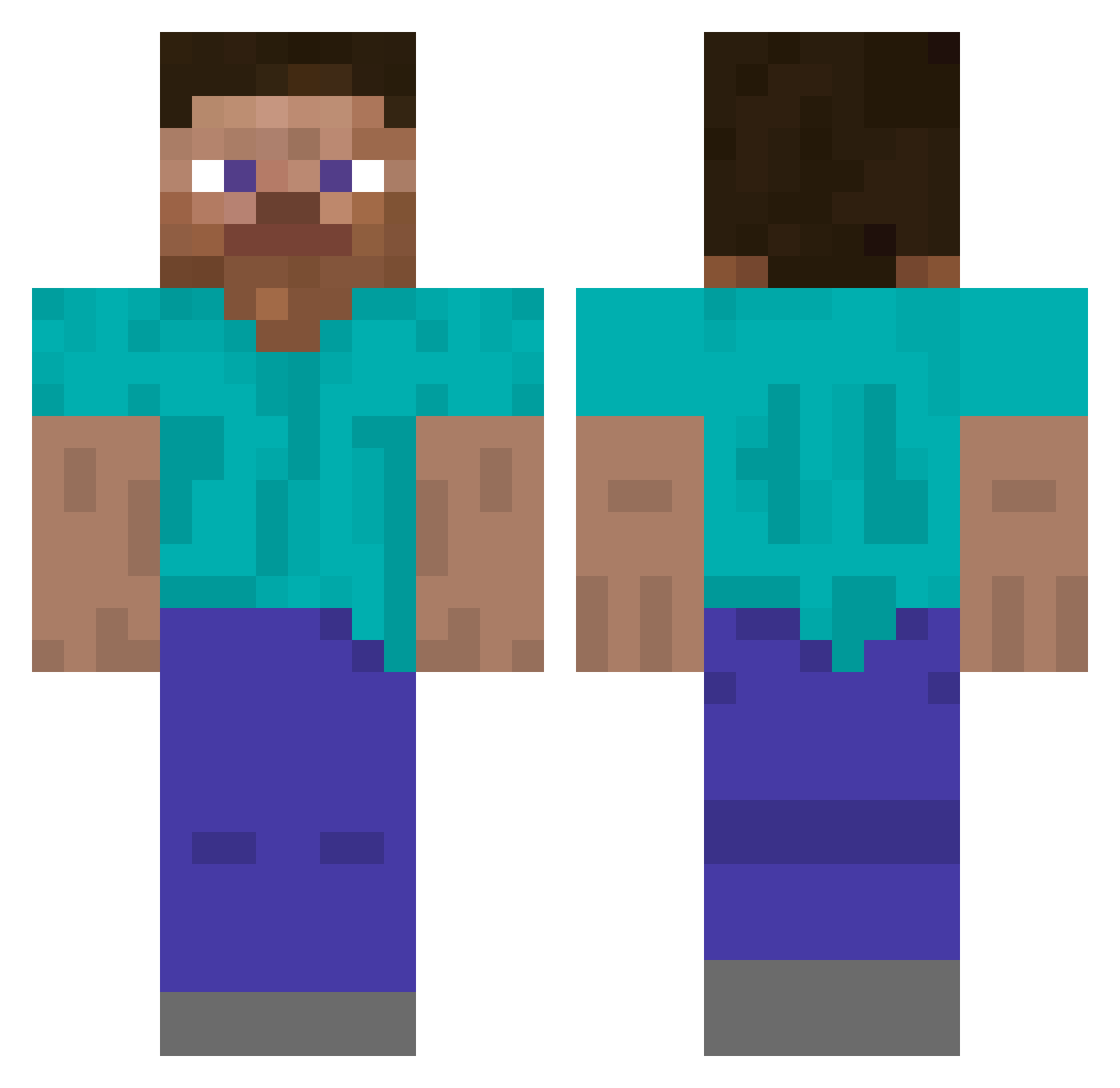
Current Minecraft skin of the player mockos, loaded from the official Mojang API. Rotate the 3D model with your mouse or finger, then download the skin as a PNG file and use it in Minecraft: Bedrock Edition or Java Edition for free. When mockos changes their skin, this page updates automatically and the old skin stays in the history below.
Other players with this skin (206)
The same skin was seen on these players. Open a nickname to see their current skin and skin history.
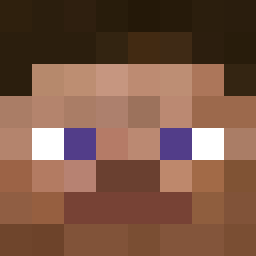 popcorn0512 stoffeloffe Presman1 ScorpionLover face_ofcake MikeT7 Hengwaz Niiko96 zeronine09 Katsaras lightngm0nkey lokiwo Basse123 _Wimper BauarbeiterRobin Cubemaster_HPG ArdaRbo hiroto1661 jonassenius asdkjgsefnhad Babuu_ blackmoly Sie7t9 COOLxDAAN30 dantnero Markonado Eman3007 Italian_Jesus NOTORIOUSTRISTAN Seizon98 PhysicalPariah Paul32uk Ethron CallmeHerobrine2 megusta532 koband DrxpIt memegrinder iidunno CFC mikeiscool101 lilianbois SecOhneSinn mahogany246 SweenyT DacGames OCreeper_KillerO keyfox204 lophoenix xXOverPoweredXx legarhythmic Rapids30 ihweaj mistersir19 ankkaroope Conar555 jrock9898 arturjrs90 Hans355 ncc7298
How to install the mockos skin
- Press the Download button above to save the skin as a PNG file.
- Minecraft: Bedrock Edition (PE): open the Dressing Room from the main menu (or tap your character → Edit Character), go to Classic Skins → Owned, press the + (new skin) button, choose the downloaded PNG and pick the Classic (Steve) model. Works on PC and mobile; consoles cannot import custom skins.
- Minecraft: Java Edition: open the Minecraft Launcher, go to the Skins tab, click New Skin, load the PNG, pick the Classic (Steve) model and press Save & Use. You can also upload it at minecraft.net → Profile → Change Skin.
The skin does not show up after import - what should I do?
Restart Minecraft and open the Dressing Room again - imported skins sometimes appear only after a restart. Also make sure you selected the imported skin and picked the Classic (Steve) model.
Which model should I choose, Classic or Slim?
This skin is designed for the Classic (Steve) model. If you pick the wrong model, the arms of the skin will look stretched or squeezed.
Is the skin of mockos free to download?
Yes. Press Download, save the PNG file and use it in Minecraft: Bedrock Edition or Java Edition - no payment or registration needed. The skin also works on multiplayer servers and Realms.
More skins
Looking for more? Go back to all Minecraft skins and check the top skins of the week, month and all time, or find any player's skin by nickname.