
iHitDtap - Minecraft Skins & Skin History
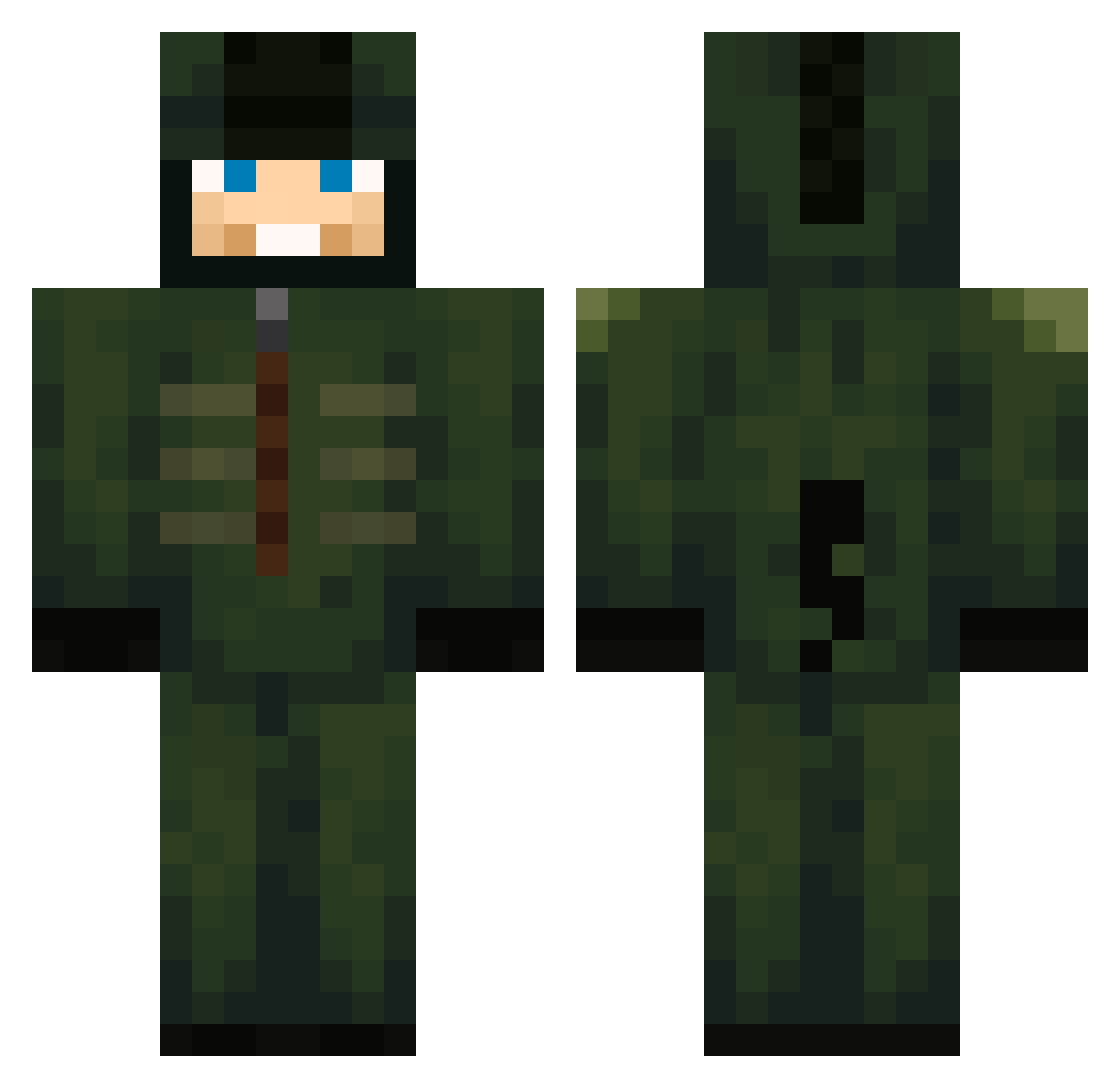
Current Minecraft skin of the player iHitDtap, loaded from the official Mojang API. Rotate the 3D model with your mouse or finger, then download the skin as a PNG file and use it in Minecraft: Bedrock Edition or Java Edition for free. When iHitDtap changes their skin, this page updates automatically and the old skin stays in the history below.
Other players with this skin (750)
iHitDtap was the 657th player we have seen with this skin, first spotted on 28.10.2026. The same skin was seen on these players. Open a nickname to see their current skin and skin history.
 Bumpa9150 Khylerandsonic2 BananaMestro wdm30 Finalmaestrejr Kidubo KXVlN Turvis_ puleodio p4draza BenJimmy9 insanitymayo eogml5894 MakkiPakki9057 Stocked26 GaboM13 DDDDD11 Tektek Kerubiell diddys_punchbowl DEUTSCHER07 LucasPro666 HaileyLuvOnTop xjaydennn ItzMxtrix Ghost130210 Windyiscute etomic92 djanrWla tiko3mk YourDailyNoob21 Tim220207 kimdongyy Bamsi_Beyrek Fyz1ks_Goat AJsuper9090 MarioCraft5000 WINTERZ28 squidgyoo VipesADP stayla3y4 deathatstrike98 DaniTT Godlike3YT IsDaJake Radagast_MC spezies125 Pokemontrainer3 SuperSpiderV17 Lipe04 sonagi0516 Mrnja victorpk1999 bwole Akseldrep Arthur31_22 Rhude1 ChxnaT JonnyX0604 baconhair500
More Kigurumi Minecraft skins
How to install the iHitDtap skin
- Press the Download button above to save the skin as a PNG file.
- Minecraft: Bedrock Edition (PE): open the Dressing Room from the main menu (or tap your character → Edit Character), go to Classic Skins → Owned, press the + (new skin) button, choose the downloaded PNG and pick the Classic (Steve) model. Works on PC and mobile; consoles cannot import custom skins.
- Minecraft: Java Edition: open the Minecraft Launcher, go to the Skins tab, click New Skin, load the PNG, pick the Classic (Steve) model and press Save & Use. You can also upload it at minecraft.net → Profile → Change Skin.
The skin does not show up after import - what should I do?
Restart Minecraft and open the Dressing Room again - imported skins sometimes appear only after a restart. Also make sure you selected the imported skin and picked the Classic (Steve) model.
Which model should I choose, Classic or Slim?
This skin is designed for the Classic (Steve) model. If you pick the wrong model, the arms of the skin will look stretched or squeezed.
Is the skin of iHitDtap free to download?
Yes. Press Download, save the PNG file and use it in Minecraft: Bedrock Edition or Java Edition - no payment or registration needed. The skin also works on multiplayer servers and Realms.
More skins
Looking for more? Go back to all Minecraft skins and check the top skins of the week, month and all time, or find any player's skin by nickname.