
hailidi - Minecraft Skins & Skin History
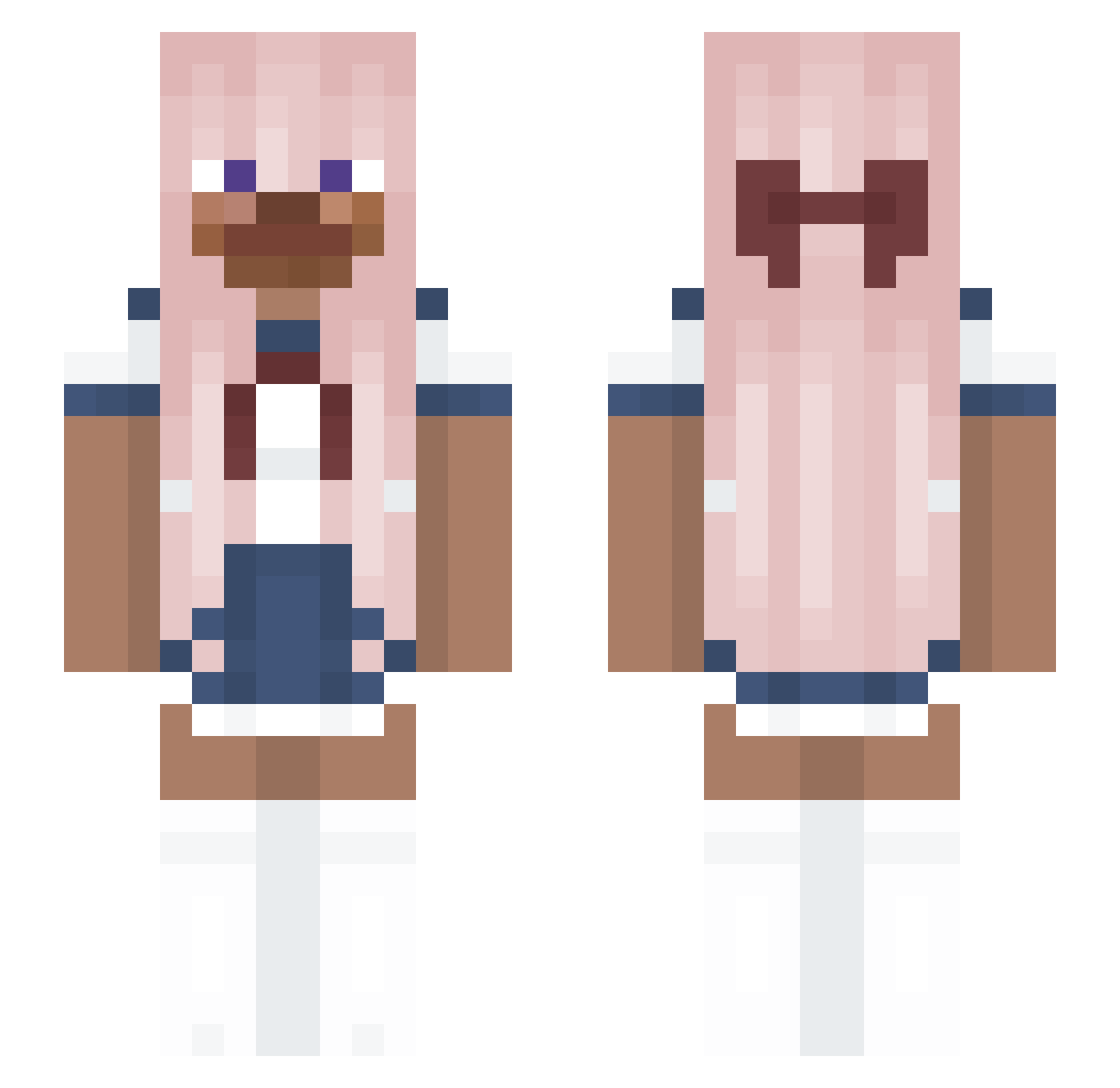
Current Minecraft skin of the player hailidi, loaded from the official Mojang API. Rotate the 3D model with your mouse or finger, then download the skin as a PNG file and use it in Minecraft: Bedrock Edition or Java Edition for free. When hailidi changes their skin, this page updates automatically and the old skin stays in the history below.
Other players with this skin (176)
hailidi was the 136th player we have seen with this skin, first spotted on 14.10.2026. The same skin was seen on these players. Open a nickname to see their current skin and skin history.
 adrap NicolySeabra Yangwenti Joao_Fezes Auronik159 Lili0hn0 messi_su Hoys YourChingoo 1aspiradordepo Hms Cuurse Eric_75 quinalynne Terminj BPAUL666 vampify Txfanza Tenlus Baofull ke_u xchl0rinex Lula_May DJKuen JLREMA _Aver3_ waffle4me seduxen dankiPRO SomePabian lhjuv124_ GIGAGongMa Hoko_Poko horoshiy__ sideli OkayLychee freuia qAdam hetanahito TransgenderSteve solograce mrweeble n1ck462 BUGBO_607 AppaTrash cthiew anner2000 ansuilog vinex17 brenyz0 Poprock102 wombuske NorthernEagle43 eo0955 Griffin416 Sa1monSaMa _Kukura_ asdaaaadadada JasonPoopdai Wtc914
More Anime School Uniform Minecraft skins
See all 237 Anime School Uniform skins
How to install the hailidi skin
- Press the Download button above to save the skin as a PNG file.
- Minecraft: Bedrock Edition (PE): open the Dressing Room from the main menu (or tap your character → Edit Character), go to Classic Skins → Owned, press the + (new skin) button, choose the downloaded PNG and pick the Slim (Alex) model. Works on PC and mobile; consoles cannot import custom skins.
- Minecraft: Java Edition: open the Minecraft Launcher, go to the Skins tab, click New Skin, load the PNG, pick the Slim (Alex) model and press Save & Use. You can also upload it at minecraft.net → Profile → Change Skin.
The skin does not show up after import - what should I do?
Restart Minecraft and open the Dressing Room again - imported skins sometimes appear only after a restart. Also make sure you selected the imported skin and picked the Slim (Alex) model.
Which model should I choose, Classic or Slim?
This skin is designed for the Slim (Alex) model. If you pick the wrong model, the arms of the skin will look stretched or squeezed.
Is the skin of hailidi free to download?
Yes. Press Download, save the PNG file and use it in Minecraft: Bedrock Edition or Java Edition - no payment or registration needed. The skin also works on multiplayer servers and Realms.
More skins
Looking for more? Go back to all Minecraft skins and check the top skins of the week, month and all time, or find any player's skin by nickname.