
godzillaninja7 - Minecraft Skins & Skin History
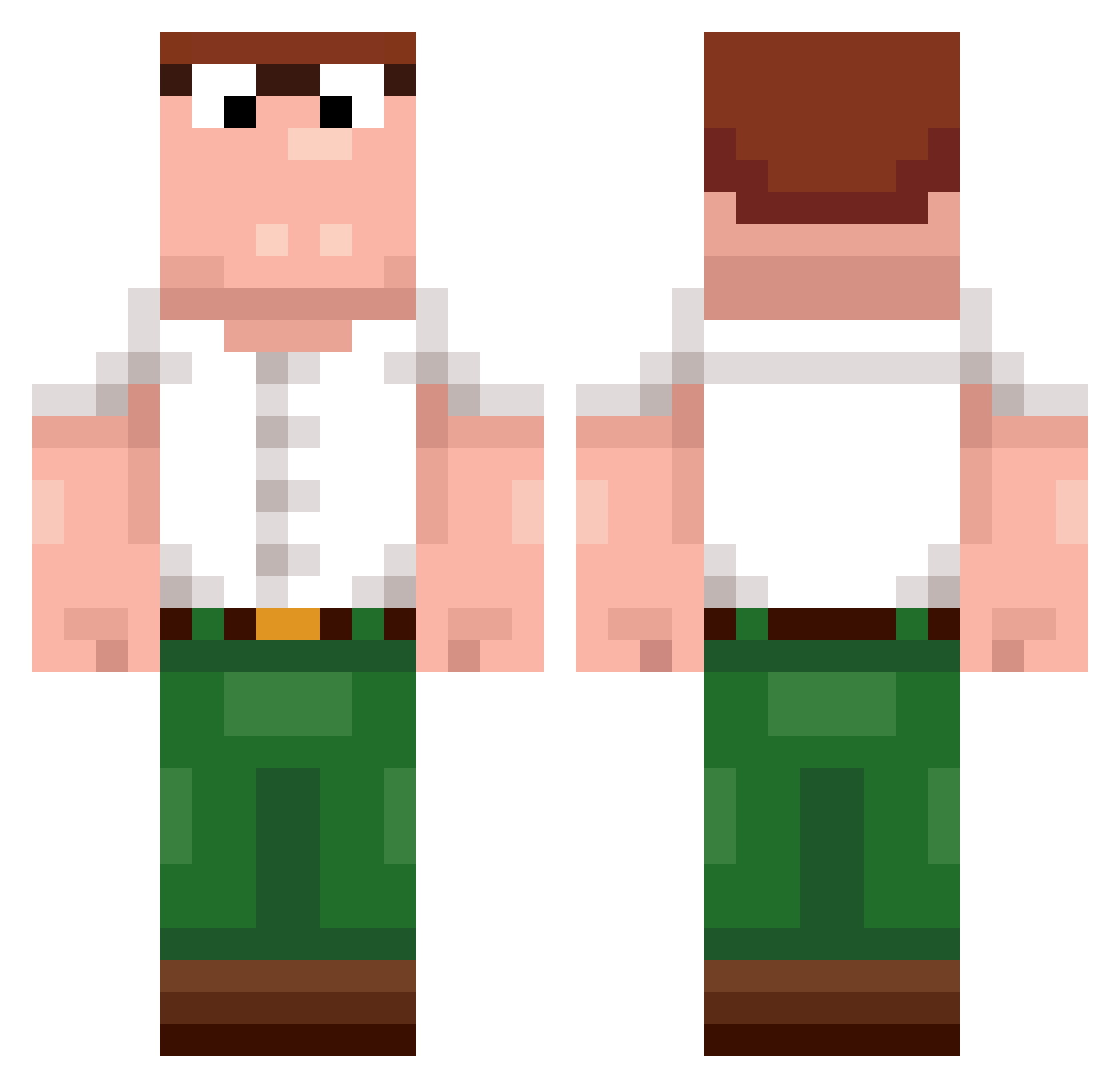
Current Minecraft skin of the player godzillaninja7, loaded from the official Mojang API. Rotate the 3D model with your mouse or finger, then download the skin as a PNG file and use it in Minecraft: Bedrock Edition or Java Edition for free. When godzillaninja7 changes their skin, this page updates automatically and the old skin stays in the history below.
Other players with this skin (488)
godzillaninja7 was the 367th player we have seen with this skin, first spotted on 14.10.2026. The same skin was seen on these players. Open a nickname to see their current skin and skin history.
 ggnekito_5RrUW ImDew1er vflqp bingusbob KebapBey forevertrapped yen0x ficatdepisoi Adamishe DerBeweisDesTode Eik20126 nerdya TelYmerx Gandalf_on_fire Knearly thanoskevin villham8 RohitSzn NotRorlny _BXNDITO_ PONEOgg mrreballing Beedwars Peter66666666666 Crackedcoin SL79 Duckboy0103 D0rAeMoN1 Thiccomode1 whcn GOD_OF_KFC GayRizzler nq66_SdRgO_0105 logarogar DerEchteHeimer daffwier baconator444 mogmaster36 Gajju18 AdiKoxPvp2012 zaive23 iloveswallowing pichin09 eddiewnwg Wholesome_bread Tombino749 69M69 BigBob211 Chomakha_ Me_isRaph717 t0nk1a Thijlewijs correiaclan5 AngelStefeo WeLoveTilli _keane_1 Mr_anjishh Lingrabstore015 ILoveGHK_CU MrAutumnn23
More Peter Griffin Minecraft skins
See all 229 Peter Griffin skins
How to install the godzillaninja7 skin
- Press the Download button above to save the skin as a PNG file.
- Minecraft: Bedrock Edition (PE): open the Dressing Room from the main menu (or tap your character → Edit Character), go to Classic Skins → Owned, press the + (new skin) button, choose the downloaded PNG and pick the Classic (Steve) model. Works on PC and mobile; consoles cannot import custom skins.
- Minecraft: Java Edition: open the Minecraft Launcher, go to the Skins tab, click New Skin, load the PNG, pick the Classic (Steve) model and press Save & Use. You can also upload it at minecraft.net → Profile → Change Skin.
The skin does not show up after import - what should I do?
Restart Minecraft and open the Dressing Room again - imported skins sometimes appear only after a restart. Also make sure you selected the imported skin and picked the Classic (Steve) model.
Which model should I choose, Classic or Slim?
This skin is designed for the Classic (Steve) model. If you pick the wrong model, the arms of the skin will look stretched or squeezed.
Is the skin of godzillaninja7 free to download?
Yes. Press Download, save the PNG file and use it in Minecraft: Bedrock Edition or Java Edition - no payment or registration needed. The skin also works on multiplayer servers and Realms.
More skins
Looking for more? Go back to all Minecraft skins and check the top skins of the week, month and all time, or find any player's skin by nickname.