
goatpig - Minecraft Skins & Skin History
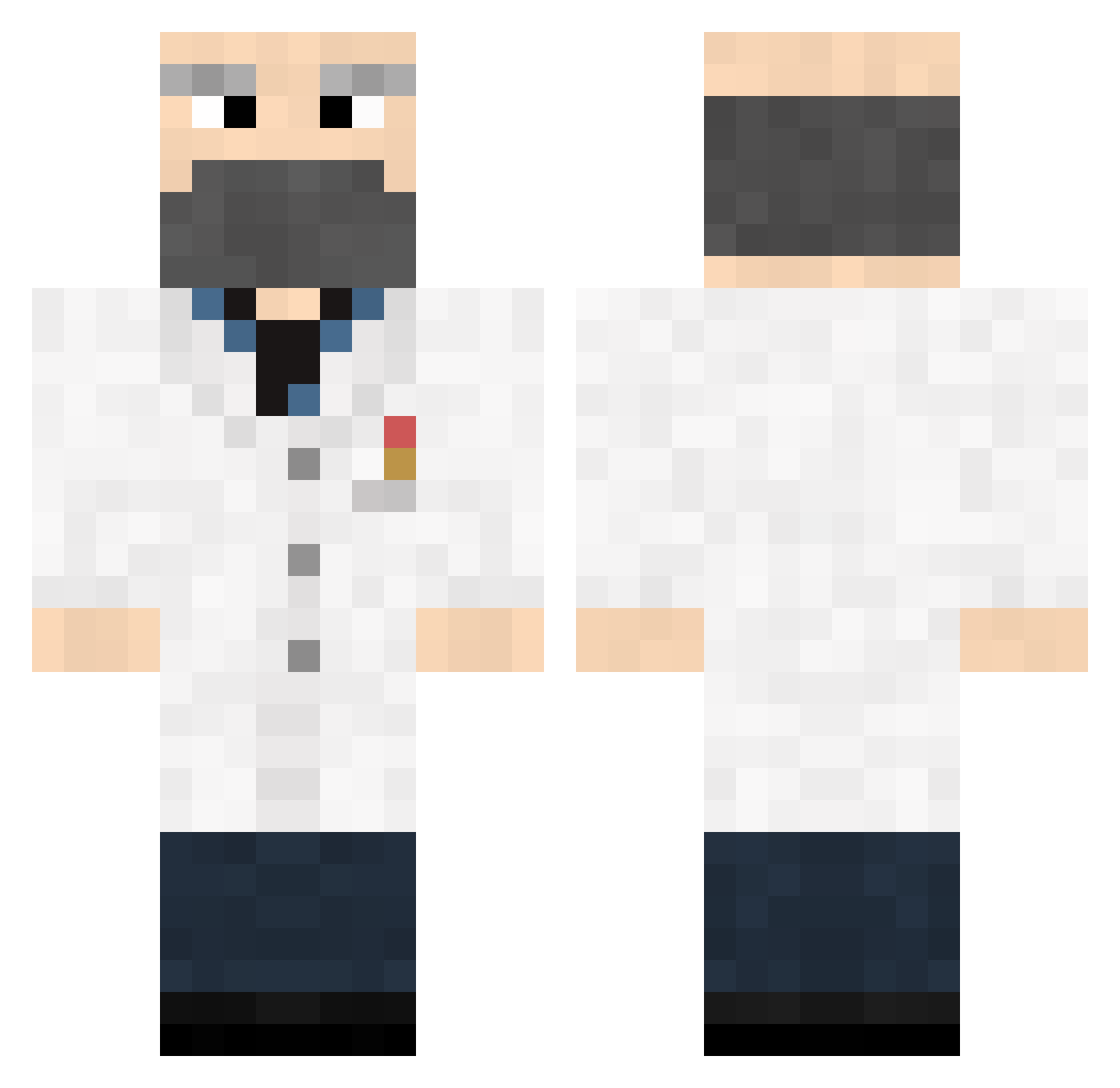
Current Minecraft skin of the player goatpig, loaded from the official Mojang API. Rotate the 3D model with your mouse or finger, then download the skin as a PNG file and use it in Minecraft: Bedrock Edition or Java Edition for free. When goatpig changes their skin, this page updates automatically and the old skin stays in the history below.
Other players with this skin (471)
goatpig was the 435th player we have seen with this skin, first spotted on 02.11.2026. The same skin was seen on these players. Open a nickname to see their current skin and skin history.
 Brofessor42 Mattdoctor Cralsur Descorath Sadokunn Mathiboy8120 NikolaiMikhail xBullwinkle lukpohan MICHAELGIA7 SailingDoctor DarkDan DUccAT Piercedthrough Kurie3478 FakeName_1 Ahjoku vanRook Chubjub smalltall7 Involutus jjonj Mariollipop Go_forth_n_multi Bleizas Opa_eindhoven HerbCraft DooDLeZ1love supersleepy007 Aenaeus Martinwjwj Enruine Harrens bobb3h GreaterNater bird1202s PresMurica KQuaxit evtech Chossi Slangens AtlasBiggins Natriumwolframat dembigbois biggieboots Brot_in_der_Box Taakas SecM95 Moody_Reaper AvramElihu not_an_engineer toornt22 Trepanation4Sho Maloken captain_fisher Luke123R General_Bamboo ALEXBRUSTO DowFowWow Denon144
More Doctor Minecraft skins
How to install the goatpig skin
- Press the Download button above to save the skin as a PNG file.
- Minecraft: Bedrock Edition (PE): open the Dressing Room from the main menu (or tap your character → Edit Character), go to Classic Skins → Owned, press the + (new skin) button, choose the downloaded PNG and pick the Classic (Steve) model. Works on PC and mobile; consoles cannot import custom skins.
- Minecraft: Java Edition: open the Minecraft Launcher, go to the Skins tab, click New Skin, load the PNG, pick the Classic (Steve) model and press Save & Use. You can also upload it at minecraft.net → Profile → Change Skin.
The skin does not show up after import - what should I do?
Restart Minecraft and open the Dressing Room again - imported skins sometimes appear only after a restart. Also make sure you selected the imported skin and picked the Classic (Steve) model.
Which model should I choose, Classic or Slim?
This skin is designed for the Classic (Steve) model. If you pick the wrong model, the arms of the skin will look stretched or squeezed.
Is the skin of goatpig free to download?
Yes. Press Download, save the PNG file and use it in Minecraft: Bedrock Edition or Java Edition - no payment or registration needed. The skin also works on multiplayer servers and Realms.
More skins
Looking for more? Go back to all Minecraft skins and check the top skins of the week, month and all time, or find any player's skin by nickname.