
Current Minecraft skin of the player gamingmaster242, loaded from the official Mojang API. Rotate the 3D model with your mouse or finger, then download the skin as a PNG file and use it in Minecraft: Bedrock Edition or Java Edition for free. When gamingmaster242 changes their skin, this page updates automatically and the old skin stays in the history below.
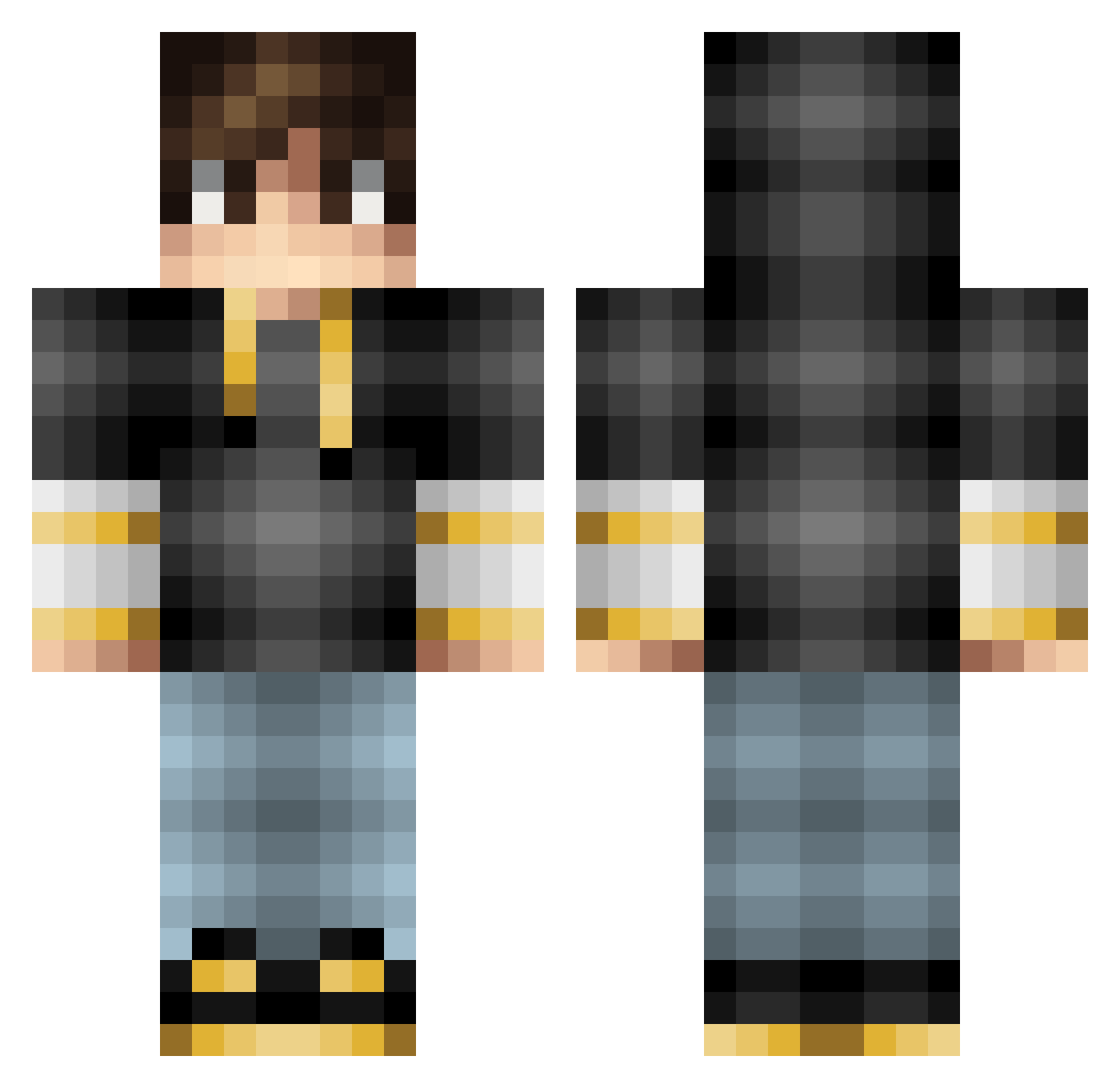
Other players with this skin (66)
The same skin was seen on these players. Open a nickname to see their current skin and skin history.
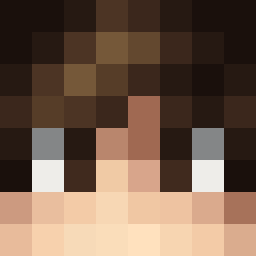 TankCris Slycopper10 InsertNameHere23 Razer_Tazer Mr_80s smooty1 Arc56701 NonGrinderKane Loopy_Aiden Nexsus12 TechGaming115 Laurel_138 TimTiger_ ADVELL_PLAYS lukilukasko Sparky_Genius_08 RoryJB SirAlthalos lRaapeer larsonaldo spikilerslinky16 baconbomb420 xFuuzzer FilippoFRT LazyTurtle_17 JoltinJake69 Stato_ HTMA_Pizza IniquityMulto Garrettstrawn14 ninerP tiqqual epicgamer50055 lollyboy02 mcFxded catboys123 DrDistract Odrvw ege8844 Jash_0805 sofa1995 bvllets123 Tainted_Puddle CreeperMRY The_Only_Aiden MarkoMonster AwenPlays dakitisan NormalLeo25 ErikvandeBunki faded_spadez JackyT24682 Mr_Drk1 Austie42 Jaspij blckie0745 MaskedSoul__ Lexi_Gaming ShenLing_ Rob_Wardragon
How to install the gamingmaster242 skin
- Press the Download button above to save the skin as a PNG file.
- Minecraft: Bedrock Edition (PE): open the Dressing Room from the main menu (or tap your character → Edit Character), go to Classic Skins → Owned, press the + (new skin) button, choose the downloaded PNG and pick the Classic (Steve) model. Works on PC and mobile; consoles cannot import custom skins.
- Minecraft: Java Edition: open the Minecraft Launcher, go to the Skins tab, click New Skin, load the PNG, pick the Classic (Steve) model and press Save & Use. You can also upload it at minecraft.net → Profile → Change Skin.
The skin does not show up after import - what should I do?
Restart Minecraft and open the Dressing Room again - imported skins sometimes appear only after a restart. Also make sure you selected the imported skin and picked the Classic (Steve) model.
Which model should I choose, Classic or Slim?
This skin is designed for the Classic (Steve) model. If you pick the wrong model, the arms of the skin will look stretched or squeezed.
Is the skin of gamingmaster242 free to download?
Yes. Press Download, save the PNG file and use it in Minecraft: Bedrock Edition or Java Edition - no payment or registration needed. The skin also works on multiplayer servers and Realms.
More skins
Looking for more? Go back to all Minecraft skins and check the top skins of the week, month and all time, or find any player's skin by nickname.