
frandz - Minecraft Skins & Skin History
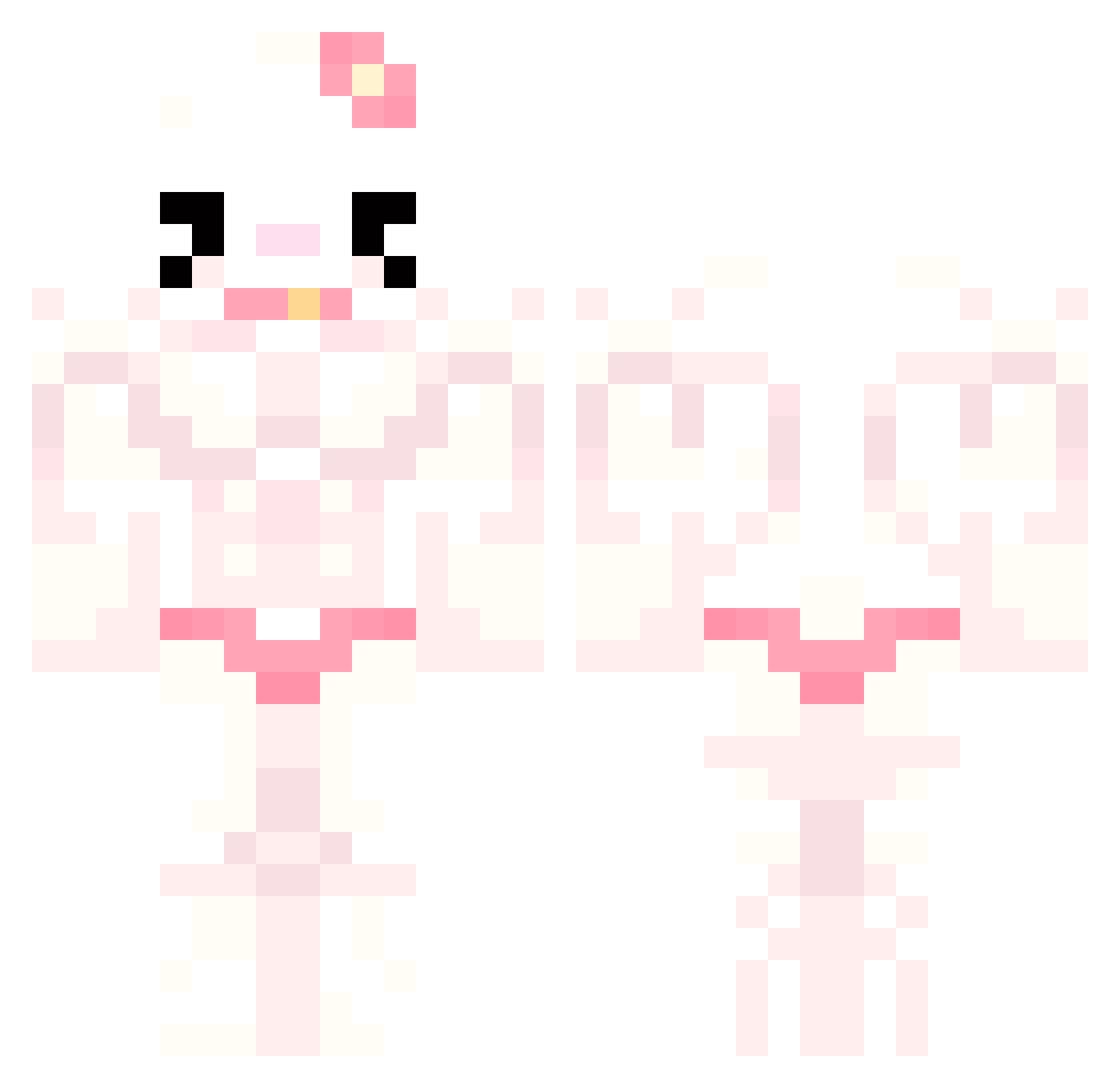
Current Minecraft skin of the player frandz, loaded from the official Mojang API. Rotate the 3D model with your mouse or finger, then download the skin as a PNG file and use it in Minecraft: Bedrock Edition or Java Edition for free. When frandz changes their skin, this page updates automatically and the old skin stays in the history below.
Other players with this skin (777)
frandz was the 707th player we have seen with this skin, first spotted on 27.10.2026. The same skin was seen on these players. Open a nickname to see their current skin and skin history.
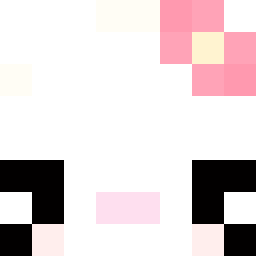 THEP1TON FullMetalSlashy joaoojao ILGINIUS Fran021 BB_gur0 ta_sumi CuzImACreep Handygnat FejtPDW 913kimberly HungFaiii Bel1195 iwantnoodles954 Yyeyyy brainbleeeed inclouzzeDD boobookeez ryanhardin GwenshinImpact Massime_lapoutre frenchgirls03 KnNr_ Annaesthetic_ Darksoulke CDcard wannna_kms SunkenInSoap Verengar ChocoRoll69 hungsle22 uravitly8950 Haemolacria83 Itz_Granny LMonkeManL SSCH_OvO Toneco moj0n_alb1n0 braintissue Yoshin0_x kurtiswurtis dummyugay SylvanasQwQ Mansol2 isauruss Kizzykushy 0111sevennn pitbulll goeun2 DeanWinchester60 alexandruhh oneakara vickyyy09 BBomari laurars yGabi2209 Pedronx44 Annika_Wild sdfasdfz MMelis
More Hello Kitty Minecraft skins
How to install the frandz skin
- Press the Download button above to save the skin as a PNG file.
- Minecraft: Bedrock Edition (PE): open the Dressing Room from the main menu (or tap your character → Edit Character), go to Classic Skins → Owned, press the + (new skin) button, choose the downloaded PNG and pick the Classic (Steve) model. Works on PC and mobile; consoles cannot import custom skins.
- Minecraft: Java Edition: open the Minecraft Launcher, go to the Skins tab, click New Skin, load the PNG, pick the Classic (Steve) model and press Save & Use. You can also upload it at minecraft.net → Profile → Change Skin.
The skin does not show up after import - what should I do?
Restart Minecraft and open the Dressing Room again - imported skins sometimes appear only after a restart. Also make sure you selected the imported skin and picked the Classic (Steve) model.
Which model should I choose, Classic or Slim?
This skin is designed for the Classic (Steve) model. If you pick the wrong model, the arms of the skin will look stretched or squeezed.
Is the skin of frandz free to download?
Yes. Press Download, save the PNG file and use it in Minecraft: Bedrock Edition or Java Edition - no payment or registration needed. The skin also works on multiplayer servers and Realms.
More skins
Looking for more? Go back to all Minecraft skins and check the top skins of the week, month and all time, or find any player's skin by nickname.