
feet3749 - Minecraft Skins & Skin History
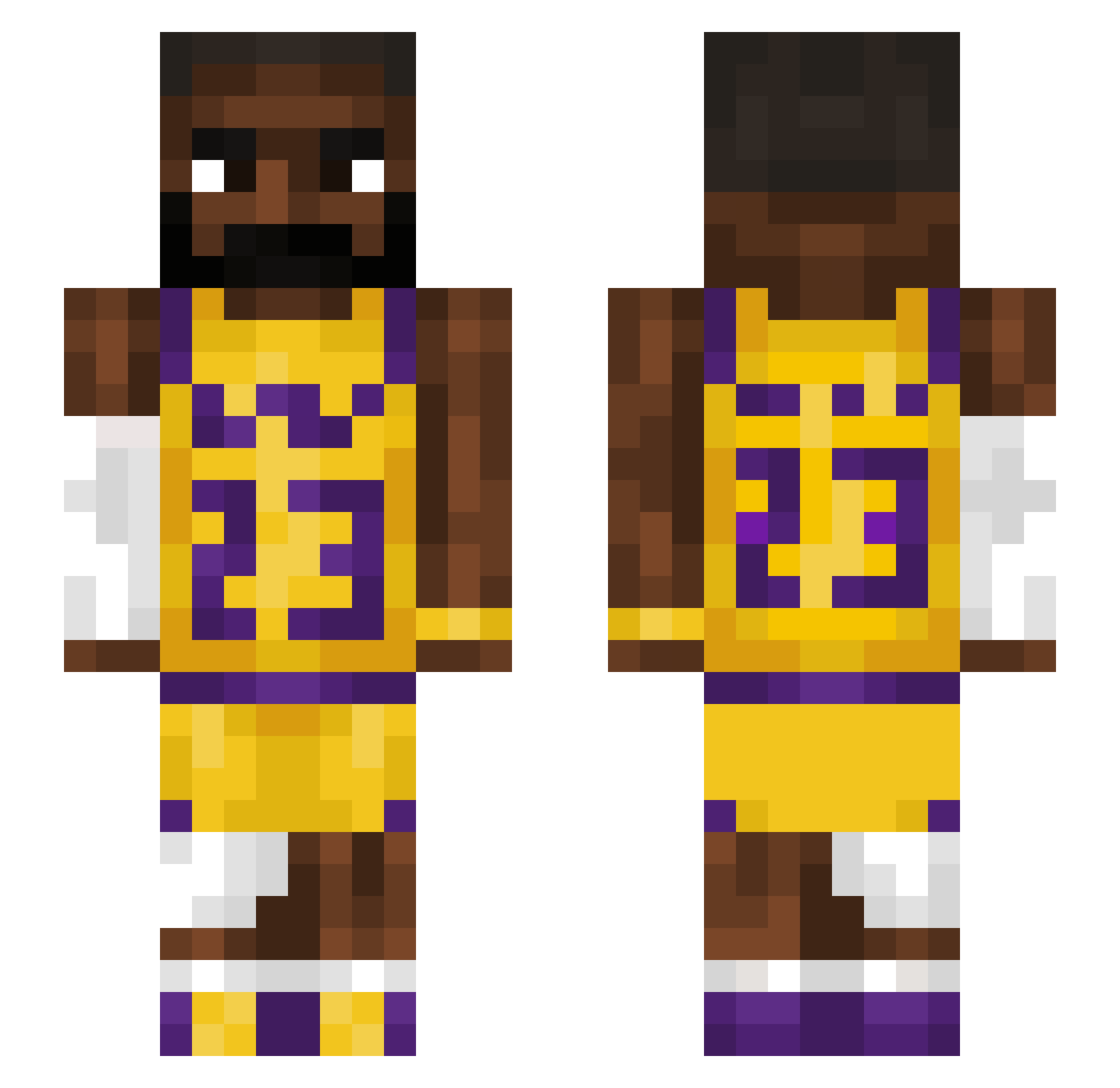
Current Minecraft skin of the player feet3749, loaded from the official Mojang API. Rotate the 3D model with your mouse or finger, then download the skin as a PNG file and use it in Minecraft: Bedrock Edition or Java Edition for free. When feet3749 changes their skin, this page updates automatically and the old skin stays in the history below.
Other players with this skin (1543)
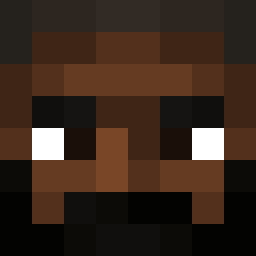
feet3749 was the 1321st player we have seen with this skin, first spotted on 27.10.2026. The same skin was seen on these players. Open a nickname to see their current skin and skin history.
 LordTestosterone Ronfoxer Pantherl_ SassiestSshooter Tyukyx paolooc DerSchredder5 Chirpy55 B_lim dans2 itesh WuShi678 navemaxi1 Lazerlight8 Cxjsh Garc91 SCABIN zxc_demon Luhann999 wheezy3214 Bobertcore Yarby32 Rjaz2 DoctorBlack2 koldalexis AlPeloMacanudo Alesmoon LeBron_Raymone Nard_0 stefanut54 PaulBlock2022 RebeIorian PokeToe Michos24 defaultick shmandymilla d3bous fai_salms ZlZonking00 Timal9711 macieku_ye BoomSkaBoom w33niewarriorr Nicklam2303 Ishkbaiter _tomaa_ MysticM1sery RedThunder44 in904fo jojoballer plyness115 javiisamazing elwexx MarkusSoederBY ZeljkoMafijaSEF1 VexzTheCreator xCritt3rMILKx Rauynz Fesete p427h
More Lakers Minecraft skins
How to install the feet3749 skin
- Press the Download button above to save the skin as a PNG file.
- Minecraft: Bedrock Edition (PE): open the Dressing Room from the main menu (or tap your character → Edit Character), go to Classic Skins → Owned, press the + (new skin) button, choose the downloaded PNG and pick the Slim (Alex) model. Works on PC and mobile; consoles cannot import custom skins.
- Minecraft: Java Edition: open the Minecraft Launcher, go to the Skins tab, click New Skin, load the PNG, pick the Slim (Alex) model and press Save & Use. You can also upload it at minecraft.net → Profile → Change Skin.
The skin does not show up after import - what should I do?
Restart Minecraft and open the Dressing Room again - imported skins sometimes appear only after a restart. Also make sure you selected the imported skin and picked the Slim (Alex) model.
Which model should I choose, Classic or Slim?
This skin is designed for the Slim (Alex) model. If you pick the wrong model, the arms of the skin will look stretched or squeezed.
Is the skin of feet3749 free to download?
Yes. Press Download, save the PNG file and use it in Minecraft: Bedrock Edition or Java Edition - no payment or registration needed. The skin also works on multiplayer servers and Realms.
More skins
Looking for more? Go back to all Minecraft skins and check the top skins of the week, month and all time, or find any player's skin by nickname.