
evilgenuis - Minecraft Skins & Skin History
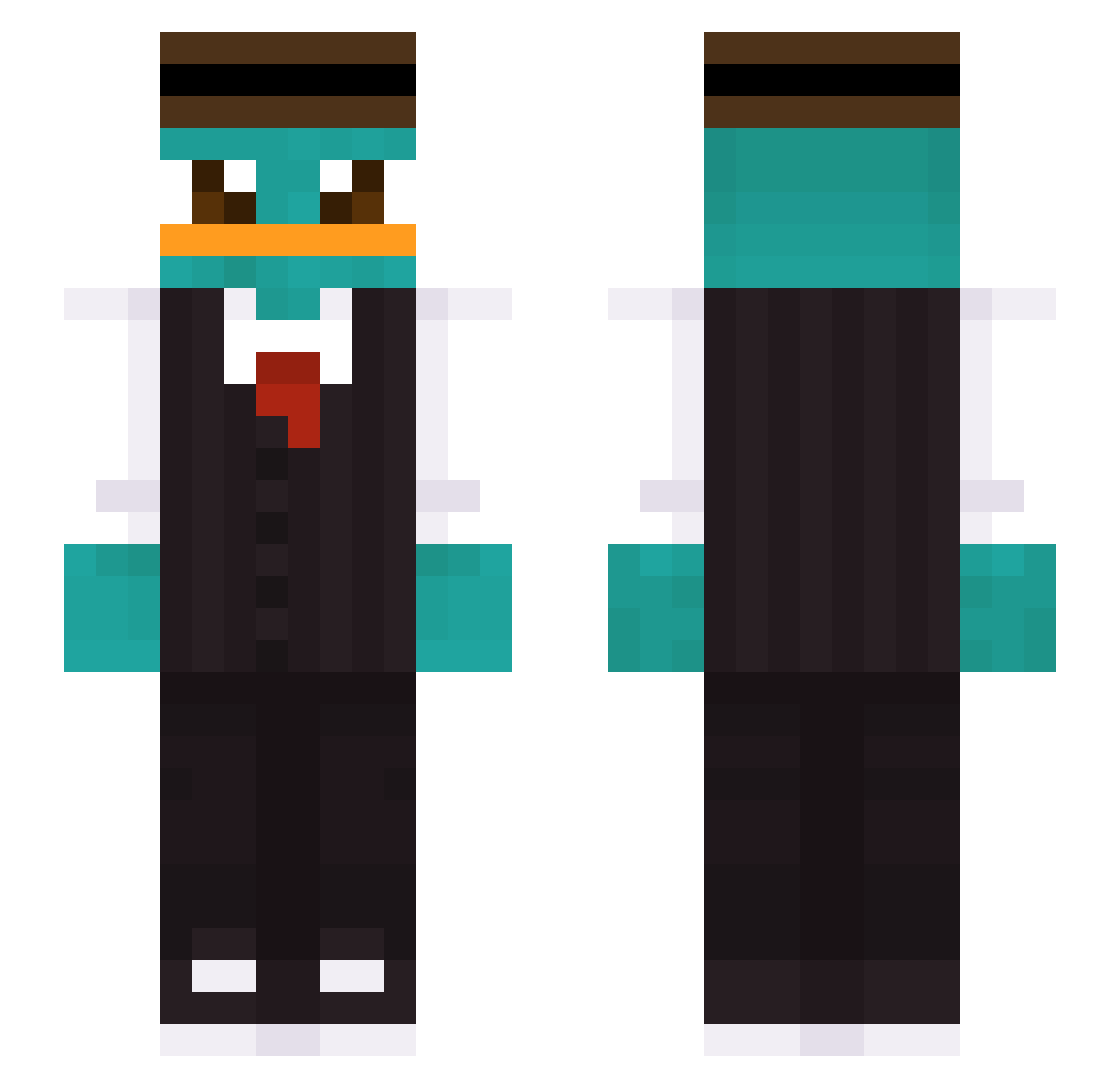
Current Minecraft skin of the player evilgenuis, loaded from the official Mojang API. Rotate the 3D model with your mouse or finger, then download the skin as a PNG file and use it in Minecraft: Bedrock Edition or Java Edition for free. When evilgenuis changes their skin, this page updates automatically and the old skin stays in the history below.
Other players with this skin (446)
evilgenuis was the 410th player we have seen with this skin, first spotted on 04.11.2026. The same skin was seen on these players. Open a nickname to see their current skin and skin history.
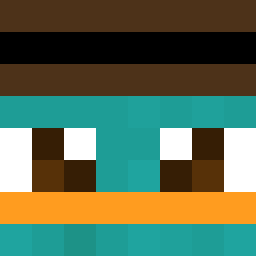 pushot03 sFrayMan Stormhoppare IAdoxXxI KaczorXgames_PL TlustyTingurin ParkJinHyeok sungmin_0309 cyun0702 AoGNoelener18 Septembre_8 PleaseHelpMeGod emway56 LordNibble 27perry joshieboy99 Ariasex51 keviiin1224 Nosdnew01 Fecarre s4dia criper_16 leekilee FraikSkill zLendar1 Macike Zerberster_ Pedro_Ramirez0 Kuzak Rajszo tim910404 N1TR0FUN Bone49 ImFero s32146759 pawloso NIZZOW zayn0811 patton0607 Sunmooon ben_1901 Mahcin Gavin__Ko ToesInRanch PerryChanguito Joreha fero26 Dream99Z Markitu Lynn_293 Crymq DestroyerOG_88 Destructor_Alien S1lents wisemanhyun qorwns TheBrecher005 Oier_Alba Patarcus amychiii
More Platypus Minecraft skins
How to install the evilgenuis skin
- Press the Download button above to save the skin as a PNG file.
- Minecraft: Bedrock Edition (PE): open the Dressing Room from the main menu (or tap your character → Edit Character), go to Classic Skins → Owned, press the + (new skin) button, choose the downloaded PNG and pick the Slim (Alex) model. Works on PC and mobile; consoles cannot import custom skins.
- Minecraft: Java Edition: open the Minecraft Launcher, go to the Skins tab, click New Skin, load the PNG, pick the Slim (Alex) model and press Save & Use. You can also upload it at minecraft.net → Profile → Change Skin.
The skin does not show up after import - what should I do?
Restart Minecraft and open the Dressing Room again - imported skins sometimes appear only after a restart. Also make sure you selected the imported skin and picked the Slim (Alex) model.
Which model should I choose, Classic or Slim?
This skin is designed for the Slim (Alex) model. If you pick the wrong model, the arms of the skin will look stretched or squeezed.
Is the skin of evilgenuis free to download?
Yes. Press Download, save the PNG file and use it in Minecraft: Bedrock Edition or Java Edition - no payment or registration needed. The skin also works on multiplayer servers and Realms.
More skins
Looking for more? Go back to all Minecraft skins and check the top skins of the week, month and all time, or find any player's skin by nickname.