
duck162 - Minecraft Skins & Skin History
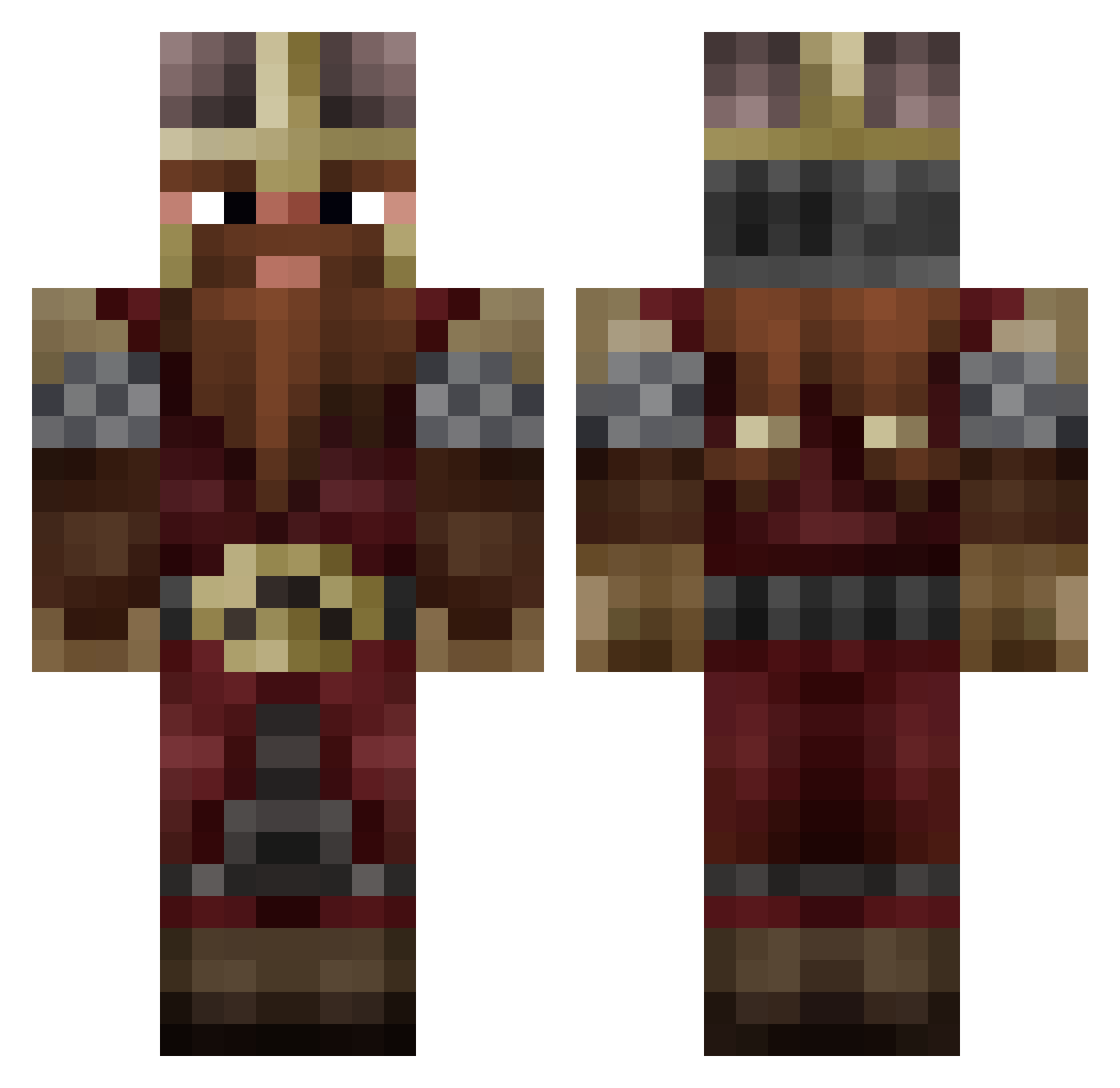
Current Minecraft skin of the player duck162, loaded from the official Mojang API. Rotate the 3D model with your mouse or finger, then download the skin as a PNG file and use it in Minecraft: Bedrock Edition or Java Edition for free. When duck162 changes their skin, this page updates automatically and the old skin stays in the history below.
Other players with this skin (1028)
duck162 was the 1005th player we have seen with this skin, first spotted on 08.11.2026. The same skin was seen on these players. Open a nickname to see their current skin and skin history.
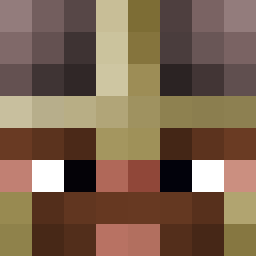 Unstyne SordulLigollum Fyyyz zigota13 s_u_g_a_c_u_b_e Wilhye Okami8558 yusfo NeeoViper SingeMagicien Askipik guimlus Biggals Djilzen Herbertson2208 ZergZwerg122 Blockplay leoparleurr BennyMain PurpleFlashbang BasedGimli RomieC Stenwolf459 romi107hiro Katal ubik_s_cube Linkspryy RumHam30 Maeldictus BraveSword95 Tirejgon Xplosives94 TimC2608 Leprodye LambchopGaming Valiv2526 _Carolus Brawnysurfer45 Personnofil Champiounnet Gimly62 XavierSeti CoelhoBravo AqueleVina SterFrezze Piepke04 MONCHO456 Frozzen espectro139 Topola102 Fawnhealer42077 tacogeorge BarbaMartello yoda3997 ToTox99 BK_Serious SoJist_25 TheNewOldSchool Seigneur_Nain Fanours
More Dwarf Minecraft skins
How to install the duck162 skin
- Press the Download button above to save the skin as a PNG file.
- Minecraft: Bedrock Edition (PE): open the Dressing Room from the main menu (or tap your character → Edit Character), go to Classic Skins → Owned, press the + (new skin) button, choose the downloaded PNG and pick the Classic (Steve) model. Works on PC and mobile; consoles cannot import custom skins.
- Minecraft: Java Edition: open the Minecraft Launcher, go to the Skins tab, click New Skin, load the PNG, pick the Classic (Steve) model and press Save & Use. You can also upload it at minecraft.net → Profile → Change Skin.
The skin does not show up after import - what should I do?
Restart Minecraft and open the Dressing Room again - imported skins sometimes appear only after a restart. Also make sure you selected the imported skin and picked the Classic (Steve) model.
Which model should I choose, Classic or Slim?
This skin is designed for the Classic (Steve) model. If you pick the wrong model, the arms of the skin will look stretched or squeezed.
Is the skin of duck162 free to download?
Yes. Press Download, save the PNG file and use it in Minecraft: Bedrock Edition or Java Edition - no payment or registration needed. The skin also works on multiplayer servers and Realms.
More skins
Looking for more? Go back to all Minecraft skins and check the top skins of the week, month and all time, or find any player's skin by nickname.