
cannow - Minecraft Skins & Skin History
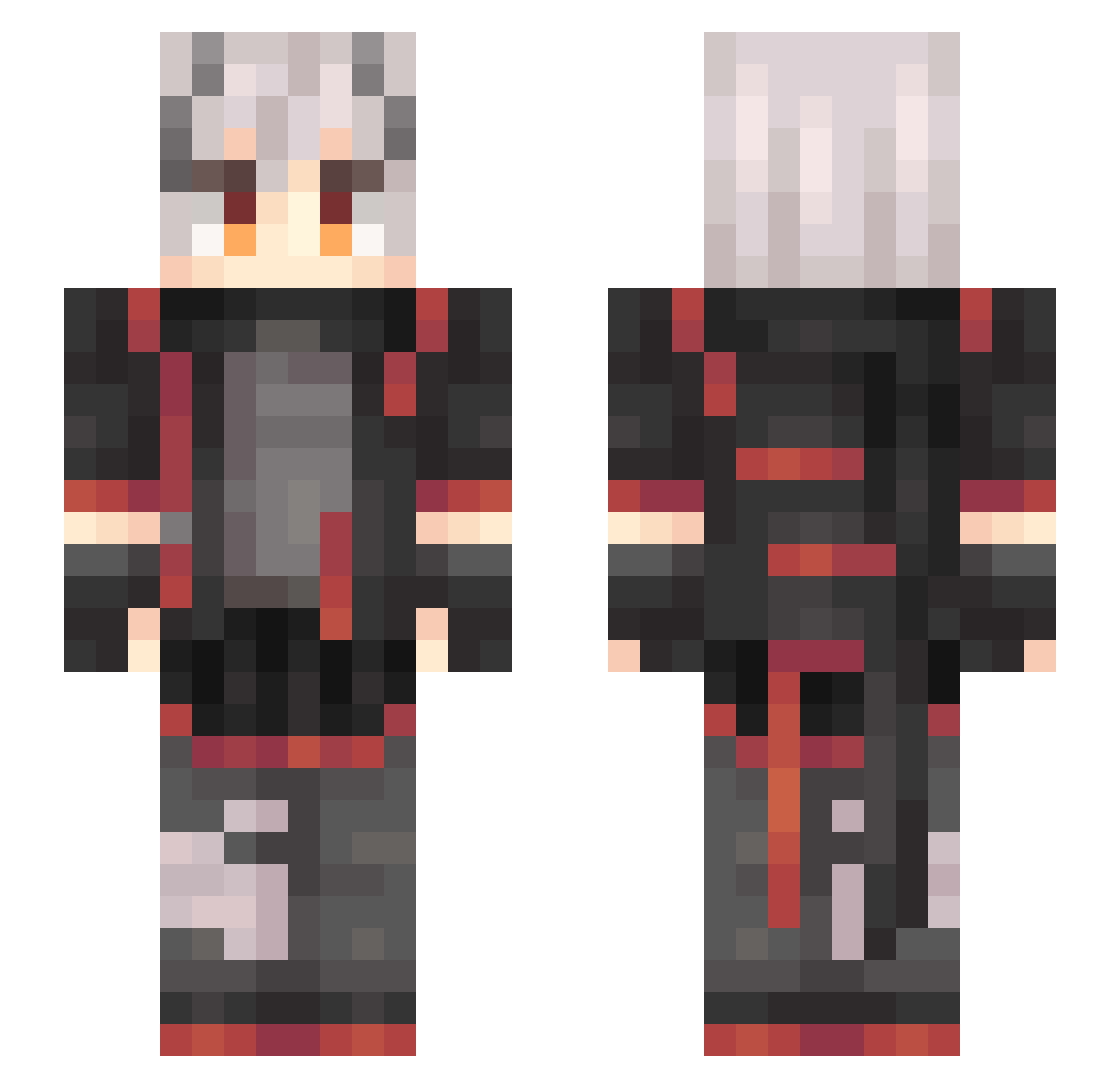
Current Minecraft skin of the player cannow, loaded from the official Mojang API. Rotate the 3D model with your mouse or finger, then download the skin as a PNG file and use it in Minecraft: Bedrock Edition or Java Edition for free. When cannow changes their skin, this page updates automatically and the old skin stays in the history below.
Other players with this skin (677)
cannow was the 658th player we have seen with this skin, first spotted on 07.11.2026. The same skin was seen on these players. Open a nickname to see their current skin and skin history.
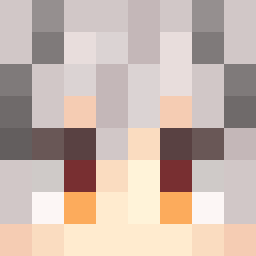 EPICfrogger99 Veneto_vv Adamwi Mo_ST MakkaBaka_ MaxKami yashoy mssll Fatefavor Mc_YiZhao Yukill _aYRu NiShiNaGeW Qrritionita azurite24816 lin_01 MIAwitch yi_sen EMegumin Naive122 MI2UKI Aeropedidae Drink_more_Magma XIAFENZHIYU fadeawayOvO Kai_1549 calcite_ko TheShark_of_Pike zhanshen798 Agnoy_GH BrickySalt233 CRxiak2 Aris_poi zybinbin XUXIXI huiyisdcd13 ShimmersX TigerQAQ Azerothy12 renhongye jackwalker12 xingk1 RAaaaaaINn miumiu112233 VerStecken233 gk_agent SIXAND xiaogao_jun SIMONKOALA Minatoisgod yufeng001 _EsII_ rianol QiZi566 Hank_XY RELeiKeSi Ulrica92013 TheEternals_Seox suci0015 Nokkpitch
More Cyberpunk Minecraft skins
How to install the cannow skin
- Press the Download button above to save the skin as a PNG file.
- Minecraft: Bedrock Edition (PE): open the Dressing Room from the main menu (or tap your character → Edit Character), go to Classic Skins → Owned, press the + (new skin) button, choose the downloaded PNG and pick the Slim (Alex) model. Works on PC and mobile; consoles cannot import custom skins.
- Minecraft: Java Edition: open the Minecraft Launcher, go to the Skins tab, click New Skin, load the PNG, pick the Slim (Alex) model and press Save & Use. You can also upload it at minecraft.net → Profile → Change Skin.
The skin does not show up after import - what should I do?
Restart Minecraft and open the Dressing Room again - imported skins sometimes appear only after a restart. Also make sure you selected the imported skin and picked the Slim (Alex) model.
Which model should I choose, Classic or Slim?
This skin is designed for the Slim (Alex) model. If you pick the wrong model, the arms of the skin will look stretched or squeezed.
Is the skin of cannow free to download?
Yes. Press Download, save the PNG file and use it in Minecraft: Bedrock Edition or Java Edition - no payment or registration needed. The skin also works on multiplayer servers and Realms.
More skins
Looking for more? Go back to all Minecraft skins and check the top skins of the week, month and all time, or find any player's skin by nickname.