
byukki - Minecraft Skins & Skin History
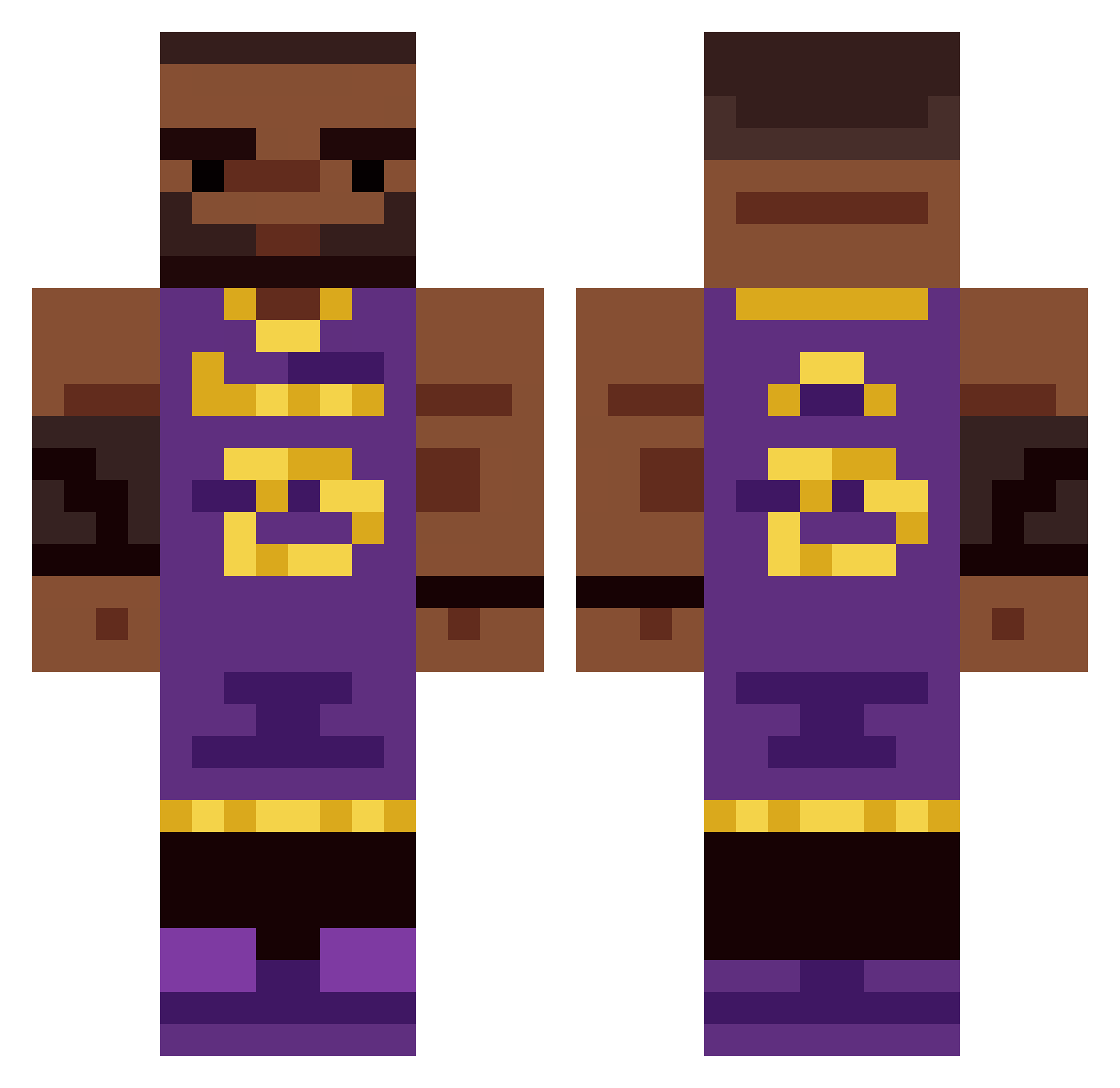
Current Minecraft skin of the player byukki, loaded from the official Mojang API. Rotate the 3D model with your mouse or finger, then download the skin as a PNG file and use it in Minecraft: Bedrock Edition or Java Edition for free. When byukki changes their skin, this page updates automatically and the old skin stays in the history below.
Other players with this skin (424)
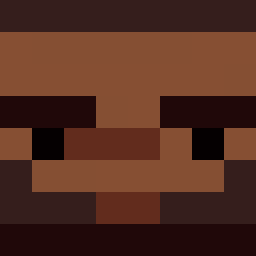
byukki was the 385th player we have seen with this skin, first spotted on 01.11.2026. The same skin was seen on these players. Open a nickname to see their current skin and skin history.
 Klepones DrFaide _Lebron_James_ Slzar0 Krayon123 carlamaries shibiticok sag_shep oscarusmc8 Kaizoooo Mr_Schavi Reeggiee lotaa becauseshrek Snowfox__1236__ Lemickey23 Windell Lebron0724 naso2334 justdazedtingz flexiwnl swagsterbro123 xDukesa FurryPhantom Mr_cabbageuwu cruzoxide YehSup jxoshs Dank47 GregsTurtle uDrezzy punpunpun07 shoq6357 Pepsimaxx__ TTHHOmmasss cumbaka Lebr0n_James_ DarcTarr_Reborn BigMD75 leftzaf Alagator08 xLebron Vasek168 Dumosuku Teusmaa GONK33 igglepiggler WhatNotButter katerDVD 23Lebron_James BotdreChan GhostHunter595 NOTKYLE987 Whysprr vhksm shaqqy albert_vn Spood___ lebronjamison74 AimKamil
More Lakers Minecraft skins
How to install the byukki skin
- Press the Download button above to save the skin as a PNG file.
- Minecraft: Bedrock Edition (PE): open the Dressing Room from the main menu (or tap your character → Edit Character), go to Classic Skins → Owned, press the + (new skin) button, choose the downloaded PNG and pick the Classic (Steve) model. Works on PC and mobile; consoles cannot import custom skins.
- Minecraft: Java Edition: open the Minecraft Launcher, go to the Skins tab, click New Skin, load the PNG, pick the Classic (Steve) model and press Save & Use. You can also upload it at minecraft.net → Profile → Change Skin.
The skin does not show up after import - what should I do?
Restart Minecraft and open the Dressing Room again - imported skins sometimes appear only after a restart. Also make sure you selected the imported skin and picked the Classic (Steve) model.
Which model should I choose, Classic or Slim?
This skin is designed for the Classic (Steve) model. If you pick the wrong model, the arms of the skin will look stretched or squeezed.
Is the skin of byukki free to download?
Yes. Press Download, save the PNG file and use it in Minecraft: Bedrock Edition or Java Edition - no payment or registration needed. The skin also works on multiplayer servers and Realms.
More skins
Looking for more? Go back to all Minecraft skins and check the top skins of the week, month and all time, or find any player's skin by nickname.