
bellabus09 - Minecraft Skins & Skin History
Current Minecraft skin of the player bellabus09, loaded from the official Mojang API. Rotate the 3D model with your mouse or finger, then download the skin as a PNG file and use it in Minecraft: Bedrock Edition or Java Edition for free. When bellabus09 changes their skin, this page updates automatically and the old skin stays in the history below.
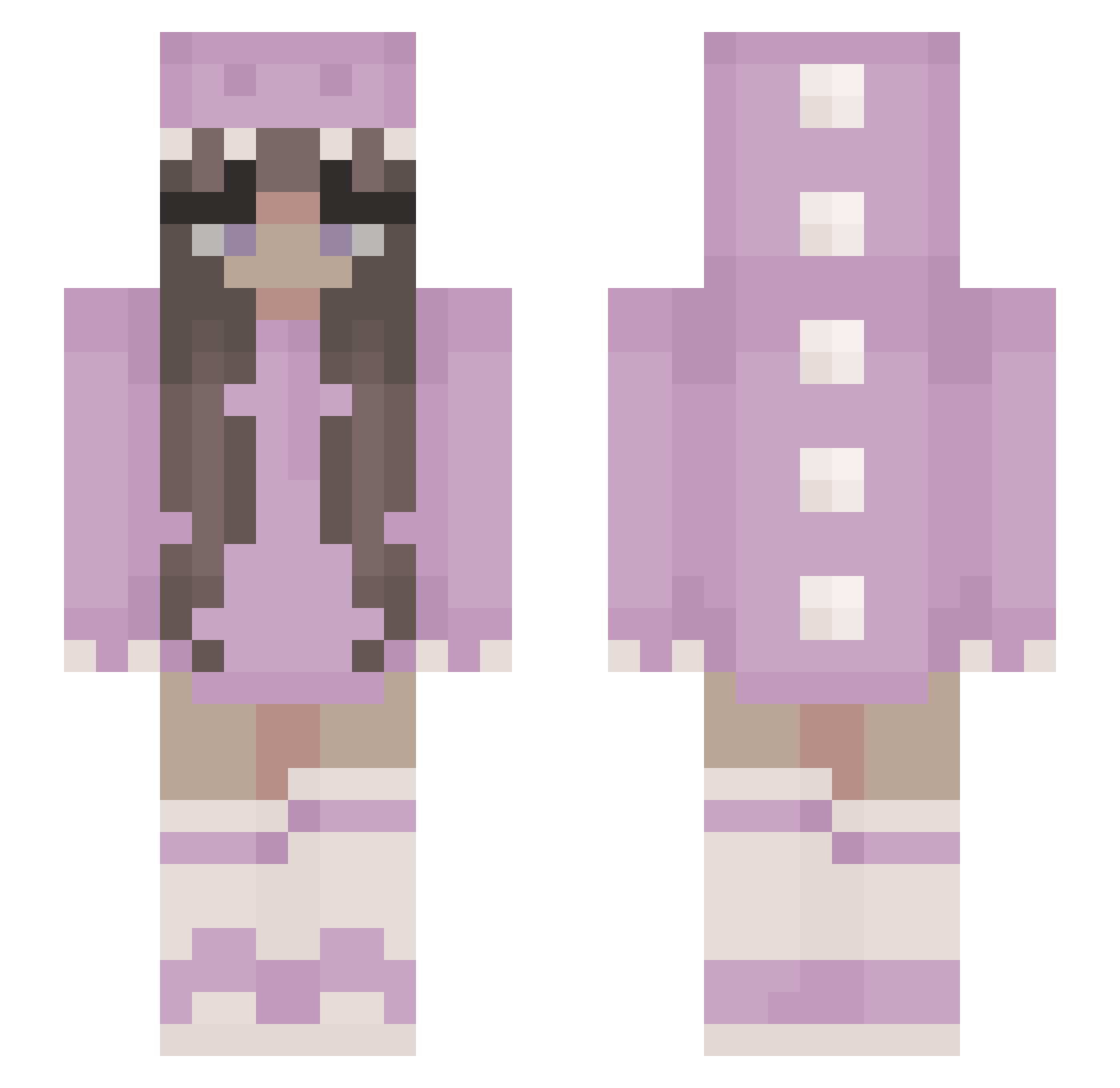
Other players with this skin (453)
bellabus09 was the 361st player we have seen with this skin, first spotted on 23.10.2026. The same skin was seen on these players. Open a nickname to see their current skin and skin history.
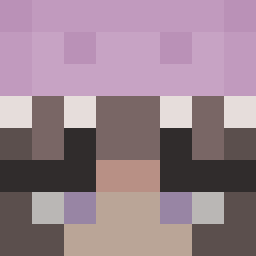 GoiLN BabyDaisy77 espiniki 12_31 ursul Vunbun LeelLuna Duddy0112 Tulipcx Lia____ hjsiggins CatboyLight Atali Albinow_ Klew073873 Robij13 leeyoung09 Skuinny Emily_S_2005 MayaPapayaaa _Vexa_1 BloodLand19 _dustbunnie_ Siiissii izarom oates4 chenkaiun yass005 Le_Barxm LIA122 georgiiahorler Sofiathebest Leelee1024 Sarah_Jane27 pdepauli Nimbus6000 Oya0707 FunDamian rilsy22 dogi0781 graciemuzzy MelGamer06 rikardo22 Kawneh_ _KeyZen_ BulgarianBaby MmeNerveuse daiizzy Delfje JujusDeFruit AbruptMelancholy pongaux honori262 vickkiia SneeOWO Nataaalcia onewon101 Kinii3 Kaylea072 Granulus
More Kigurumi Minecraft skins
How to install the bellabus09 skin
- Press the Download button above to save the skin as a PNG file.
- Minecraft: Bedrock Edition (PE): open the Dressing Room from the main menu (or tap your character → Edit Character), go to Classic Skins → Owned, press the + (new skin) button, choose the downloaded PNG and pick the Slim (Alex) model. Works on PC and mobile; consoles cannot import custom skins.
- Minecraft: Java Edition: open the Minecraft Launcher, go to the Skins tab, click New Skin, load the PNG, pick the Slim (Alex) model and press Save & Use. You can also upload it at minecraft.net → Profile → Change Skin.
The skin does not show up after import - what should I do?
Restart Minecraft and open the Dressing Room again - imported skins sometimes appear only after a restart. Also make sure you selected the imported skin and picked the Slim (Alex) model.
Which model should I choose, Classic or Slim?
This skin is designed for the Slim (Alex) model. If you pick the wrong model, the arms of the skin will look stretched or squeezed.
Is the skin of bellabus09 free to download?
Yes. Press Download, save the PNG file and use it in Minecraft: Bedrock Edition or Java Edition - no payment or registration needed. The skin also works on multiplayer servers and Realms.
More skins
Looking for more? Go back to all Minecraft skins and check the top skins of the week, month and all time, or find any player's skin by nickname.