
_Shdwz_ - Minecraft Skins & Skin History
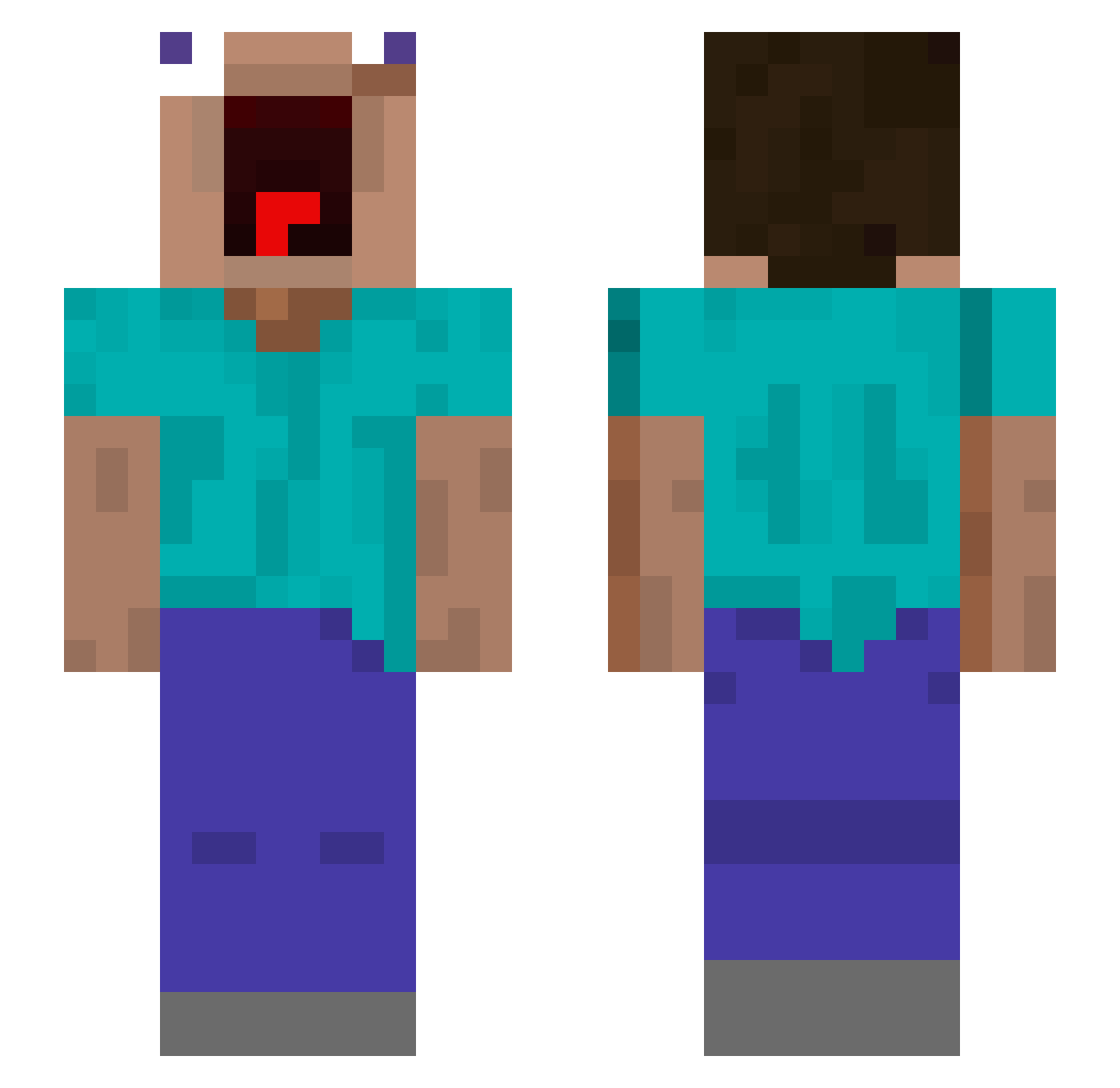
Current Minecraft skin of the player _Shdwz_, loaded from the official Mojang API. Rotate the 3D model with your mouse or finger, then download the skin as a PNG file and use it in Minecraft: Bedrock Edition or Java Edition for free. When _Shdwz_ changes their skin, this page updates automatically and the old skin stays in the history below.
Other players with this skin (649)
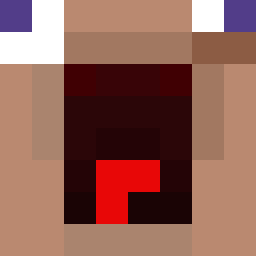
_Shdwz_ was the 577th player we have seen with this skin, first spotted on 30.10.2026. The same skin was seen on these players. Open a nickname to see their current skin and skin history.
 beanyweenii ChaseTheBear _Macalista_ gyeongmin10 Kaue_0 KingEgginton DebilBogomol lukask_008 LongLivedVirus Blockning m4nu980 Dabins1 MrSavage001 MegaRubis biga19 ll_lucas_ll Chubby10 flower_fu RCT127 RogueRabbit373 Frekkolo RedRush44 MYLOCATAIRE Temaro_ skrak55 DHLPHOENIX Martin2789 Gaspard Pedddd HermanErik22 DrP710 ARKU_GAMES proopelaaja komi7597 suica_tomato Lordfalks NotkabEE Skyloland Bouso25 gonzaaKM dabrota RYanG86 pipecrack123 Sohardtogetaname kai0117 XYOELX_ czcxk Joza_ PlectrumKid P3nrr Snapdragon2156 willebus6 yao0602 gyeol99 VapeGodWeed TheBigSadOOF StekBiffen21 1000Siho cobraforce13 Frag_1010
More Screaming Minecraft skins
How to install the _Shdwz_ skin
- Press the Download button above to save the skin as a PNG file.
- Minecraft: Bedrock Edition (PE): open the Dressing Room from the main menu (or tap your character → Edit Character), go to Classic Skins → Owned, press the + (new skin) button, choose the downloaded PNG and pick the Slim (Alex) model. Works on PC and mobile; consoles cannot import custom skins.
- Minecraft: Java Edition: open the Minecraft Launcher, go to the Skins tab, click New Skin, load the PNG, pick the Slim (Alex) model and press Save & Use. You can also upload it at minecraft.net → Profile → Change Skin.
The skin does not show up after import - what should I do?
Restart Minecraft and open the Dressing Room again - imported skins sometimes appear only after a restart. Also make sure you selected the imported skin and picked the Slim (Alex) model.
Which model should I choose, Classic or Slim?
This skin is designed for the Slim (Alex) model. If you pick the wrong model, the arms of the skin will look stretched or squeezed.
Is the skin of _Shdwz_ free to download?
Yes. Press Download, save the PNG file and use it in Minecraft: Bedrock Edition or Java Edition - no payment or registration needed. The skin also works on multiplayer servers and Realms.
More skins
Looking for more? Go back to all Minecraft skins and check the top skins of the week, month and all time, or find any player's skin by nickname.