
_Donnyy_ - Minecraft Skins & Skin History
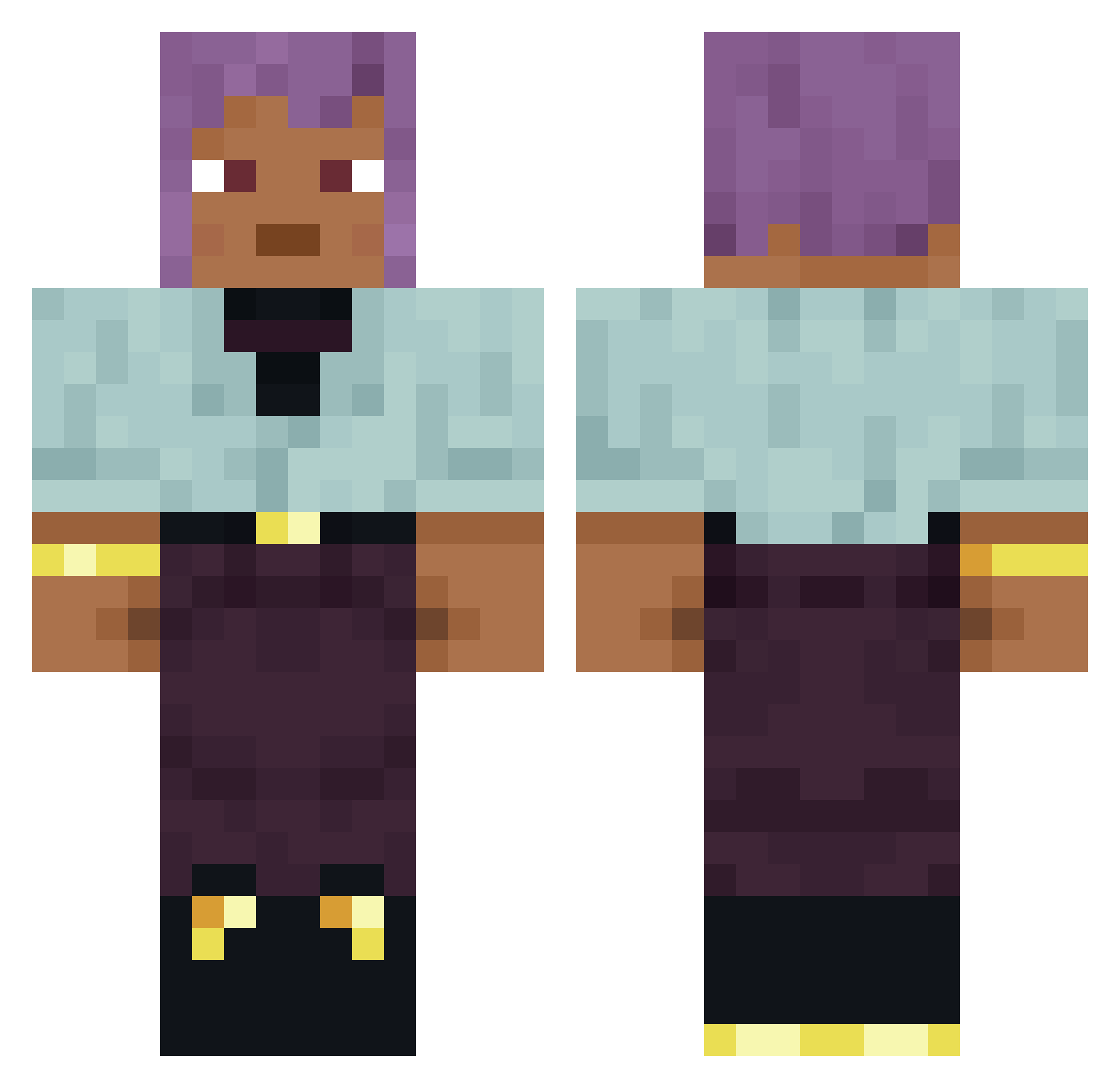
Current Minecraft skin of the player _Donnyy_, loaded from the official Mojang API. Rotate the 3D model with your mouse or finger, then download the skin as a PNG file and use it in Minecraft: Bedrock Edition or Java Edition for free. When _Donnyy_ changes their skin, this page updates automatically and the old skin stays in the history below.
Other players with this skin (965)
_Donnyy_ was the 680th player we have seen with this skin, first spotted on 16.10.2026. The same skin was seen on these players. Open a nickname to see their current skin and skin history.
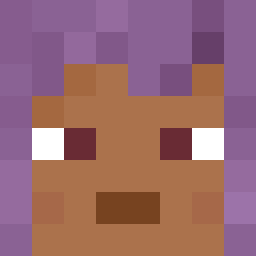 Damageable Dilettant Scotopia Bluegums Gomeisa tittler ARGent Jesusishere Extensor FreeSmoker manualexcx3 saya CTF Forleave overwritten K4N4T0 awsome_dude_man Bromidrosiphobia Derma Semx3 Bollito Classics UnSaintly booley Omnified Gaus Phanatiik hypericum MEEG0 Omnipotent Tu4ndz JorgoAL Skytos ShupaChichi chorusing Aurorary BlueBreast Bozzetto APurpose arbitrarily __M1lek embows Sourata SmittenInk41255 Astrographer RedPainWolf3 cjcool09 NovaG0 reviiidoes microcycles CatchFly ArthurB Exla RADlATION baronne DWORKO cheselol Subzero_Icecream thoroughwort bozine
How to install the _Donnyy_ skin
- Press the Download button above to save the skin as a PNG file.
- Minecraft: Bedrock Edition (PE): open the Dressing Room from the main menu (or tap your character → Edit Character), go to Classic Skins → Owned, press the + (new skin) button, choose the downloaded PNG and pick the Classic (Steve) model. Works on PC and mobile; consoles cannot import custom skins.
- Minecraft: Java Edition: open the Minecraft Launcher, go to the Skins tab, click New Skin, load the PNG, pick the Classic (Steve) model and press Save & Use. You can also upload it at minecraft.net → Profile → Change Skin.
The skin does not show up after import - what should I do?
Restart Minecraft and open the Dressing Room again - imported skins sometimes appear only after a restart. Also make sure you selected the imported skin and picked the Classic (Steve) model.
Which model should I choose, Classic or Slim?
This skin is designed for the Classic (Steve) model. If you pick the wrong model, the arms of the skin will look stretched or squeezed.
Is the skin of _Donnyy_ free to download?
Yes. Press Download, save the PNG file and use it in Minecraft: Bedrock Edition or Java Edition - no payment or registration needed. The skin also works on multiplayer servers and Realms.
More skins
Looking for more? Go back to all Minecraft skins and check the top skins of the week, month and all time, or find any player's skin by nickname.