
YupItsInfinite - Minecraft Skins & Skin History
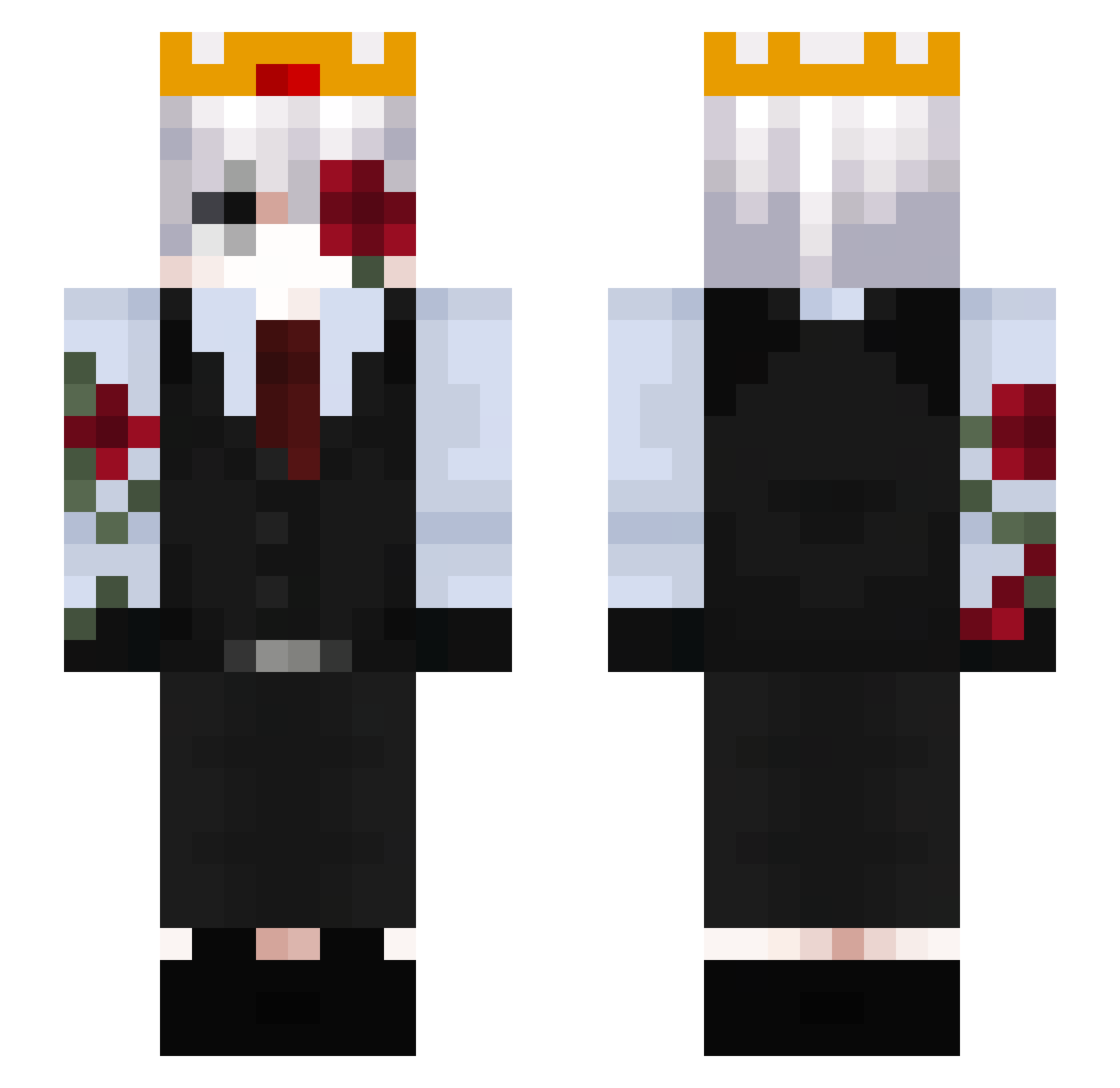
Current Minecraft skin of the player YupItsInfinite, loaded from the official Mojang API. Rotate the 3D model with your mouse or finger, then download the skin as a PNG file and use it in Minecraft: Bedrock Edition or Java Edition for free. When YupItsInfinite changes their skin, this page updates automatically and the old skin stays in the history below.
Other players with this skin (56)
YupItsInfinite was the 37th player we have seen with this skin, first spotted on 20.10.2026. The same skin was seen on these players. Open a nickname to see their current skin and skin history.
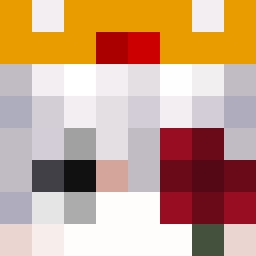 SASIOVERLXRD_n VampireMidnight axy98 mysadd SAMUEL_BONIFACIO Alipomagali29 ZuzuBe12 i_z17t irls_ mquerts XxDevilMeanxX killer0o51 JT45 Gegene1976 XeniftT mkoval9 oEyad oVicttorr TryH4ardd Kleniuu _Niuniuss_ 9pio monteleao vexmn56 RyzerX_1 lopezalva05 unadvantageous Zeeerak Linkario80 RagnarBLcinavari Onc_ler proxy_2010 _DarkRazer ToastIce TheBruuh ItzMaxiken lanbaid Torvexion Scxrxmouche 2zttz2 DreifachKarotte Ivan_TW1837 TheBigKorek pataranski Magnat_66 OiAlvaro PrimeOFA Its_G0at bombo323 Offic3alRyx Lenoir23 redcat963 kurobee1 Treufe wasy367 DayDawson2014
More Rose Minecraft skins
How to install the YupItsInfinite skin
- Press the Download button above to save the skin as a PNG file.
- Minecraft: Bedrock Edition (PE): open the Dressing Room from the main menu (or tap your character → Edit Character), go to Classic Skins → Owned, press the + (new skin) button, choose the downloaded PNG and pick the Slim (Alex) model. Works on PC and mobile; consoles cannot import custom skins.
- Minecraft: Java Edition: open the Minecraft Launcher, go to the Skins tab, click New Skin, load the PNG, pick the Slim (Alex) model and press Save & Use. You can also upload it at minecraft.net → Profile → Change Skin.
The skin does not show up after import - what should I do?
Restart Minecraft and open the Dressing Room again - imported skins sometimes appear only after a restart. Also make sure you selected the imported skin and picked the Slim (Alex) model.
Which model should I choose, Classic or Slim?
This skin is designed for the Slim (Alex) model. If you pick the wrong model, the arms of the skin will look stretched or squeezed.
Is the skin of YupItsInfinite free to download?
Yes. Press Download, save the PNG file and use it in Minecraft: Bedrock Edition or Java Edition - no payment or registration needed. The skin also works on multiplayer servers and Realms.
More skins
Looking for more? Go back to all Minecraft skins and check the top skins of the week, month and all time, or find any player's skin by nickname.