
Ytreza_v2 - Minecraft Skins & Skin History
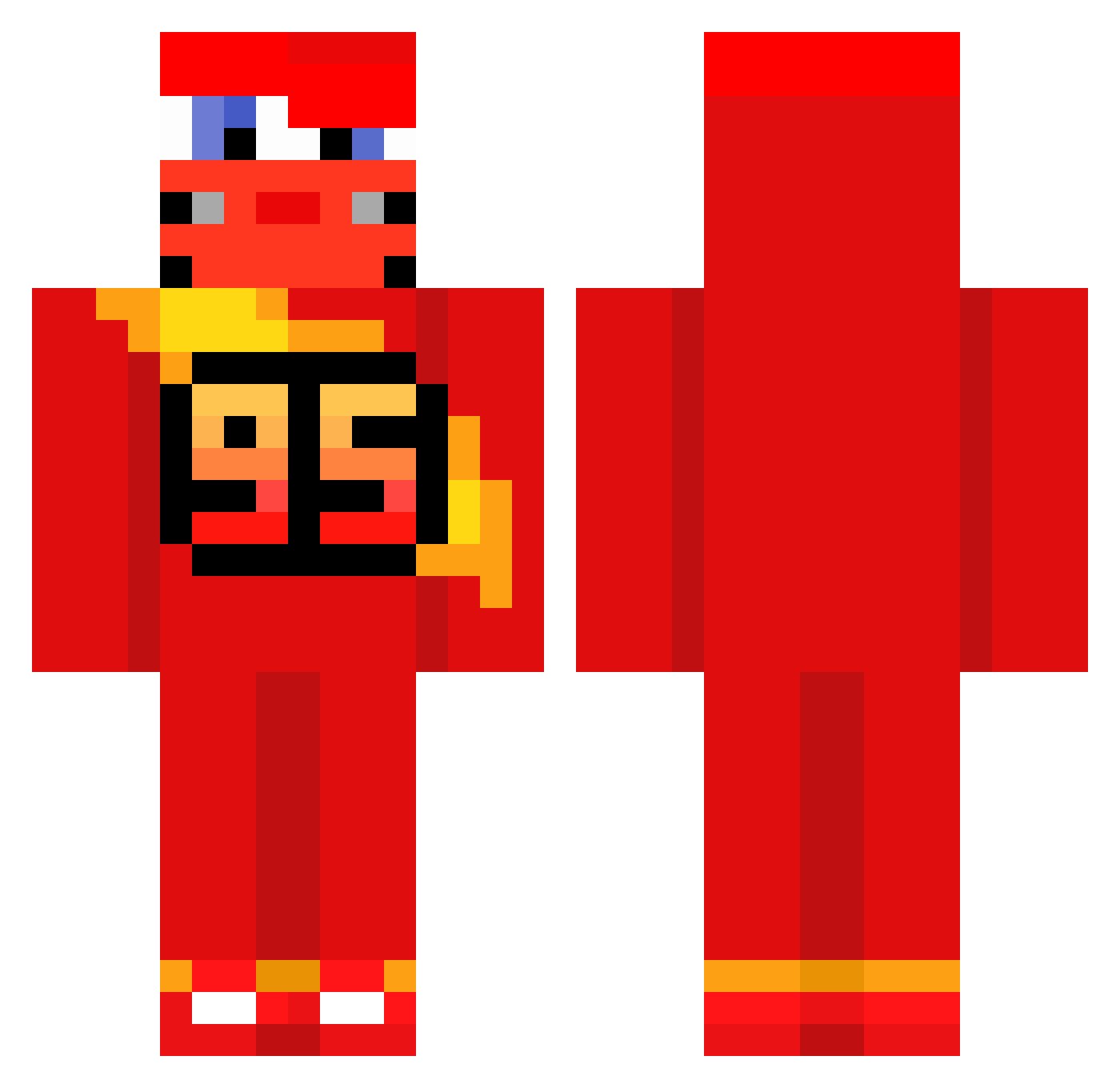
Current Minecraft skin of the player Ytreza_v2, loaded from the official Mojang API. Rotate the 3D model with your mouse or finger, then download the skin as a PNG file and use it in Minecraft: Bedrock Edition or Java Edition for free. When Ytreza_v2 changes their skin, this page updates automatically and the old skin stays in the history below.
Other players with this skin (674)
Ytreza_v2 was the 589th player we have seen with this skin, first spotted on 24.10.2026. The same skin was seen on these players. Open a nickname to see their current skin and skin history.
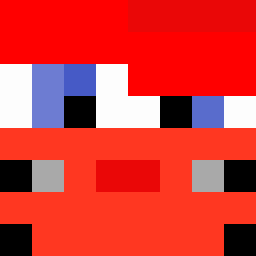 BestBardoWorld Khersonsky_Kawun HushYourGums Cjjack31 OVERHOT007 POZ____ Kvn_09 mistermcqueen RODRIGO_9 invyo7 P3dr054 andreecrack2 En0o Saawy06 marad0na majstersztyk8 Valuta01 Tortija DeemanSee _cueyxz_ Xiro901 BabyMillo1 Itzz_Axzoll andy211695 FratzRV phiptaph easdsad SkibidiMcQueen dr1llowiec Duwusha Oliveira_745 Ligez Silverfest99 Gustavinho99 AGIIOTA Flanagan15 eljo166 Soraarf MortalGirafe JackSodium buforded _exfUwUs_ BlxckStrik connorfan4 HondaAcord91 dt8mI Valdez19 KaasKazen bxmbjack6969 NatMacFleury53 MasterPanda3274 pmnop Marihuanotee ButterMcGee Javirito22 Szuflens Burak_CZ supercosmicnover DaBluBirds unicornofterror
More Lightning Mcqueen Minecraft skins
See all 119 Lightning Mcqueen skins
How to install the Ytreza_v2 skin
- Press the Download button above to save the skin as a PNG file.
- Minecraft: Bedrock Edition (PE): open the Dressing Room from the main menu (or tap your character → Edit Character), go to Classic Skins → Owned, press the + (new skin) button, choose the downloaded PNG and pick the Classic (Steve) model. Works on PC and mobile; consoles cannot import custom skins.
- Minecraft: Java Edition: open the Minecraft Launcher, go to the Skins tab, click New Skin, load the PNG, pick the Classic (Steve) model and press Save & Use. You can also upload it at minecraft.net → Profile → Change Skin.
The skin does not show up after import - what should I do?
Restart Minecraft and open the Dressing Room again - imported skins sometimes appear only after a restart. Also make sure you selected the imported skin and picked the Classic (Steve) model.
Which model should I choose, Classic or Slim?
This skin is designed for the Classic (Steve) model. If you pick the wrong model, the arms of the skin will look stretched or squeezed.
Is the skin of Ytreza_v2 free to download?
Yes. Press Download, save the PNG file and use it in Minecraft: Bedrock Edition or Java Edition - no payment or registration needed. The skin also works on multiplayer servers and Realms.
More skins
Looking for more? Go back to all Minecraft skins and check the top skins of the week, month and all time, or find any player's skin by nickname.