
YouareWorld - Minecraft Skins & Skin History
Current Minecraft skin of the player YouareWorld, loaded from the official Mojang API. Rotate the 3D model with your mouse or finger, then download the skin as a PNG file and use it in Minecraft: Bedrock Edition or Java Edition for free. When YouareWorld changes their skin, this page updates automatically and the old skin stays in the history below.
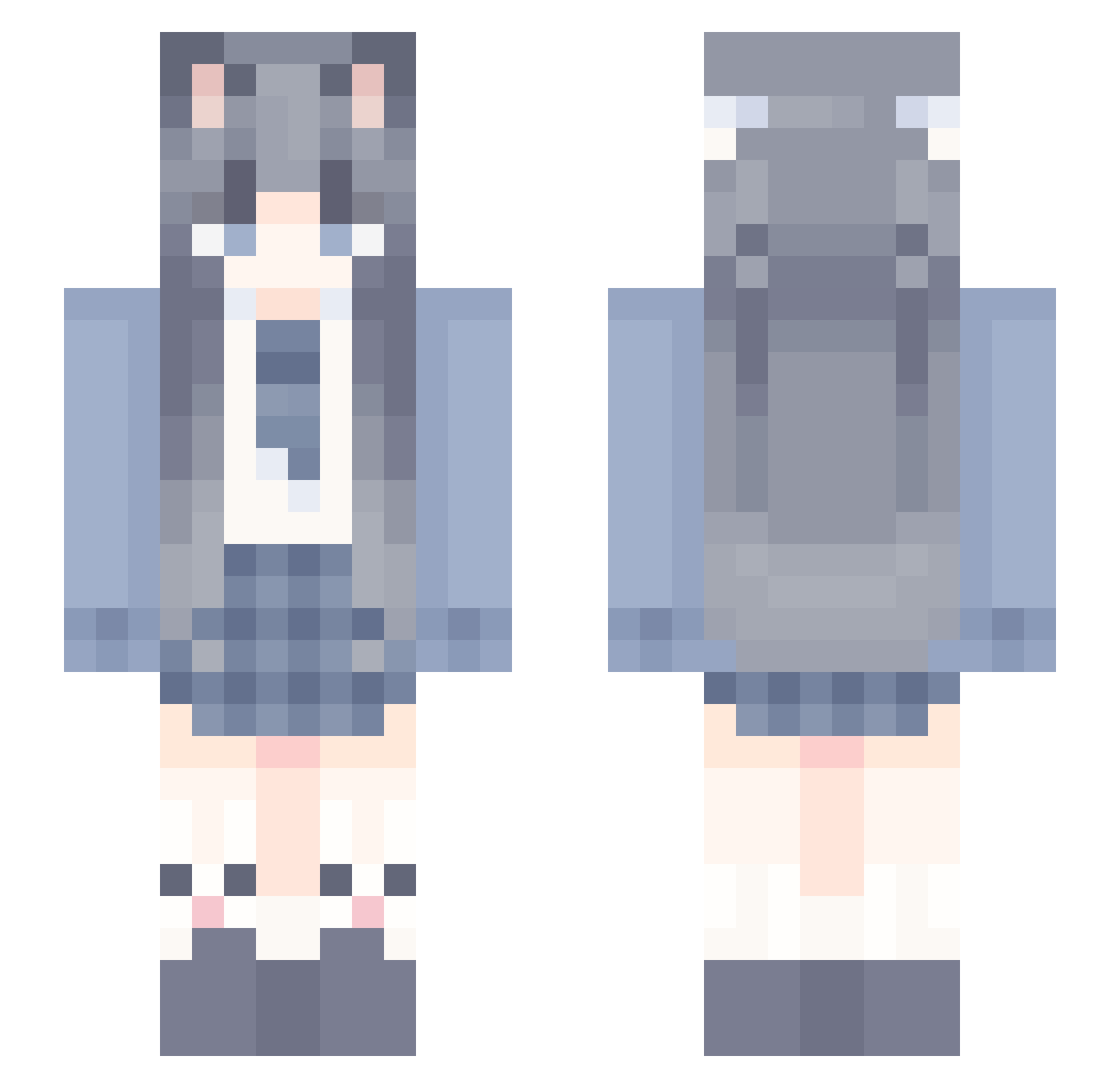
Other players with this skin (1246)
YouareWorld was the 1214th player we have seen with this skin, first spotted on 07.11.2026. The same skin was seen on these players. Open a nickname to see their current skin and skin history.
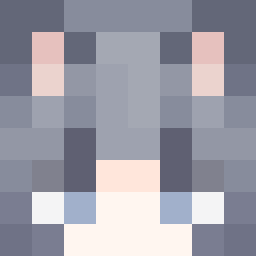 Hibiki_114154 xiaofeng_ik Brysolene dooming0420 Mashiro23590 SubtleHen hbg222 500wubai DDashhhh abitshy hsss0214 Yellow3804 kubayam YYNS ElainaSaMa_ Li_Zheng_1209 svein0721 GreenHills_ shishiruyuan Jiavirgo MX183 suu_1128 _P0ny_ Fufuzi666 justagain beizicbb skd1171 sealR2 Eliedo YNian ElectCloth TGMD XC_wsxc xxhui11 wennie0302 yulian520 dieforyou1603 stbqc kangtian_ AAAling The_Hot_Summer00 Uiiaond IriApril Orea123 diwnn AY418 YangYang0824 QUBIWEIGU LH_Krume Yu_yuan123 tyqmzl AcuteBowl yOuMiNs Cyan_Lemons tuo_han Aescyr BabyMo jetjie Selena_Su plcca
More School Uniform Minecraft skins
See all 7162 School Uniform skins
How to install the YouareWorld skin
- Press the Download button above to save the skin as a PNG file.
- Minecraft: Bedrock Edition (PE): open the Dressing Room from the main menu (or tap your character → Edit Character), go to Classic Skins → Owned, press the + (new skin) button, choose the downloaded PNG and pick the Slim (Alex) model. Works on PC and mobile; consoles cannot import custom skins.
- Minecraft: Java Edition: open the Minecraft Launcher, go to the Skins tab, click New Skin, load the PNG, pick the Slim (Alex) model and press Save & Use. You can also upload it at minecraft.net → Profile → Change Skin.
The skin does not show up after import - what should I do?
Restart Minecraft and open the Dressing Room again - imported skins sometimes appear only after a restart. Also make sure you selected the imported skin and picked the Slim (Alex) model.
Which model should I choose, Classic or Slim?
This skin is designed for the Slim (Alex) model. If you pick the wrong model, the arms of the skin will look stretched or squeezed.
Is the skin of YouareWorld free to download?
Yes. Press Download, save the PNG file and use it in Minecraft: Bedrock Edition or Java Edition - no payment or registration needed. The skin also works on multiplayer servers and Realms.
More skins
Looking for more? Go back to all Minecraft skins and check the top skins of the week, month and all time, or find any player's skin by nickname.