
Xvay1 - Minecraft Skins & Skin History
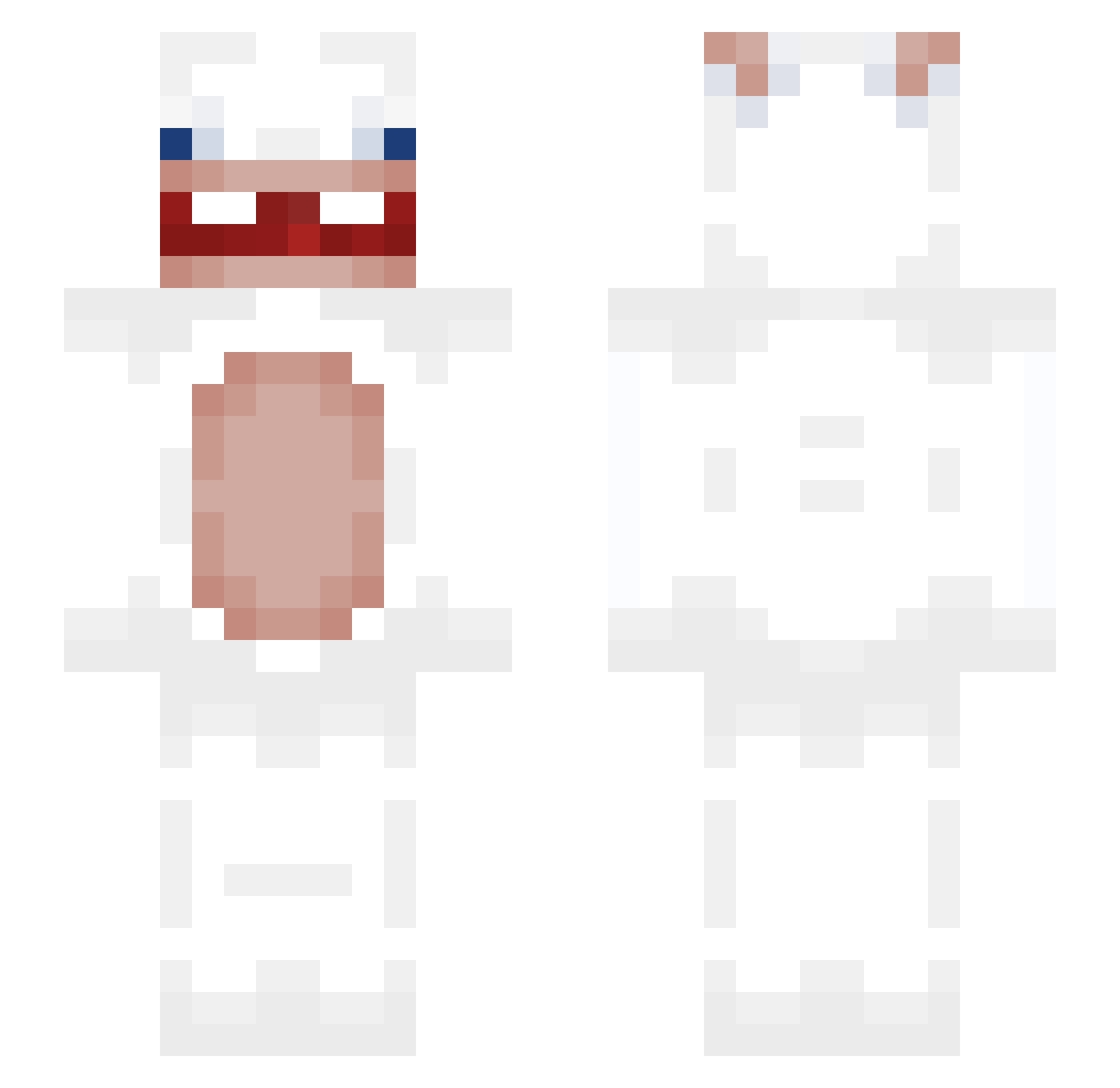
Current Minecraft skin of the player Xvay1, loaded from the official Mojang API. Rotate the 3D model with your mouse or finger, then download the skin as a PNG file and use it in Minecraft: Bedrock Edition or Java Edition for free. When Xvay1 changes their skin, this page updates automatically and the old skin stays in the history below.
Other players with this skin (396)
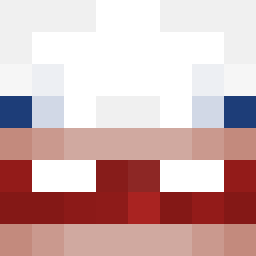
Xvay1 was the 335th player we have seen with this skin, first spotted on 27.10.2026. The same skin was seen on these players. Open a nickname to see their current skin and skin history.
 Osteoblasts alessiozippo2 Gnomenia Amator1y Armarun AntiSecos0 BenPen_ Mauro_G Thedingo24 HapeeBoi_ rachenXD TacoJosh5 Trusz3k_ trololol09 jokkij Badkill05 Kualo Naratunek_rysiu Axelxd3wq nothinglife_ Iaxochutvoiass julumaepe bunnyshaii kotwicadzejkob luwrr Ob4lete burs678 Beltz2x Bory_6622 chanseox hkftt Flashback0313 Moocotoo Kiwibunny1 EmiLiA1597 isegyein Brochet_Metrer bananadusty lainelaine DAICHOUSHOUCHOUI NateAndEm CzarekLubiKotki IRajuu TSal24 opmgosho EltioTrande drose903 milucraft14 papaomz lzm60 tomiw005 13sheep FrayTW Toasti_133 brakzazinha Sr_Eles Hempel2005 Mixxxlight llocet Flyintubbysnail
More Rabbids Minecraft skins
How to install the Xvay1 skin
- Press the Download button above to save the skin as a PNG file.
- Minecraft: Bedrock Edition (PE): open the Dressing Room from the main menu (or tap your character → Edit Character), go to Classic Skins → Owned, press the + (new skin) button, choose the downloaded PNG and pick the Slim (Alex) model. Works on PC and mobile; consoles cannot import custom skins.
- Minecraft: Java Edition: open the Minecraft Launcher, go to the Skins tab, click New Skin, load the PNG, pick the Slim (Alex) model and press Save & Use. You can also upload it at minecraft.net → Profile → Change Skin.
The skin does not show up after import - what should I do?
Restart Minecraft and open the Dressing Room again - imported skins sometimes appear only after a restart. Also make sure you selected the imported skin and picked the Slim (Alex) model.
Which model should I choose, Classic or Slim?
This skin is designed for the Slim (Alex) model. If you pick the wrong model, the arms of the skin will look stretched or squeezed.
Is the skin of Xvay1 free to download?
Yes. Press Download, save the PNG file and use it in Minecraft: Bedrock Edition or Java Edition - no payment or registration needed. The skin also works on multiplayer servers and Realms.
More skins
Looking for more? Go back to all Minecraft skins and check the top skins of the week, month and all time, or find any player's skin by nickname.