
Vornay - Minecraft Skins & Skin History
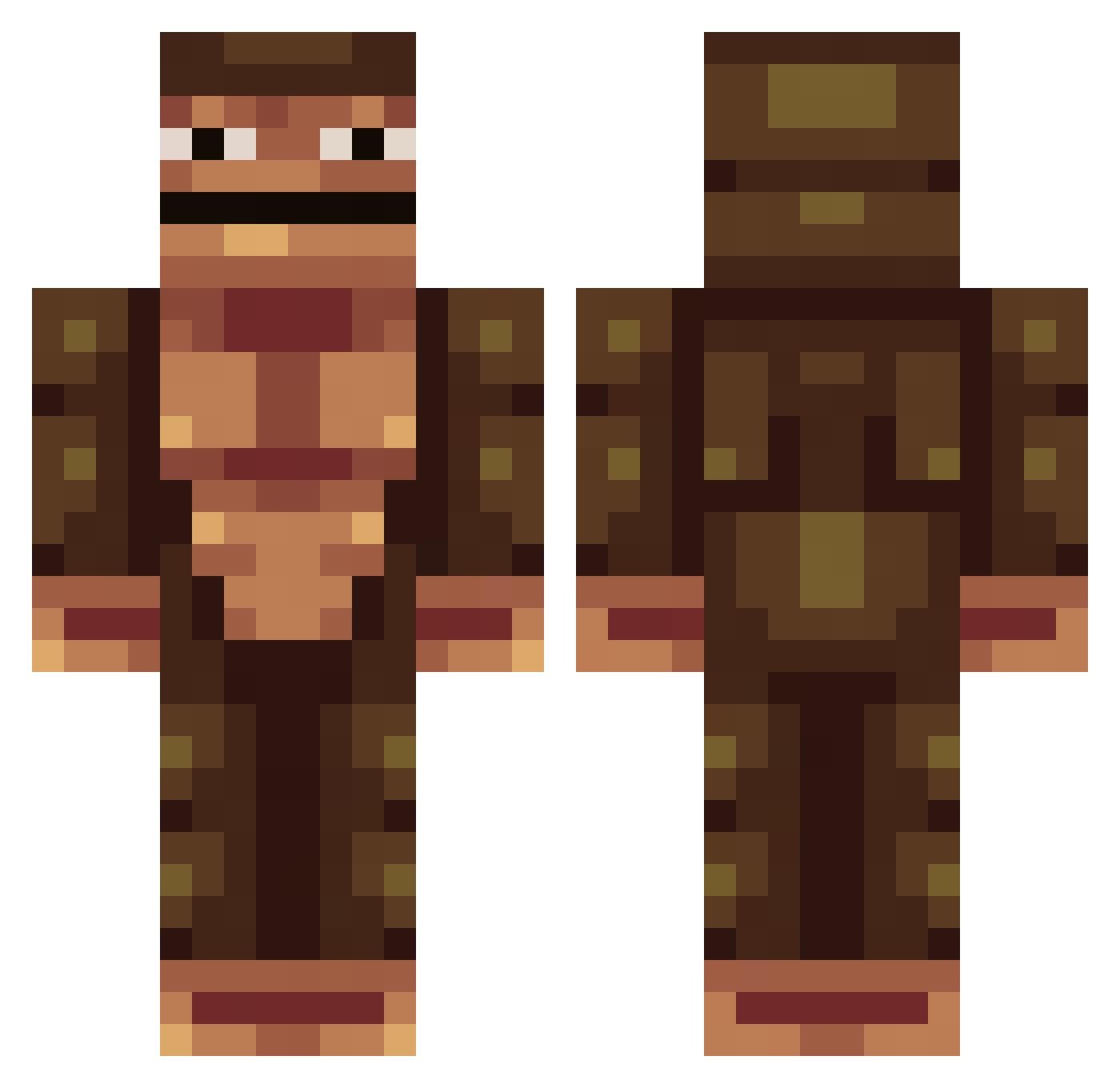
Current Minecraft skin of the player Vornay, loaded from the official Mojang API. Rotate the 3D model with your mouse or finger, then download the skin as a PNG file and use it in Minecraft: Bedrock Edition or Java Edition for free. When Vornay changes their skin, this page updates automatically and the old skin stays in the history below.
Other players with this skin (389)
Vornay was the 280th player we have seen with this skin, first spotted on 13.10.2026. The same skin was seen on these players. Open a nickname to see their current skin and skin history.
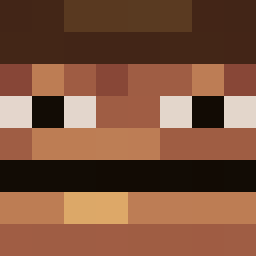 kds121 Eare12 whispering_llama B0ssmang oPedrola Hashish_ Suffer_Geek allesvergebenman LukasHerr bodjs _Culer NolNejm0 LaLoutre6666 ByeolBam Tacosenior BuffGorilla9000 YUyangGE MonkeyManMitch ChidoriMASTER Rinzx1 HydraNgea0531 Polk1lo GewoonN1ck JettyPasghetti phinthao MeTaLh1 EpickiSzczur69 Bobzin353 xingxingawa Jefferson_Samuel Rekkuden SaltyTvGuy Bloody232 ogusyou Laxatives8008 CAMALARD00 meatwaylod Lgghizoni WhossMansss SrRySlidezz 5poony BRS_LOC gaming_mikaro REDCHURCHBOY 76Mert99 Robunculus HardbeatGames diqui08 IronicSonic TurkeyFingers TheGreaterGoblin MongMan22503 SHMULORD2 Gord0Combador Wackfather calcolatore meisun5k Houssame unsatisfactorily Moniitto
How to install the Vornay skin
- Press the Download button above to save the skin as a PNG file.
- Minecraft: Bedrock Edition (PE): open the Dressing Room from the main menu (or tap your character → Edit Character), go to Classic Skins → Owned, press the + (new skin) button, choose the downloaded PNG and pick the Classic (Steve) model. Works on PC and mobile; consoles cannot import custom skins.
- Minecraft: Java Edition: open the Minecraft Launcher, go to the Skins tab, click New Skin, load the PNG, pick the Classic (Steve) model and press Save & Use. You can also upload it at minecraft.net → Profile → Change Skin.
The skin does not show up after import - what should I do?
Restart Minecraft and open the Dressing Room again - imported skins sometimes appear only after a restart. Also make sure you selected the imported skin and picked the Classic (Steve) model.
Which model should I choose, Classic or Slim?
This skin is designed for the Classic (Steve) model. If you pick the wrong model, the arms of the skin will look stretched or squeezed.
Is the skin of Vornay free to download?
Yes. Press Download, save the PNG file and use it in Minecraft: Bedrock Edition or Java Edition - no payment or registration needed. The skin also works on multiplayer servers and Realms.
More skins
Looking for more? Go back to all Minecraft skins and check the top skins of the week, month and all time, or find any player's skin by nickname.