
UnkindledSage - Minecraft Skins & Skin History
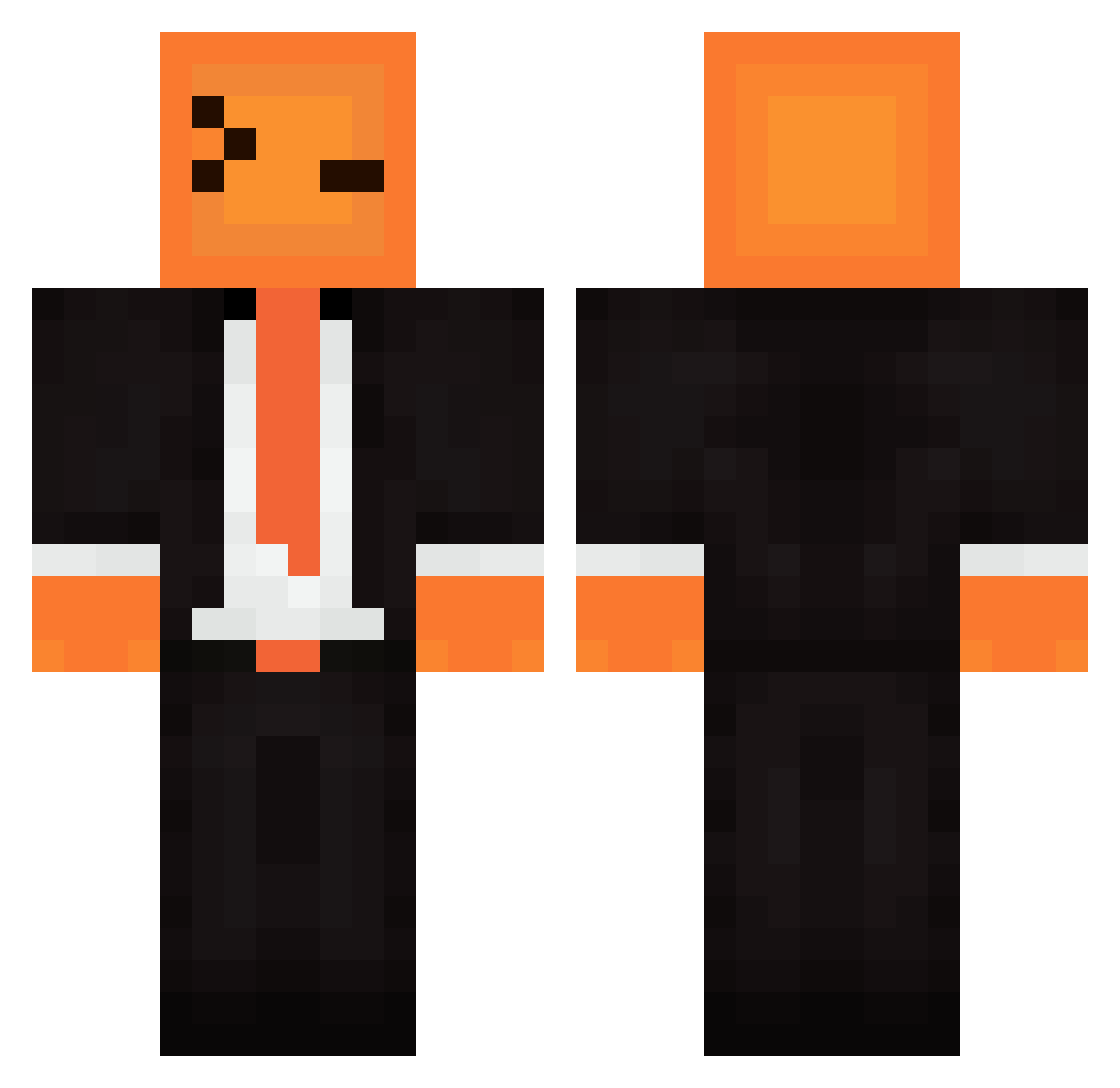
Current Minecraft skin of the player UnkindledSage, loaded from the official Mojang API. Rotate the 3D model with your mouse or finger, then download the skin as a PNG file and use it in Minecraft: Bedrock Edition or Java Edition for free. When UnkindledSage changes their skin, this page updates automatically and the old skin stays in the history below.
Other players with this skin (416)
UnkindledSage was the 360th player we have seen with this skin, first spotted on 22.10.2026. The same skin was seen on these players. Open a nickname to see their current skin and skin history.
 optimusenergy snazzydust11701 J0K3R03 Qu1ckScop3 huynhquocviet SirDodger83 narheeee Kirill124 Theoretisc MEITEMARK9691 waltuhwhite1234 Kr49ameerYT_ impaler10 R14N__ cswang artisteys Yeriah lilchunker12 MiniEagle94 EtT15 nooogle nowch Thomas_Mch SHIMYEONWOO Mushei shrapnelhog gdozilla Diagnosticate Pachdito Alanitto_ SayGoodnessMe Papyrusse6 UMik_lol HAB3373 Werenton SwI4useK TheRadishSpirit jojo_gamers7 drag0n4113 mixjae_ Xr_O_o purple_dragon97 Turtle_56 Su_n02 DrxiNexn SirBey FernandaJdR BySufix qute_siu hydrochyme RAZALIO05 Odin2018 Z_z_Angel_z_Z SmokiiLoki planken123 0Alesh HUSIK09 theobob59 J_MYS Adaru_95
How to install the UnkindledSage skin
- Press the Download button above to save the skin as a PNG file.
- Minecraft: Bedrock Edition (PE): open the Dressing Room from the main menu (or tap your character → Edit Character), go to Classic Skins → Owned, press the + (new skin) button, choose the downloaded PNG and pick the Classic (Steve) model. Works on PC and mobile; consoles cannot import custom skins.
- Minecraft: Java Edition: open the Minecraft Launcher, go to the Skins tab, click New Skin, load the PNG, pick the Classic (Steve) model and press Save & Use. You can also upload it at minecraft.net → Profile → Change Skin.
The skin does not show up after import - what should I do?
Restart Minecraft and open the Dressing Room again - imported skins sometimes appear only after a restart. Also make sure you selected the imported skin and picked the Classic (Steve) model.
Which model should I choose, Classic or Slim?
This skin is designed for the Classic (Steve) model. If you pick the wrong model, the arms of the skin will look stretched or squeezed.
Is the skin of UnkindledSage free to download?
Yes. Press Download, save the PNG file and use it in Minecraft: Bedrock Edition or Java Edition - no payment or registration needed. The skin also works on multiplayer servers and Realms.
More skins
Looking for more? Go back to all Minecraft skins and check the top skins of the week, month and all time, or find any player's skin by nickname.