
Tyyyren - Minecraft Skins & Skin History
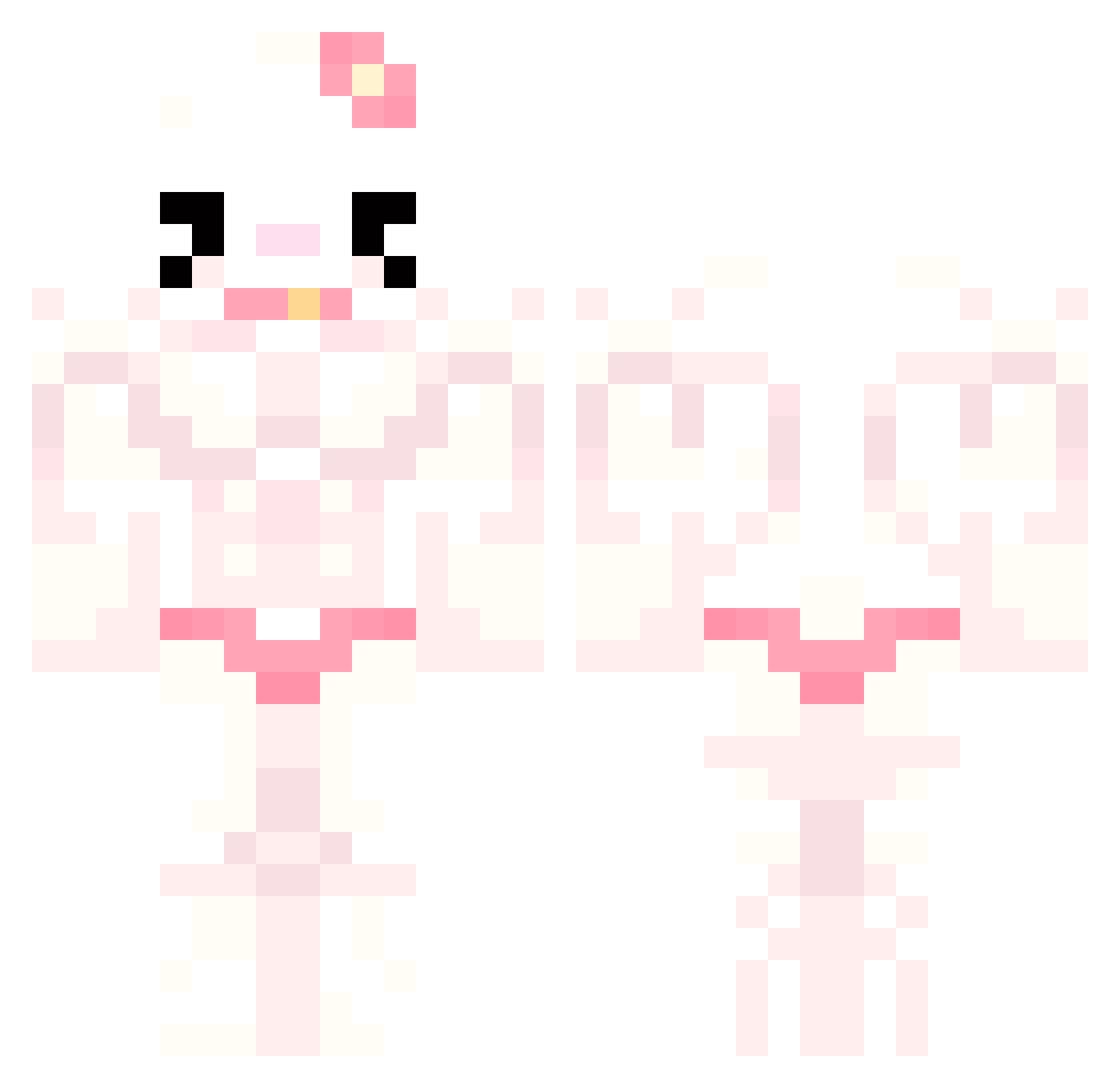
Current Minecraft skin of the player Tyyyren, loaded from the official Mojang API. Rotate the 3D model with your mouse or finger, then download the skin as a PNG file and use it in Minecraft: Bedrock Edition or Java Edition for free. When Tyyyren changes their skin, this page updates automatically and the old skin stays in the history below.
Other players with this skin (815)
Tyyyren was the 792nd player we have seen with this skin, first spotted on 07.11.2026. The same skin was seen on these players. Open a nickname to see their current skin and skin history.
 JHS_0530 xummm5 froxxyq SafeKitten64571 aureelija Sorpion kolos060 soyartemis LILBERTTTT Madara3761 zuzix1221 Kikimora521 r0ttenballs Sagesage99 Raiesz derorong yoonwooooo yebean05 SoniNm11 D1A_M0ND YellowBee0212 DAVILINDAO013 UbmJamie justinmoney13 lakittty hellocewchie murr_meow vownfrp peterpoooper grimates br0idkl0l MrWorldwideT Niicxk magnetron_tosti Atome_op Balussy MMM_Bay annamiao mishyymoo nogoosess reusss perkey09 candyycandyy23 scoobadosh jadetin EHJ0620 MiorasKatovi PedroElPicas Bimb4j Anika_52 luchacowboy Petarada Flowercita00 MinaKK0 Konochu Dylanorsomething einfachArthurr trivxz Kio_roll iluvwonton
More Hello Kitty Minecraft skins
How to install the Tyyyren skin
- Press the Download button above to save the skin as a PNG file.
- Minecraft: Bedrock Edition (PE): open the Dressing Room from the main menu (or tap your character → Edit Character), go to Classic Skins → Owned, press the + (new skin) button, choose the downloaded PNG and pick the Classic (Steve) model. Works on PC and mobile; consoles cannot import custom skins.
- Minecraft: Java Edition: open the Minecraft Launcher, go to the Skins tab, click New Skin, load the PNG, pick the Classic (Steve) model and press Save & Use. You can also upload it at minecraft.net → Profile → Change Skin.
The skin does not show up after import - what should I do?
Restart Minecraft and open the Dressing Room again - imported skins sometimes appear only after a restart. Also make sure you selected the imported skin and picked the Classic (Steve) model.
Which model should I choose, Classic or Slim?
This skin is designed for the Classic (Steve) model. If you pick the wrong model, the arms of the skin will look stretched or squeezed.
Is the skin of Tyyyren free to download?
Yes. Press Download, save the PNG file and use it in Minecraft: Bedrock Edition or Java Edition - no payment or registration needed. The skin also works on multiplayer servers and Realms.
More skins
Looking for more? Go back to all Minecraft skins and check the top skins of the week, month and all time, or find any player's skin by nickname.