
Top_G_RyzeAy - Minecraft Skins & Skin History
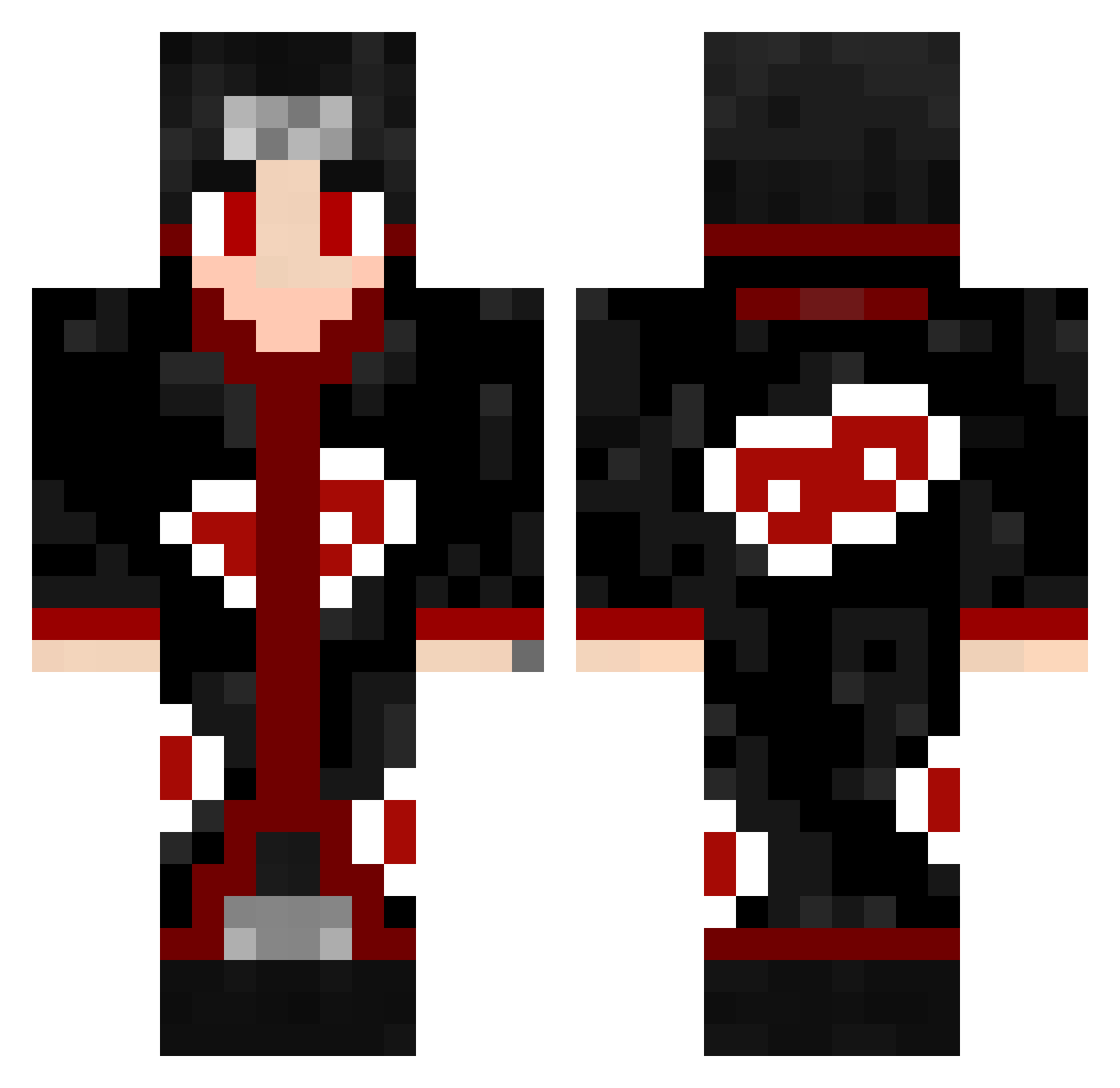
Current Minecraft skin of the player Top_G_RyzeAy, loaded from the official Mojang API. Rotate the 3D model with your mouse or finger, then download the skin as a PNG file and use it in Minecraft: Bedrock Edition or Java Edition for free. When Top_G_RyzeAy changes their skin, this page updates automatically and the old skin stays in the history below.
Other players with this skin (605)
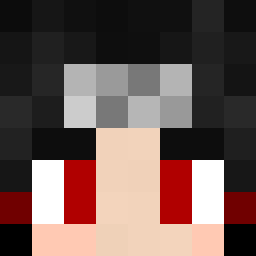
Top_G_RyzeAy was the 553rd player we have seen with this skin, first spotted on 04.11.2026. The same skin was seen on these players. Open a nickname to see their current skin and skin history.
 Enesbaba1453 Noroyu_ 3LiterDieter Crossbattler123 IrllyDunno MatTheBig Tixot bongr1p ChunkyBRZ Geigss YUstedBrutus Jotta019 PrismaXD Vokuvan xXBartek85Xx eddieknite HellStar02 Thelyo_ Drupack Crabman42069 Weiko9527 0toran Goggo2014 Tsuneo1 knz76 ImSoSorry ThiagoSpec xBECHE TheShadowMarU manu1075 Gorthaur88 derverQuaftete Feedsuo NoTGarta ItachieUchia YaBoyIrv TSSOSO Breck23 OTAVIO2012 Cudetocha yayiyxd riodakidd H3P04 HPgamer22 st9984 Gemstars Volchara4785 zagato20 Bibleololo2 JapaYakuza dvk1sf CoffeTheViking Chaewonscheeks KawaiiiPhantom Jokerinho52 0kkid hasango00 Mani7165 masterackmed Meshari_Khalid
More Itachi Uchiha Minecraft skins
See all 371 Itachi Uchiha skins
How to install the Top_G_RyzeAy skin
- Press the Download button above to save the skin as a PNG file.
- Minecraft: Bedrock Edition (PE): open the Dressing Room from the main menu (or tap your character → Edit Character), go to Classic Skins → Owned, press the + (new skin) button, choose the downloaded PNG and pick the Classic (Steve) model. Works on PC and mobile; consoles cannot import custom skins.
- Minecraft: Java Edition: open the Minecraft Launcher, go to the Skins tab, click New Skin, load the PNG, pick the Classic (Steve) model and press Save & Use. You can also upload it at minecraft.net → Profile → Change Skin.
The skin does not show up after import - what should I do?
Restart Minecraft and open the Dressing Room again - imported skins sometimes appear only after a restart. Also make sure you selected the imported skin and picked the Classic (Steve) model.
Which model should I choose, Classic or Slim?
This skin is designed for the Classic (Steve) model. If you pick the wrong model, the arms of the skin will look stretched or squeezed.
Is the skin of Top_G_RyzeAy free to download?
Yes. Press Download, save the PNG file and use it in Minecraft: Bedrock Edition or Java Edition - no payment or registration needed. The skin also works on multiplayer servers and Realms.
More skins
Looking for more? Go back to all Minecraft skins and check the top skins of the week, month and all time, or find any player's skin by nickname.