
Tobias_Ipsen - Minecraft Skins & Skin History
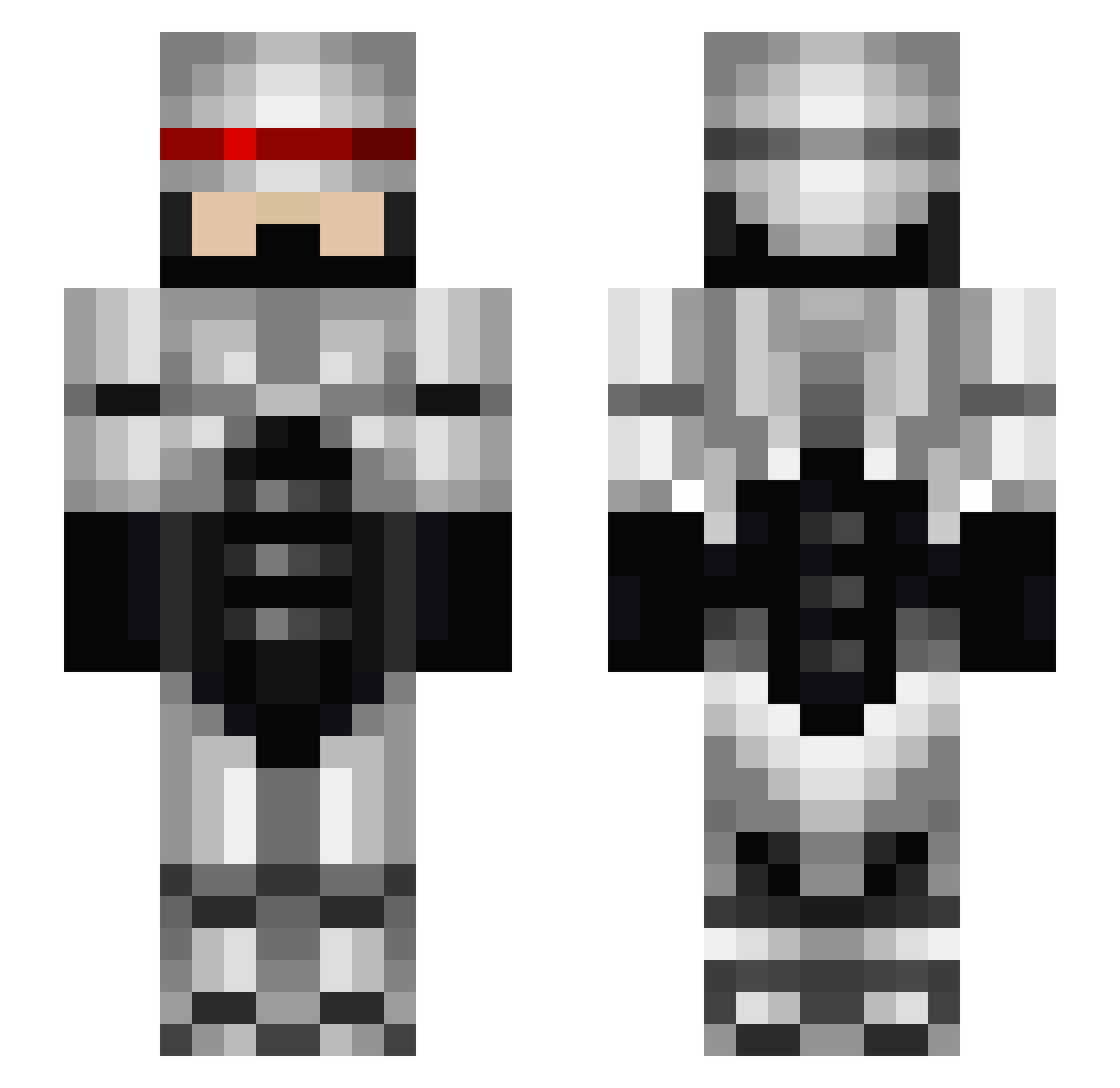
Current Minecraft skin of the player Tobias_Ipsen, loaded from the official Mojang API. Rotate the 3D model with your mouse or finger, then download the skin as a PNG file and use it in Minecraft: Bedrock Edition or Java Edition for free. When Tobias_Ipsen changes their skin, this page updates automatically and the old skin stays in the history below.
Other players with this skin (672)
Tobias_Ipsen was the 597th player we have seen with this skin, first spotted on 27.10.2026. The same skin was seen on these players. Open a nickname to see their current skin and skin history.
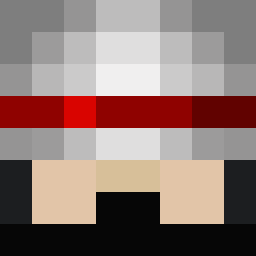 Trexeruk PerfectParagon1 rlambert JesseJames644 Rebotep Robocop73 Camden_105 sunsunsun546 SkillerBoy2001 HappySpirit1972 howardthomson JamesChristie90 infinitenight imadonut sheldonhair95 B_Stins Jod_Maxima battlecommander Betty_Brown Bosseh MrMcV NeroTero lewisjk Drbruell Paul136a tomhalpin8 _MarcusAurelius_ Igor_Chlav diamondeyebob texastemes jscherme Glutant CAF51 Udy01 o0o_Allan kgarner flamninja PimDeusEst beanieman112 Vito7777 thething1978 Max_Boyd1 ficklewurb Riddick_Furyan BigxAl MC_HUY jacob150505 Xenta Builderjoel The_Universe sillysalamanda REDLOGAN Cozzemostello48 citypaper pilotz47 Hemgiz CrossingOdin alayer74 Lith0n LARK100
More Robocop Minecraft skins
How to install the Tobias_Ipsen skin
- Press the Download button above to save the skin as a PNG file.
- Minecraft: Bedrock Edition (PE): open the Dressing Room from the main menu (or tap your character → Edit Character), go to Classic Skins → Owned, press the + (new skin) button, choose the downloaded PNG and pick the Slim (Alex) model. Works on PC and mobile; consoles cannot import custom skins.
- Minecraft: Java Edition: open the Minecraft Launcher, go to the Skins tab, click New Skin, load the PNG, pick the Slim (Alex) model and press Save & Use. You can also upload it at minecraft.net → Profile → Change Skin.
The skin does not show up after import - what should I do?
Restart Minecraft and open the Dressing Room again - imported skins sometimes appear only after a restart. Also make sure you selected the imported skin and picked the Slim (Alex) model.
Which model should I choose, Classic or Slim?
This skin is designed for the Slim (Alex) model. If you pick the wrong model, the arms of the skin will look stretched or squeezed.
Is the skin of Tobias_Ipsen free to download?
Yes. Press Download, save the PNG file and use it in Minecraft: Bedrock Edition or Java Edition - no payment or registration needed. The skin also works on multiplayer servers and Realms.
More skins
Looking for more? Go back to all Minecraft skins and check the top skins of the week, month and all time, or find any player's skin by nickname.