
ThomasBerggren - Minecraft Skins & Skin History
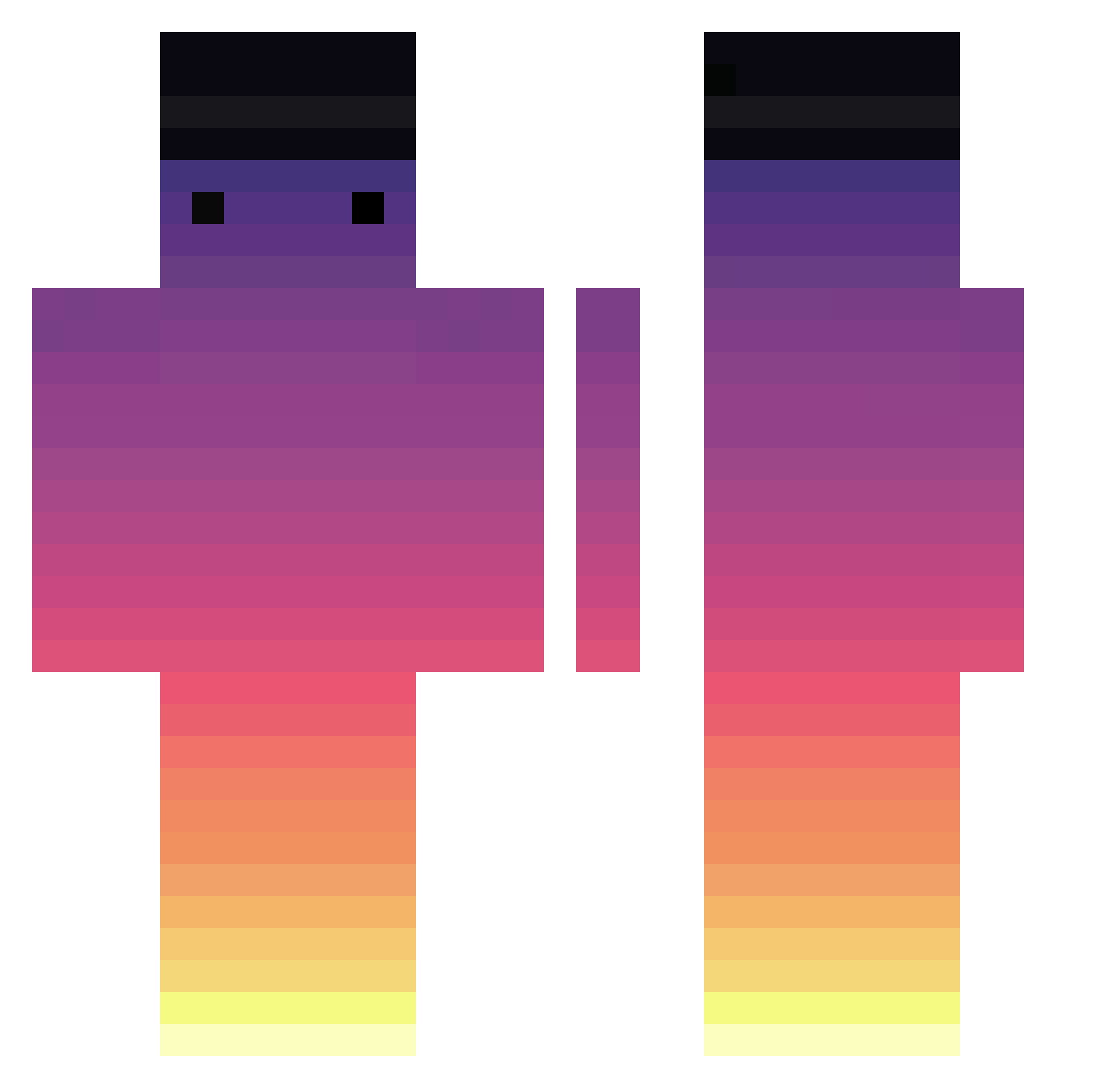
Current Minecraft skin of the player ThomasBerggren, loaded from the official Mojang API. Rotate the 3D model with your mouse or finger, then download the skin as a PNG file and use it in Minecraft: Bedrock Edition or Java Edition for free. When ThomasBerggren changes their skin, this page updates automatically and the old skin stays in the history below.
Other players with this skin (717)
ThomasBerggren was the 594th player we have seen with this skin, first spotted on 23.10.2026. The same skin was seen on these players. Open a nickname to see their current skin and skin history.
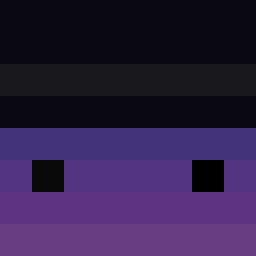 iagoTP Syfer157 BiKness Pedrokaaa 123par2 fecondofelini goldenea3 Bouaaah Duncan26 orezoria0 Shadow923476 yik0097 adisefulabani xd_leyteris77 Qu4ti Pil0u_ tnesc10 Fabs52 tackman0 NetherPie phantom10a Katsu911 AdryZPvp ha2el RavoMan ComfortCotton757 streatbread EfBur HDot99 M4rc3l_1 imalittlepig rodocubo 60FrostWarrior Kostek_PRO Sydt725 tempis_ egeseryol24 Onyx_123321 guessadoodle BenjiKZK BKamper ind668 Hestia00 lingjianwa gabrielpadronn Lachlan213 Dirt878 TheyGotAlex112 Tinothien Thiiifer JeSsEtHeCrEaToR Dominick15 soggydoritoss Twoleg Wingello Ste4rr LUCBKK gudwls_p Elgamo2 BT160615
How to install the ThomasBerggren skin
- Press the Download button above to save the skin as a PNG file.
- Minecraft: Bedrock Edition (PE): open the Dressing Room from the main menu (or tap your character → Edit Character), go to Classic Skins → Owned, press the + (new skin) button, choose the downloaded PNG and pick the Classic (Steve) model. Works on PC and mobile; consoles cannot import custom skins.
- Minecraft: Java Edition: open the Minecraft Launcher, go to the Skins tab, click New Skin, load the PNG, pick the Classic (Steve) model and press Save & Use. You can also upload it at minecraft.net → Profile → Change Skin.
The skin does not show up after import - what should I do?
Restart Minecraft and open the Dressing Room again - imported skins sometimes appear only after a restart. Also make sure you selected the imported skin and picked the Classic (Steve) model.
Which model should I choose, Classic or Slim?
This skin is designed for the Classic (Steve) model. If you pick the wrong model, the arms of the skin will look stretched or squeezed.
Is the skin of ThomasBerggren free to download?
Yes. Press Download, save the PNG file and use it in Minecraft: Bedrock Edition or Java Edition - no payment or registration needed. The skin also works on multiplayer servers and Realms.
More skins
Looking for more? Go back to all Minecraft skins and check the top skins of the week, month and all time, or find any player's skin by nickname.