
TheFxlix - Minecraft Skins & Skin History
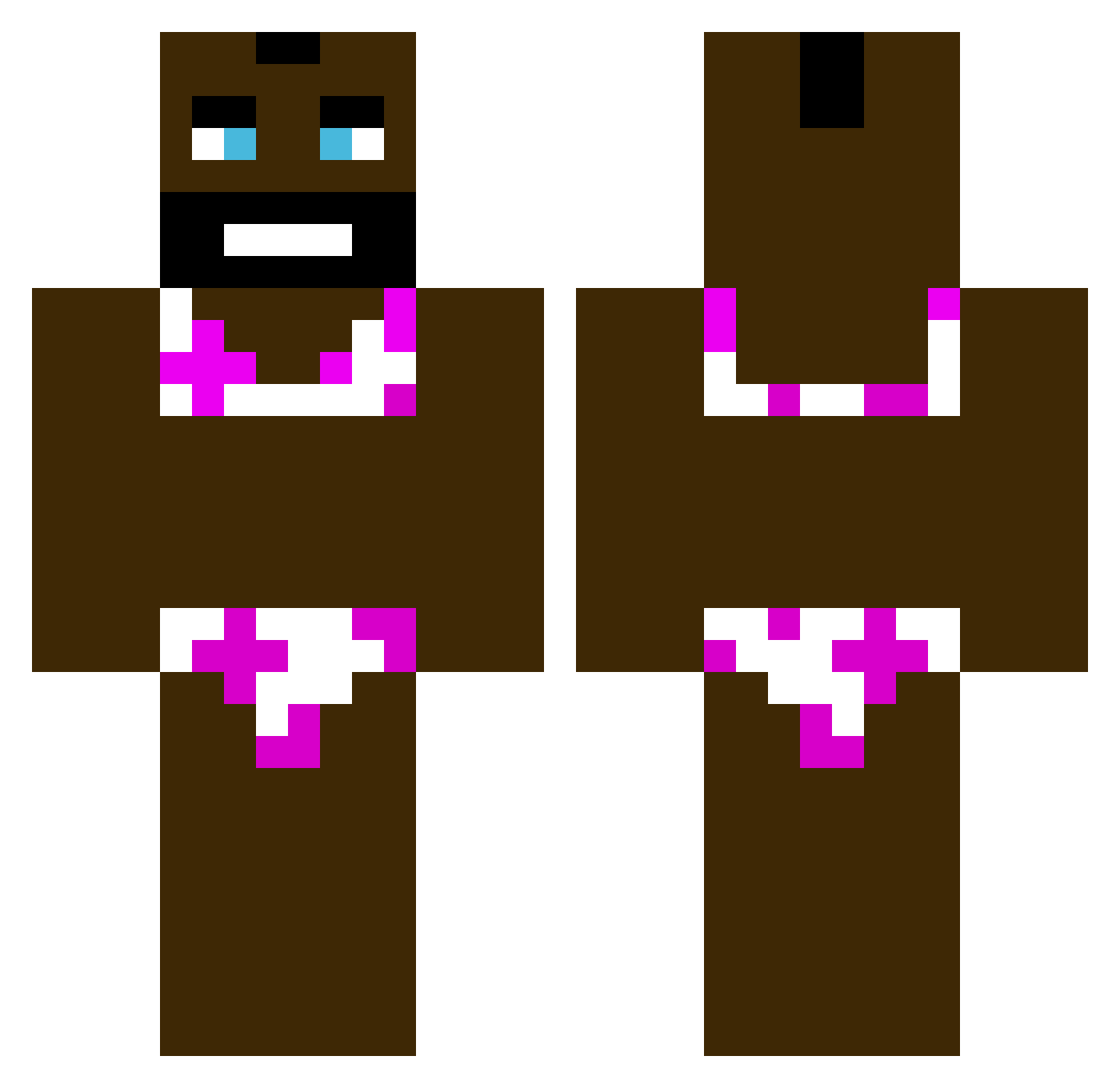
Current Minecraft skin of the player TheFxlix, loaded from the official Mojang API. Rotate the 3D model with your mouse or finger, then download the skin as a PNG file and use it in Minecraft: Bedrock Edition or Java Edition for free. When TheFxlix changes their skin, this page updates automatically and the old skin stays in the history below.
Other players with this skin (454)
TheFxlix was the 384th player we have seen with this skin, first spotted on 22.10.2026. The same skin was seen on these players. Open a nickname to see their current skin and skin history.
 Mamabouk ZeroCannabis VinlandSaga12 _MajonezWiniary CAPTAINJACKUNO swnchez GILBERTOLINDAO marxy12 IronGregg PsionicArchitect OilyBlackMan756 blackoneeighttwo vallis_007 kurtgards 2O24Music ccutts63 GabCaz Bandit_6410 Stromboli178 roombuh alimotupackey LStankiewicz goatclovis David_grx lavolpi TotallyNotRamen AsiannEquation marektiger123 TheNotoriousIED Maybe_real6 Fedface05 Dinny_741 viewingSoda3883 7wj KAlbaCSRP Artefs jackpaterson Reinerpassant846 Rallexter zinzap Jpizzi_ kuzzy649 Oliiiiver NotBababoi69 elpanasa Aliemir16 3th_n FIREWEED8BALL CzaroYOUTUBE Andryx1710 DextyAL1 Mati7819 Bact_ pascalsori Bapeer Djduckman4854 konga25 Joenut123 joel1933 XxFortNItEgOd
More Mr T Minecraft skins
How to install the TheFxlix skin
- Press the Download button above to save the skin as a PNG file.
- Minecraft: Bedrock Edition (PE): open the Dressing Room from the main menu (or tap your character → Edit Character), go to Classic Skins → Owned, press the + (new skin) button, choose the downloaded PNG and pick the Classic (Steve) model. Works on PC and mobile; consoles cannot import custom skins.
- Minecraft: Java Edition: open the Minecraft Launcher, go to the Skins tab, click New Skin, load the PNG, pick the Classic (Steve) model and press Save & Use. You can also upload it at minecraft.net → Profile → Change Skin.
The skin does not show up after import - what should I do?
Restart Minecraft and open the Dressing Room again - imported skins sometimes appear only after a restart. Also make sure you selected the imported skin and picked the Classic (Steve) model.
Which model should I choose, Classic or Slim?
This skin is designed for the Classic (Steve) model. If you pick the wrong model, the arms of the skin will look stretched or squeezed.
Is the skin of TheFxlix free to download?
Yes. Press Download, save the PNG file and use it in Minecraft: Bedrock Edition or Java Edition - no payment or registration needed. The skin also works on multiplayer servers and Realms.
More skins
Looking for more? Go back to all Minecraft skins and check the top skins of the week, month and all time, or find any player's skin by nickname.