
TVTropez - Minecraft Skins & Skin History
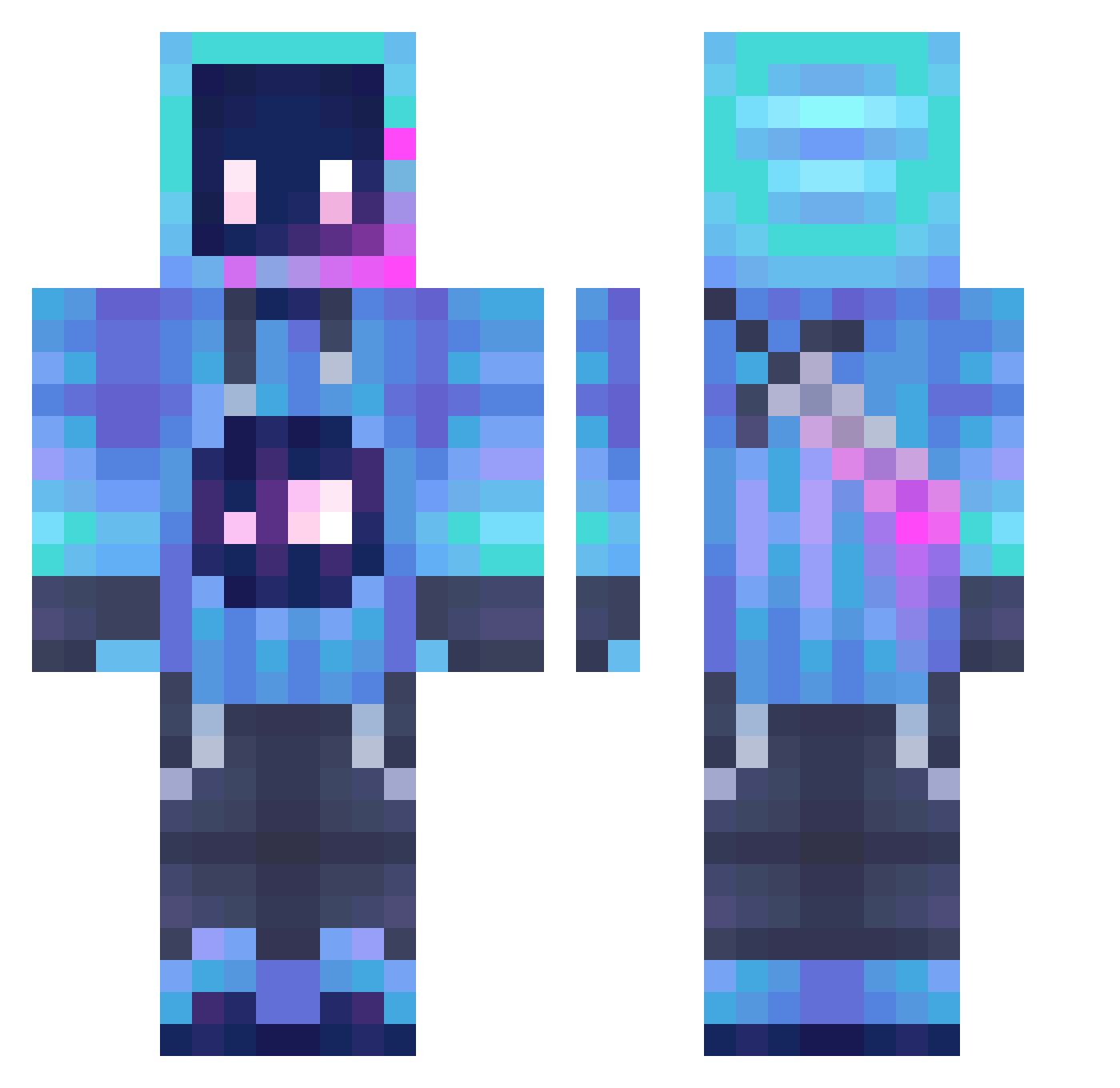
Current Minecraft skin of the player TVTropez, loaded from the official Mojang API. Rotate the 3D model with your mouse or finger, then download the skin as a PNG file and use it in Minecraft: Bedrock Edition or Java Edition for free. When TVTropez changes their skin, this page updates automatically and the old skin stays in the history below.
Other players with this skin (1251)
TVTropez was the 1121st player we have seen with this skin, first spotted on 25.10.2026. The same skin was seen on these players. Open a nickname to see their current skin and skin history.
 hdmlh DallyBR User_CC Kneskie NicoRoma2 AlexEarth77 oogway157 camillajcy Kacmen1212 Shadoe413 TheUndyingOne Jeraa24 LordMuck QueueBots NWAVE15 gumball1119 Dogerman24 HayTrex burtreynoldsjr1 Yi_Zhi_Yi XXStars Olasner XAdminX Eclipse09 Oskyy6656 Yuu2568 Qbolt Dominoist __CRYTeX__ JHigh_420 BrokenMyth The_Byggare_Bob RelicV MuCYang Mora3011 costadu822 jzdxlz520 DarkChocoMoose ajaxRick TheGoldBlood Fa_dian kingmjay Ghostyyy9 EntropyDzung xXSergaXx MrSniki suligamer3415 Grucha1312 jobcs04 DEA7HSLAYER101 woailjy To_whisper maron1272 ELEIN Speedyoa PiggyBoggy ARC_Chann TenzinMonkey Desire666 DragonsK8
More Sword Minecraft skins
How to install the TVTropez skin
- Press the Download button above to save the skin as a PNG file.
- Minecraft: Bedrock Edition (PE): open the Dressing Room from the main menu (or tap your character → Edit Character), go to Classic Skins → Owned, press the + (new skin) button, choose the downloaded PNG and pick the Classic (Steve) model. Works on PC and mobile; consoles cannot import custom skins.
- Minecraft: Java Edition: open the Minecraft Launcher, go to the Skins tab, click New Skin, load the PNG, pick the Classic (Steve) model and press Save & Use. You can also upload it at minecraft.net → Profile → Change Skin.
The skin does not show up after import - what should I do?
Restart Minecraft and open the Dressing Room again - imported skins sometimes appear only after a restart. Also make sure you selected the imported skin and picked the Classic (Steve) model.
Which model should I choose, Classic or Slim?
This skin is designed for the Classic (Steve) model. If you pick the wrong model, the arms of the skin will look stretched or squeezed.
Is the skin of TVTropez free to download?
Yes. Press Download, save the PNG file and use it in Minecraft: Bedrock Edition or Java Edition - no payment or registration needed. The skin also works on multiplayer servers and Realms.
More skins
Looking for more? Go back to all Minecraft skins and check the top skins of the week, month and all time, or find any player's skin by nickname.