
SndCritical - Minecraft Skins & Skin History
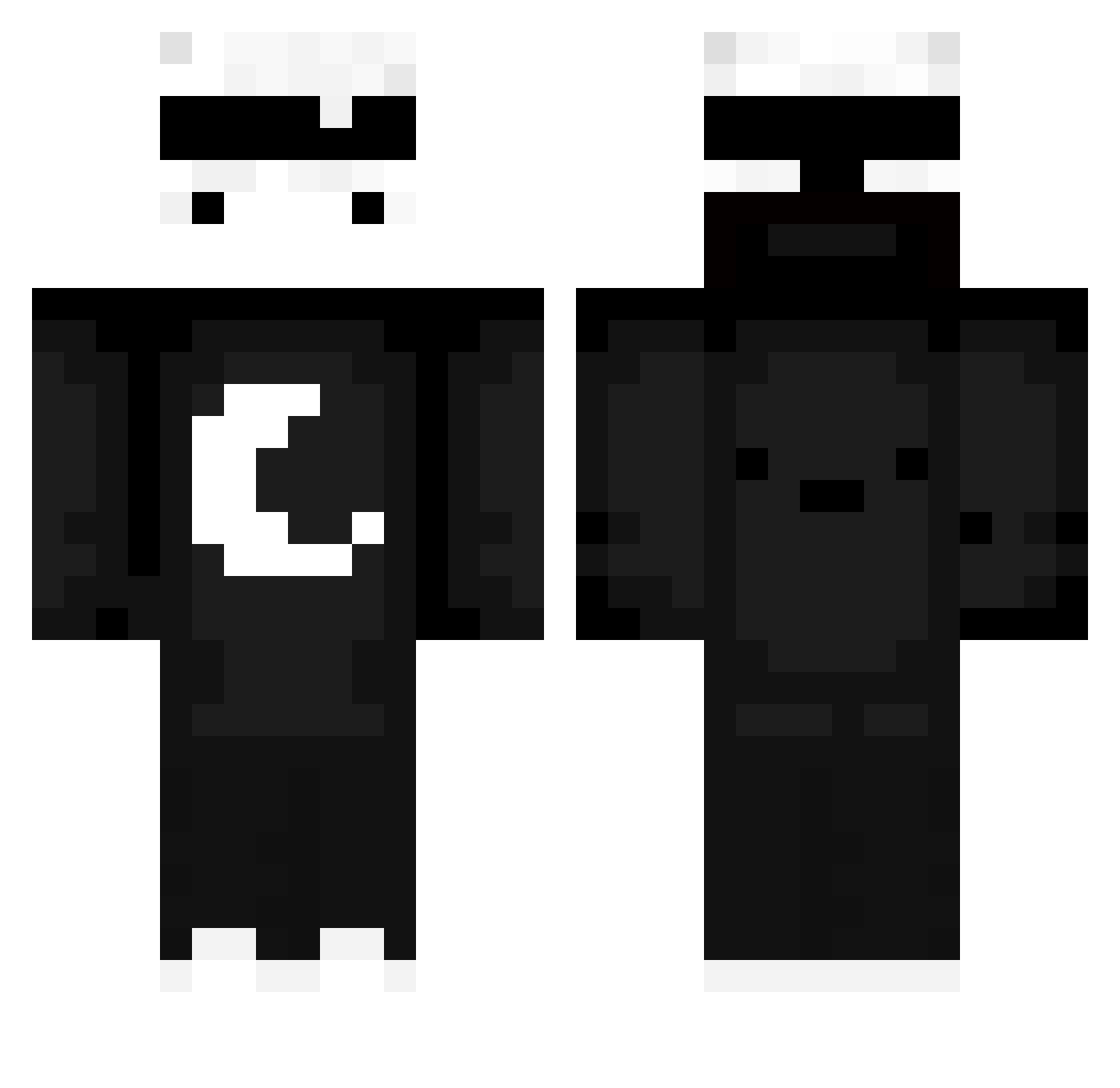
Current Minecraft skin of the player SndCritical, loaded from the official Mojang API. Rotate the 3D model with your mouse or finger, then download the skin as a PNG file and use it in Minecraft: Bedrock Edition or Java Edition for free. When SndCritical changes their skin, this page updates automatically and the old skin stays in the history below.
Other players with this skin (714)
SndCritical was the 694th player we have seen with this skin, first spotted on 08.11.2026. The same skin was seen on these players. Open a nickname to see their current skin and skin history.
 jeremyli0226 jarrix2 chrisonfire250 Saroboii Sunxile SuperThijs _Karolukas_ bewdibei agusgariib12 Daddy14829 patryk_93 Yibbster yunghotwtr alextode_ GABKAC Tfrost17 Beratkutsay scaroporXD TRes2 Fakuxhpaltencio xXNoT_ARNAVXx Mel0dii IchBinKuBo TheNotSoManicOne L1mBuz1 Daw321 Skarlxx flandory LuuhTrombini VoidElInsano zeko13 kunai7040 xsab777 ZeHo123 zuzakrabik starsky555 SamuelB8758 Breaddk qzqq damianx66 l3ggend_69 sebasxd2747 bradleyu WallyXD231 Stick_1324 martin914 ZELX217 l0pii arita292 iTzLouJou bastien22022 NEP_Bolteon TheDogPremium lucaspeart KoukiQ_Q Azzeox1472 phanzi721 Jompa92 Autistenson theeraphat30
More Moon Minecraft skins
How to install the SndCritical skin
- Press the Download button above to save the skin as a PNG file.
- Minecraft: Bedrock Edition (PE): open the Dressing Room from the main menu (or tap your character → Edit Character), go to Classic Skins → Owned, press the + (new skin) button, choose the downloaded PNG and pick the Classic (Steve) model. Works on PC and mobile; consoles cannot import custom skins.
- Minecraft: Java Edition: open the Minecraft Launcher, go to the Skins tab, click New Skin, load the PNG, pick the Classic (Steve) model and press Save & Use. You can also upload it at minecraft.net → Profile → Change Skin.
The skin does not show up after import - what should I do?
Restart Minecraft and open the Dressing Room again - imported skins sometimes appear only after a restart. Also make sure you selected the imported skin and picked the Classic (Steve) model.
Which model should I choose, Classic or Slim?
This skin is designed for the Classic (Steve) model. If you pick the wrong model, the arms of the skin will look stretched or squeezed.
Is the skin of SndCritical free to download?
Yes. Press Download, save the PNG file and use it in Minecraft: Bedrock Edition or Java Edition - no payment or registration needed. The skin also works on multiplayer servers and Realms.
More skins
Looking for more? Go back to all Minecraft skins and check the top skins of the week, month and all time, or find any player's skin by nickname.