
Skelebones_ - Minecraft Skins & Skin History
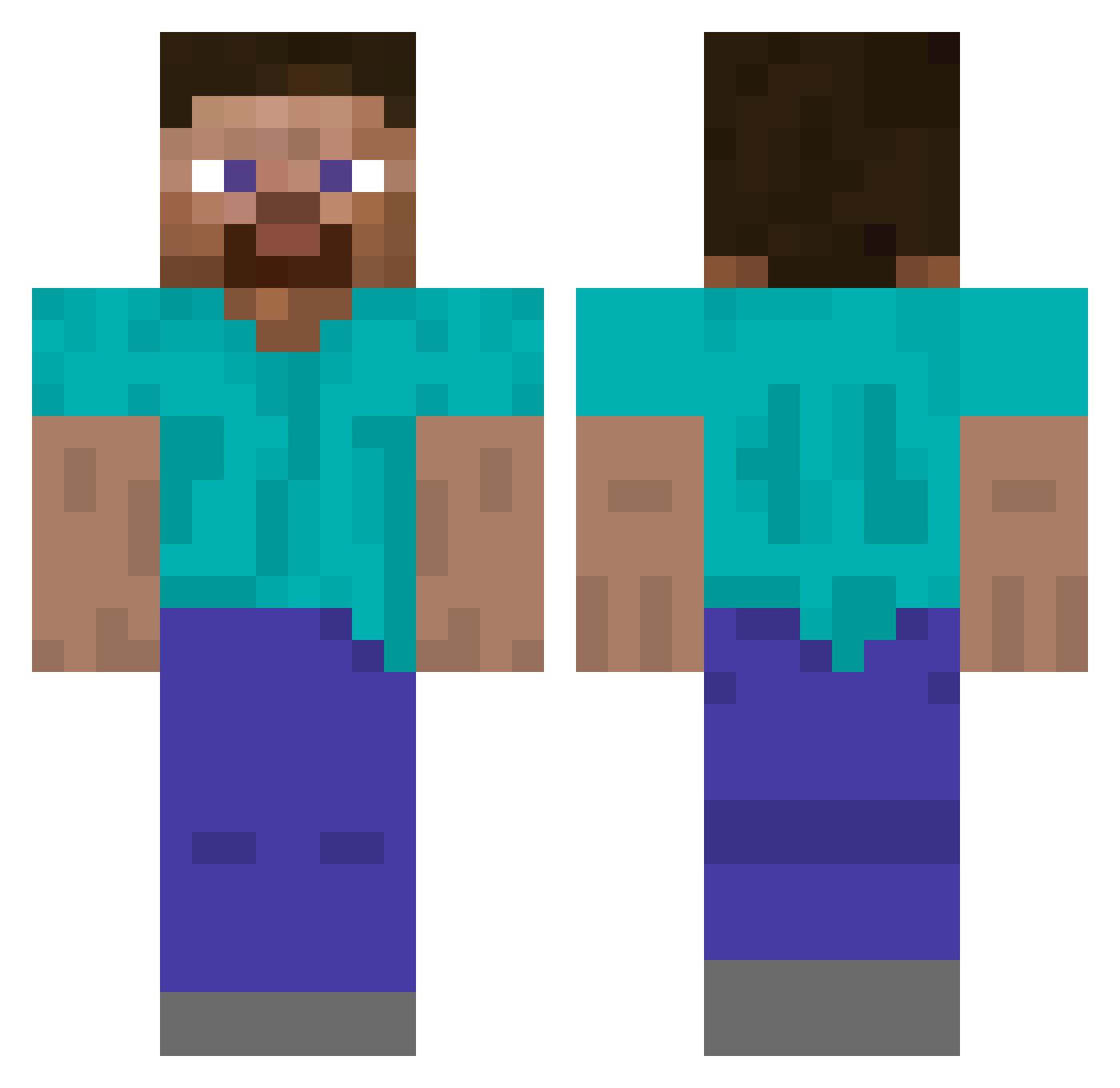
Current Minecraft skin of the player Skelebones_, loaded from the official Mojang API. Rotate the 3D model with your mouse or finger, then download the skin as a PNG file and use it in Minecraft: Bedrock Edition or Java Edition for free. When Skelebones_ changes their skin, this page updates automatically and the old skin stays in the history below.
Other players with this skin (554)
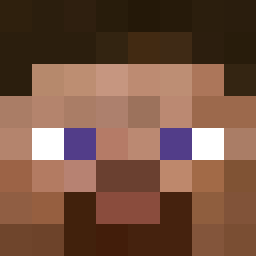
Skelebones_ was the 403rd player we have seen with this skin, first spotted on 13.10.2026. The same skin was seen on these players. Open a nickname to see their current skin and skin history.
 Eter16 ladaliska jongebeni PigWithaSig zeroboxer jojja83 StepSecret JasBrzoza Metrocop1376 Buehlero CatloverUWU8cats BarkourDoge2 ray18 o0Enigma0o jerrytequila Befi99 crafty3317 Le_vrai_Steve AdolfHitler10 MareiV hubi150 Numis_BZH RajPodge Oatmeal_13 Annalikesrocks Spubple LungaFermata Rickcraft24 Allozaur L0rdFarkut Gardiax ijaSKY dadounfamily luigigijs GabaSilva Grigoropoulos BlessedRelief rfxhd1617 Armijos28 bitburger49 NeewyYT WAKUWAKUMAN _Datim 888ping JesusOfSuburbia prolegend16 rysiugigaszefito P1llupora Kuroba0001 PeanutMule BlackAsian111 t2ka Mrmanbaby majesticow5607 morgengrau rory274 eliotoroboto MILOTOJPN Guest12345 NumisBZH
How to install the Skelebones_ skin
- Press the Download button above to save the skin as a PNG file.
- Minecraft: Bedrock Edition (PE): open the Dressing Room from the main menu (or tap your character → Edit Character), go to Classic Skins → Owned, press the + (new skin) button, choose the downloaded PNG and pick the Classic (Steve) model. Works on PC and mobile; consoles cannot import custom skins.
- Minecraft: Java Edition: open the Minecraft Launcher, go to the Skins tab, click New Skin, load the PNG, pick the Classic (Steve) model and press Save & Use. You can also upload it at minecraft.net → Profile → Change Skin.
The skin does not show up after import - what should I do?
Restart Minecraft and open the Dressing Room again - imported skins sometimes appear only after a restart. Also make sure you selected the imported skin and picked the Classic (Steve) model.
Which model should I choose, Classic or Slim?
This skin is designed for the Classic (Steve) model. If you pick the wrong model, the arms of the skin will look stretched or squeezed.
Is the skin of Skelebones_ free to download?
Yes. Press Download, save the PNG file and use it in Minecraft: Bedrock Edition or Java Edition - no payment or registration needed. The skin also works on multiplayer servers and Realms.
More skins
Looking for more? Go back to all Minecraft skins and check the top skins of the week, month and all time, or find any player's skin by nickname.