
Rypax92 - Minecraft Skins & Skin History
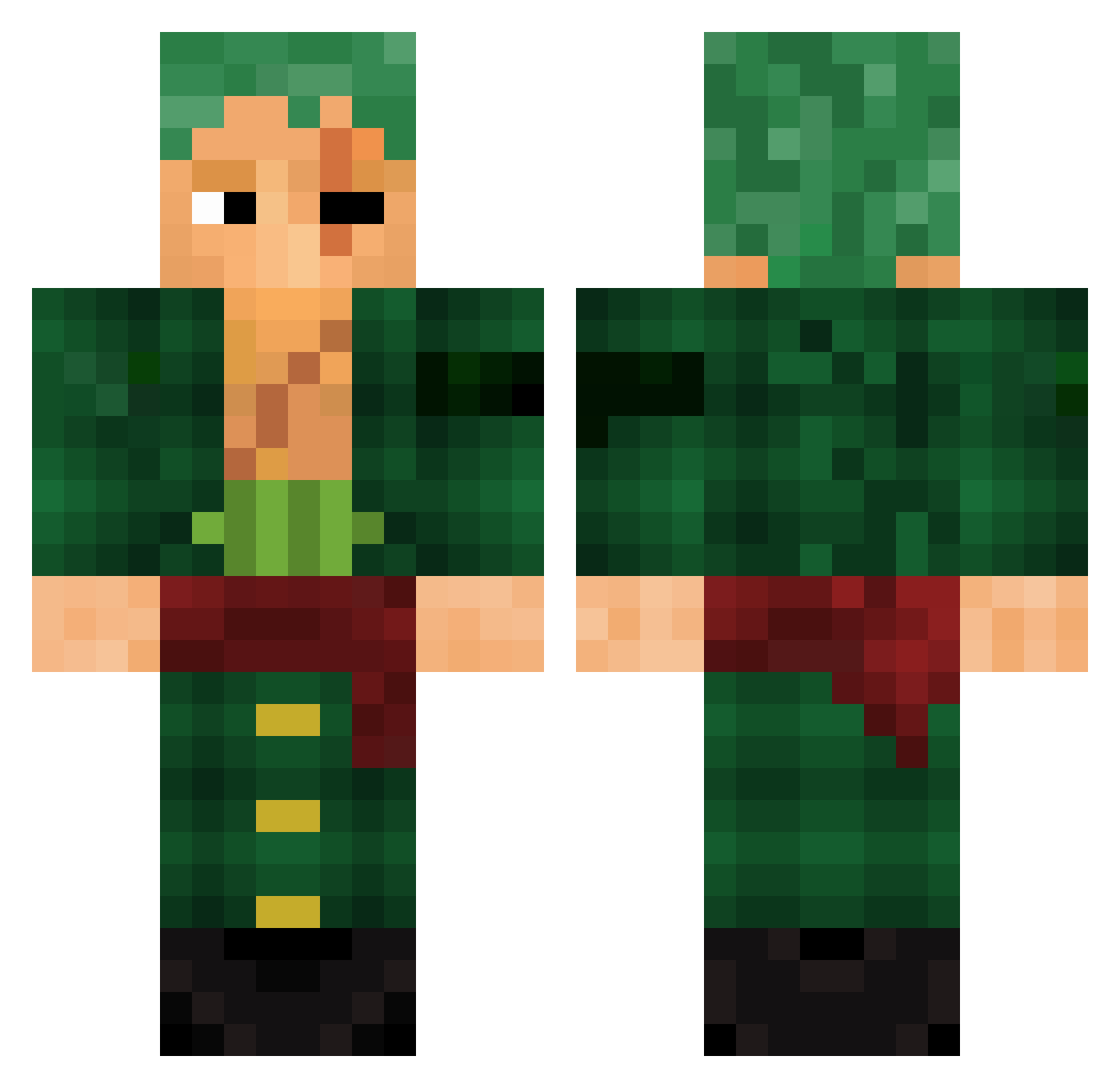
Current Minecraft skin of the player Rypax92, loaded from the official Mojang API. Rotate the 3D model with your mouse or finger, then download the skin as a PNG file and use it in Minecraft: Bedrock Edition or Java Edition for free. When Rypax92 changes their skin, this page updates automatically and the old skin stays in the history below.
Other players with this skin (1001)
Rypax92 was the 897th player we have seen with this skin, first spotted on 31.10.2026. The same skin was seen on these players. Open a nickname to see their current skin and skin history.
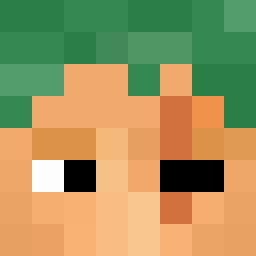 Aniekan210 miguelluppi GODJUAAN BigHaru BluntdeUva seiyounokyoui EvanDaKid Athamny el_chapulin2 TurB0_04 supercoasters_ Targa12345 Aaronito011 LaxerDeSmoker TheoSpnl Kenn9597 CrusaderX5 MareShark SHWABOUJ LONELYEMPIRE18 ke7mend MarshAnonn Baseballwizard zo_om007 Chamsss213 Xbkpoo GaoLyq Fakeiee Clafton Schtievemeister1 ExtremeDiamond CarlosLopes Keikon24 skin0383 Tiberos DzonRamboo Ror0noaZor0 Vouimann Draghetto99 Harrisolo TurtleMeister05 MaxGod007 purplegremlin01 Melio__X Stryker1227 Socates KidCaribou Deathall Shiraz77 Snowwxim JUFEGAAM sanji94 RastaTable casado2 BackTo_Lobby PepitoLindo twelvepointbuck MesseRRR Oceanedu62 eajob
More Roronoa Zoro Minecraft skins
See all 351 Roronoa Zoro skins
How to install the Rypax92 skin
- Press the Download button above to save the skin as a PNG file.
- Minecraft: Bedrock Edition (PE): open the Dressing Room from the main menu (or tap your character → Edit Character), go to Classic Skins → Owned, press the + (new skin) button, choose the downloaded PNG and pick the Classic (Steve) model. Works on PC and mobile; consoles cannot import custom skins.
- Minecraft: Java Edition: open the Minecraft Launcher, go to the Skins tab, click New Skin, load the PNG, pick the Classic (Steve) model and press Save & Use. You can also upload it at minecraft.net → Profile → Change Skin.
The skin does not show up after import - what should I do?
Restart Minecraft and open the Dressing Room again - imported skins sometimes appear only after a restart. Also make sure you selected the imported skin and picked the Classic (Steve) model.
Which model should I choose, Classic or Slim?
This skin is designed for the Classic (Steve) model. If you pick the wrong model, the arms of the skin will look stretched or squeezed.
Is the skin of Rypax92 free to download?
Yes. Press Download, save the PNG file and use it in Minecraft: Bedrock Edition or Java Edition - no payment or registration needed. The skin also works on multiplayer servers and Realms.
More skins
Looking for more? Go back to all Minecraft skins and check the top skins of the week, month and all time, or find any player's skin by nickname.