
Ronflex974 - Minecraft Skins & Skin History
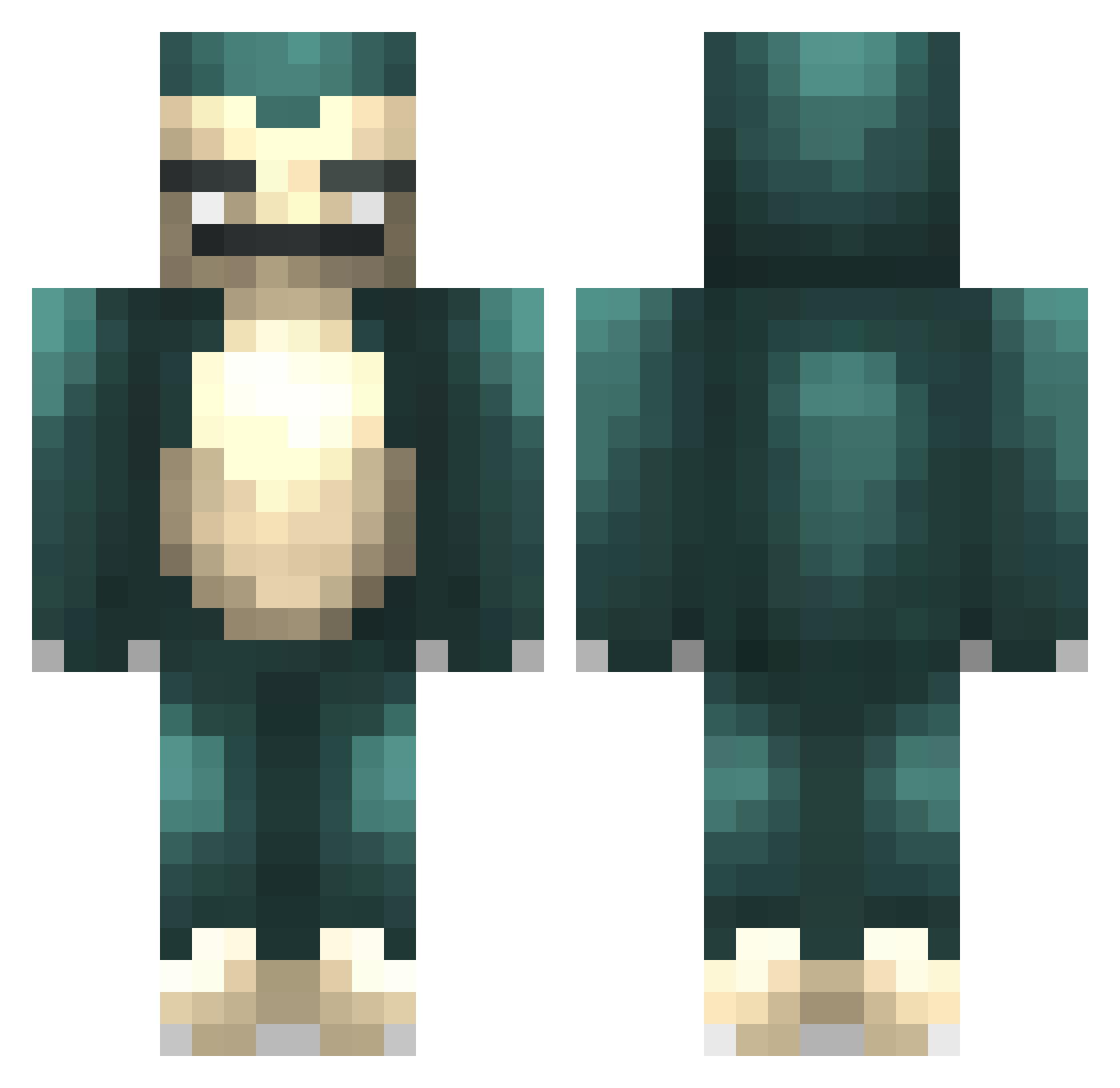
Current Minecraft skin of the player Ronflex974, loaded from the official Mojang API. Rotate the 3D model with your mouse or finger, then download the skin as a PNG file and use it in Minecraft: Bedrock Edition or Java Edition for free. When Ronflex974 changes their skin, this page updates automatically and the old skin stays in the history below.
Other players with this skin (303)
Ronflex974 was the 294th player we have seen with this skin, first spotted on 03.11.2026. The same skin was seen on these players. Open a nickname to see their current skin and skin history.
 Rezhtapopoulos Thundercats_Ho Idose73 niko1f Hiilinaattori Rokinglll DarkDestroyr64 BabywooZee Torrin8o Nex0sis R1TZS2 jpvshoots kalbasu BlackberryOP Alonsinho91 DatGoldenChild Liu_weiting Kazik202 Toxxos Mario41 BigSnorlaxxx silver621 R3LA Sandle_Toes JoKker2305 chaewon__ YT_gamerworld Kellzer WhiteFox444 bon_trbl Demigodz1234 Bum_Nugget Eesa_NS LuckyJR2007 cringezoi waletales Toastedcheezit MinoGelatino Sonechka2709 MisterNormie eatho73 Liquastine 360bobmoore Bunkerjoe Shady_033 lazy_person_ retseemwuob Kobk_e FlabbiestMars ThatBananna nixonnoxin ToasterBuster craakcs CamelotsKnight Rav96 Drackvi Nymiaxen Guzzi17 blocky_stew Douboo
More Snorlax Minecraft skins
How to install the Ronflex974 skin
- Press the Download button above to save the skin as a PNG file.
- Minecraft: Bedrock Edition (PE): open the Dressing Room from the main menu (or tap your character → Edit Character), go to Classic Skins → Owned, press the + (new skin) button, choose the downloaded PNG and pick the Classic (Steve) model. Works on PC and mobile; consoles cannot import custom skins.
- Minecraft: Java Edition: open the Minecraft Launcher, go to the Skins tab, click New Skin, load the PNG, pick the Classic (Steve) model and press Save & Use. You can also upload it at minecraft.net → Profile → Change Skin.
The skin does not show up after import - what should I do?
Restart Minecraft and open the Dressing Room again - imported skins sometimes appear only after a restart. Also make sure you selected the imported skin and picked the Classic (Steve) model.
Which model should I choose, Classic or Slim?
This skin is designed for the Classic (Steve) model. If you pick the wrong model, the arms of the skin will look stretched or squeezed.
Is the skin of Ronflex974 free to download?
Yes. Press Download, save the PNG file and use it in Minecraft: Bedrock Edition or Java Edition - no payment or registration needed. The skin also works on multiplayer servers and Realms.
More skins
Looking for more? Go back to all Minecraft skins and check the top skins of the week, month and all time, or find any player's skin by nickname.