
Rollod - Minecraft Skins & Skin History
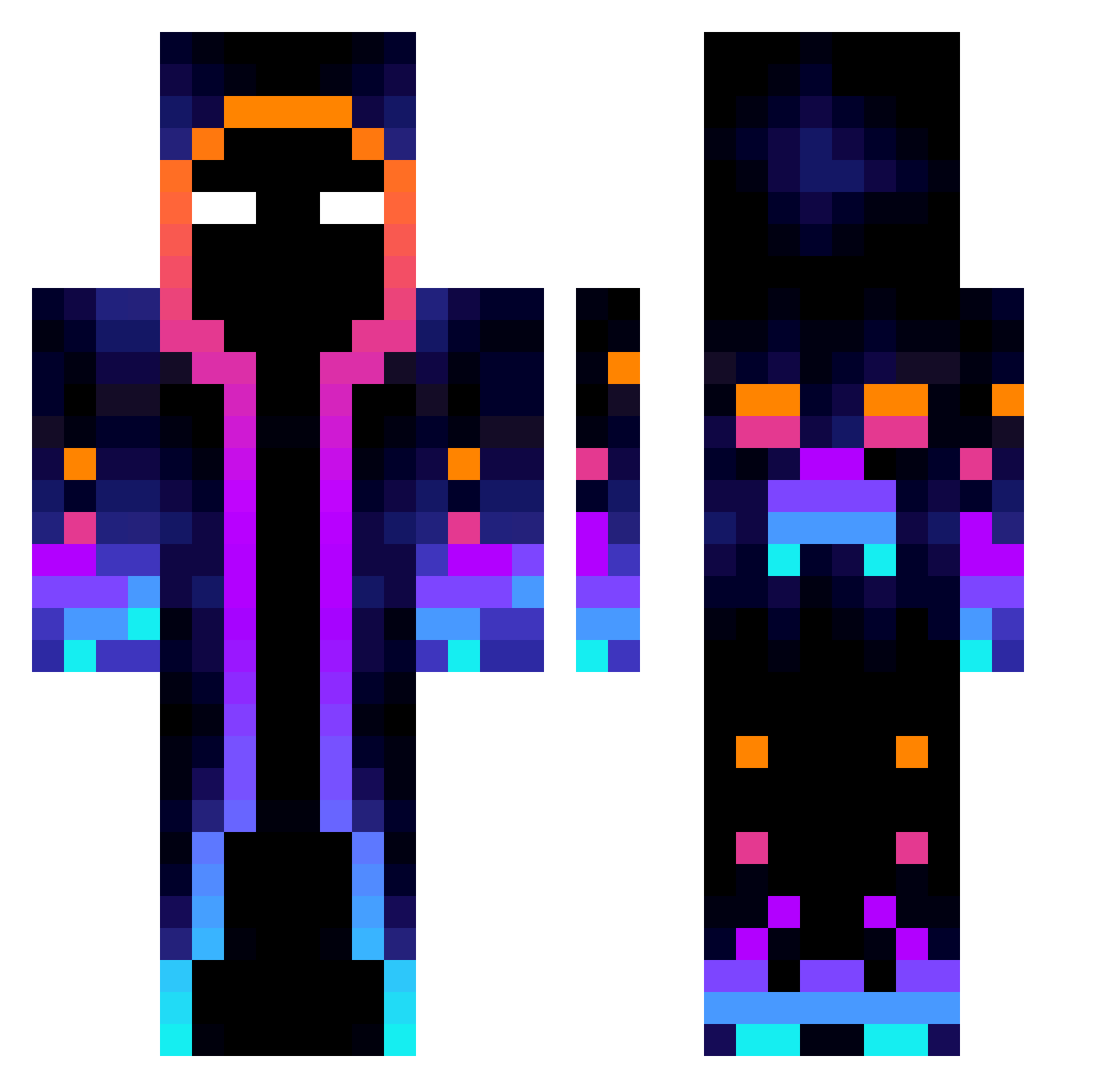
Current Minecraft skin of the player Rollod, loaded from the official Mojang API. Rotate the 3D model with your mouse or finger, then download the skin as a PNG file and use it in Minecraft: Bedrock Edition or Java Edition for free. When Rollod changes their skin, this page updates automatically and the old skin stays in the history below.
Other players with this skin (824)
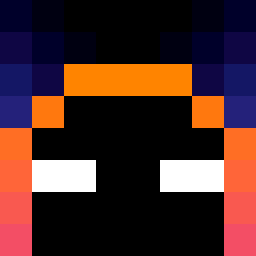
Rollod was the 468th player we have seen with this skin, first spotted on 29.09.2026. The same skin was seen on these players. Open a nickname to see their current skin and skin history.
 Th3Venjer five_and_six MegaDuuG Thematteinator TheBestTutah 6565416 Reload31 MrHuang_TW B4steur Demon_Slayer510 _MrTang_ TheKillerOreo Aku7288 Huzeyfe52 Crawfoas123 Sinde530 SrDuke06 jhkjhj GAMERNINI234 Papasage69 Rjia7 SoLo_Universe nono_1er 3Bertinson32 Bandersn4tch tygajason pixelmorcilla Steffiboy06 BiG_FeNt Rongyu1 Popik35 Ecureuil75 RFenix0220 yop0 CreaingAngel1 cael123456 sheep4200 TaiRRo pkpkw winter_soldier_2 SKY1208 Kecksler AtsukoMiyuki JWLx27 Erick2525 specttrix Alex5XX InCruSio99 dnlemd Qeaw12 SeleZeytini DantteX HannonGT yaatunaa Chrysius TiTlE_SAMA valken1 Lolgooris Clownpierce4559 lilrg
More Galaxy Minecraft skins
How to install the Rollod skin
- Press the Download button above to save the skin as a PNG file.
- Minecraft: Bedrock Edition (PE): open the Dressing Room from the main menu (or tap your character → Edit Character), go to Classic Skins → Owned, press the + (new skin) button, choose the downloaded PNG and pick the Classic (Steve) model. Works on PC and mobile; consoles cannot import custom skins.
- Minecraft: Java Edition: open the Minecraft Launcher, go to the Skins tab, click New Skin, load the PNG, pick the Classic (Steve) model and press Save & Use. You can also upload it at minecraft.net → Profile → Change Skin.
The skin does not show up after import - what should I do?
Restart Minecraft and open the Dressing Room again - imported skins sometimes appear only after a restart. Also make sure you selected the imported skin and picked the Classic (Steve) model.
Which model should I choose, Classic or Slim?
This skin is designed for the Classic (Steve) model. If you pick the wrong model, the arms of the skin will look stretched or squeezed.
Is the skin of Rollod free to download?
Yes. Press Download, save the PNG file and use it in Minecraft: Bedrock Edition or Java Edition - no payment or registration needed. The skin also works on multiplayer servers and Realms.
More skins
Looking for more? Go back to all Minecraft skins and check the top skins of the week, month and all time, or find any player's skin by nickname.