
Rey_san - Minecraft Skins & Skin History
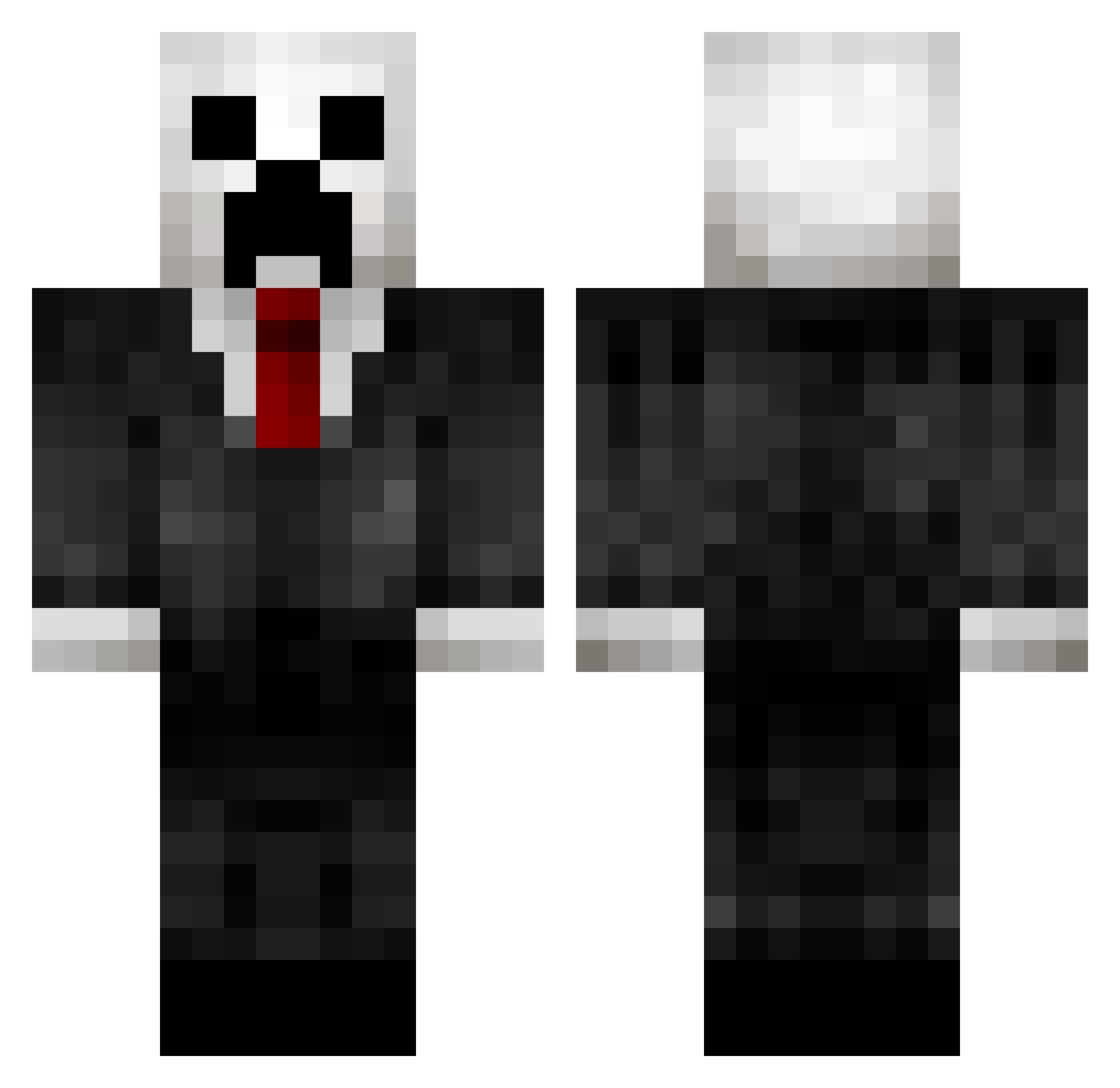
Current Minecraft skin of the player Rey_san, loaded from the official Mojang API. Rotate the 3D model with your mouse or finger, then download the skin as a PNG file and use it in Minecraft: Bedrock Edition or Java Edition for free. When Rey_san changes their skin, this page updates automatically and the old skin stays in the history below.
Other players with this skin (138)
Rey_san was the 108th player we have seen with this skin, first spotted on 19.10.2026. The same skin was seen on these players. Open a nickname to see their current skin and skin history.
 Spikeyten Tehhsolo hzz2003 f3rch0515 Wall_Hunter Thiccz70 cake5031 Koby8777 SirNatas Sampa83 pcrazy123 KingofNothing7 FlowingLeader3 PallyYwY AmirMS79 Yexing_ Dr_Wood_Everglot BLACKDRAGON147 rellsWRLD JCGhh Gregorovsky SebastianTheCrab EgorYTShou klopsik9 Belthier Pink_Pig12 Ai44 o1_1 durultan AthenaSniper6942 Gaven1000 Tru3Da8 JackWang669 REN_5511 Bahia30 asim_69 Riyuriki jogggg SmileDISGUISE B1g_Mysterious NanXovO Kookerz Lison79 LilScoobert Drais285 Mighty_Mack Erxall Kuming Jep01 kersene Kevindc101 jakobatplay Ogdalf playgin Godzzc _Microwave__ Lt_Squidy HassanETO mareczeq11012137 FrozenBlood01
More Creeper Minecraft skins
How to install the Rey_san skin
- Press the Download button above to save the skin as a PNG file.
- Minecraft: Bedrock Edition (PE): open the Dressing Room from the main menu (or tap your character → Edit Character), go to Classic Skins → Owned, press the + (new skin) button, choose the downloaded PNG and pick the Classic (Steve) model. Works on PC and mobile; consoles cannot import custom skins.
- Minecraft: Java Edition: open the Minecraft Launcher, go to the Skins tab, click New Skin, load the PNG, pick the Classic (Steve) model and press Save & Use. You can also upload it at minecraft.net → Profile → Change Skin.
The skin does not show up after import - what should I do?
Restart Minecraft and open the Dressing Room again - imported skins sometimes appear only after a restart. Also make sure you selected the imported skin and picked the Classic (Steve) model.
Which model should I choose, Classic or Slim?
This skin is designed for the Classic (Steve) model. If you pick the wrong model, the arms of the skin will look stretched or squeezed.
Is the skin of Rey_san free to download?
Yes. Press Download, save the PNG file and use it in Minecraft: Bedrock Edition or Java Edition - no payment or registration needed. The skin also works on multiplayer servers and Realms.
More skins
Looking for more? Go back to all Minecraft skins and check the top skins of the week, month and all time, or find any player's skin by nickname.