
Pureblood_Alpha - Minecraft Skins & Skin History
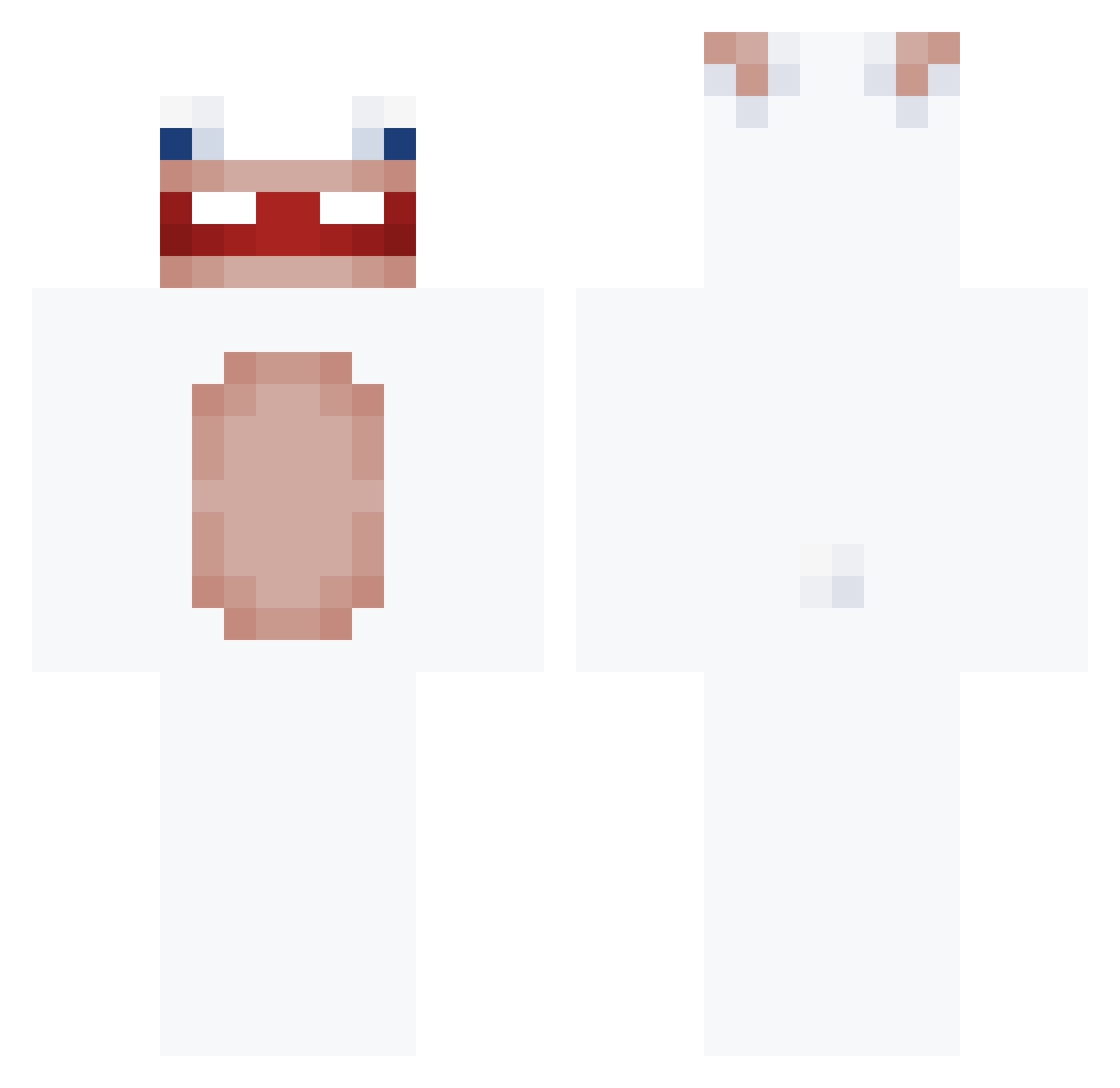
Current Minecraft skin of the player Pureblood_Alpha, loaded from the official Mojang API. Rotate the 3D model with your mouse or finger, then download the skin as a PNG file and use it in Minecraft: Bedrock Edition or Java Edition for free. When Pureblood_Alpha changes their skin, this page updates automatically and the old skin stays in the history below.
Other players with this skin (168)
Pureblood_Alpha was the 131st player we have seen with this skin, first spotted on 21.10.2026. The same skin was seen on these players. Open a nickname to see their current skin and skin history.
 SuzyTansley t2chNo5 ManolOO0 peacefullll Laysgui Ursaina Neverrealised 00aov SorinelCoronel elponzo Atomic_Fadez KimEnter DanimitoPlayYT torokang Mago_Mestre PapitoMateito MASAA666 HushDurian ZZZelene Scravz facefuga UH4M k4r1muu ashbbq0909 highfear sSynix1 natko621 i0akiI bapk duplexdron RealSigma11 enternameo_0 TaoBen_05 AbsurbRain dxhee12 NlSanty BrOzWa FaliuxGG Non4Qui csomi12 Alexyoloo zzieo 9coems9 zzang1004 kingkoncoyke Cr4zykill3r zangooh Just_Pr jam2929 LostInReality MillkMyMerc ikeabagvr XxSpeczyxX Lawnari J0nathn ConejoPlayero XxPedroZz Krull_ sedated01 szemq753
More Rabbids Minecraft skins
How to install the Pureblood_Alpha skin
- Press the Download button above to save the skin as a PNG file.
- Minecraft: Bedrock Edition (PE): open the Dressing Room from the main menu (or tap your character → Edit Character), go to Classic Skins → Owned, press the + (new skin) button, choose the downloaded PNG and pick the Classic (Steve) model. Works on PC and mobile; consoles cannot import custom skins.
- Minecraft: Java Edition: open the Minecraft Launcher, go to the Skins tab, click New Skin, load the PNG, pick the Classic (Steve) model and press Save & Use. You can also upload it at minecraft.net → Profile → Change Skin.
The skin does not show up after import - what should I do?
Restart Minecraft and open the Dressing Room again - imported skins sometimes appear only after a restart. Also make sure you selected the imported skin and picked the Classic (Steve) model.
Which model should I choose, Classic or Slim?
This skin is designed for the Classic (Steve) model. If you pick the wrong model, the arms of the skin will look stretched or squeezed.
Is the skin of Pureblood_Alpha free to download?
Yes. Press Download, save the PNG file and use it in Minecraft: Bedrock Edition or Java Edition - no payment or registration needed. The skin also works on multiplayer servers and Realms.
More skins
Looking for more? Go back to all Minecraft skins and check the top skins of the week, month and all time, or find any player's skin by nickname.