
Pikameww - Minecraft Skins & Skin History
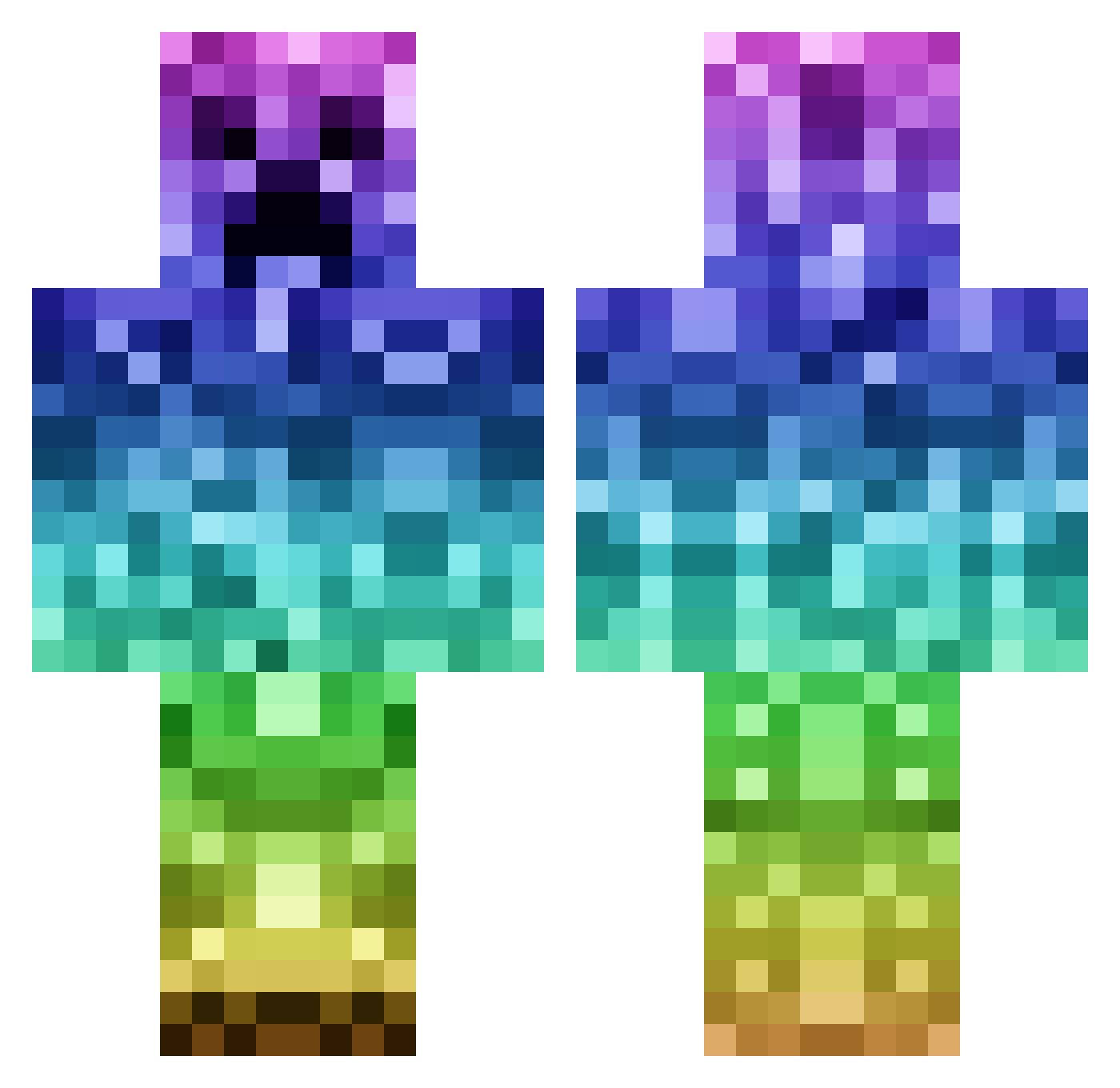
Current Minecraft skin of the player Pikameww, loaded from the official Mojang API. Rotate the 3D model with your mouse or finger, then download the skin as a PNG file and use it in Minecraft: Bedrock Edition or Java Edition for free. When Pikameww changes their skin, this page updates automatically and the old skin stays in the history below.
Other players with this skin (1142)
Pikameww was the 961st player we have seen with this skin, first spotted on 23.10.2026. The same skin was seen on these players. Open a nickname to see their current skin and skin history.
 jjfootball1 msandvig HoneyBadger97 BigMonkeyMan142 MinnKinn ethanthelad leahplayz2018 gators04 Stephanie123P DivineSyndicate helong25 Notti456 connorisaking LegendaryKapycta cambrensis DoctorYolo awashpizza zchamp55 jakob287 FatBlackGinger night_hawk333 Muggel100 T_BoneAT NINJ4JELLYTOT thepeanut45 sammysock Treecreep TheCreeperGR MiniMcleod JnS_YT BravesFirst scottishbuley Buttholebobby Jack_Mac_2004 SkateSurfH20 Ramoncervantes HIY1 tommynoworries CrazyKeyz123 melo2424 Dooder143 backy28 amputated AmericanPhoenix juanirey DavidTheTurtle velascodaniel JUSUL14 Snail786 Nefnii alex290906 Regenbogenspiele ZeroPancake mixmemprop U_S_MARINE epicnube jaws4242 iwant2fly HOBOhedgehog navajo121
More Rainbow Minecraft skins
How to install the Pikameww skin
- Press the Download button above to save the skin as a PNG file.
- Minecraft: Bedrock Edition (PE): open the Dressing Room from the main menu (or tap your character → Edit Character), go to Classic Skins → Owned, press the + (new skin) button, choose the downloaded PNG and pick the Classic (Steve) model. Works on PC and mobile; consoles cannot import custom skins.
- Minecraft: Java Edition: open the Minecraft Launcher, go to the Skins tab, click New Skin, load the PNG, pick the Classic (Steve) model and press Save & Use. You can also upload it at minecraft.net → Profile → Change Skin.
The skin does not show up after import - what should I do?
Restart Minecraft and open the Dressing Room again - imported skins sometimes appear only after a restart. Also make sure you selected the imported skin and picked the Classic (Steve) model.
Which model should I choose, Classic or Slim?
This skin is designed for the Classic (Steve) model. If you pick the wrong model, the arms of the skin will look stretched or squeezed.
Is the skin of Pikameww free to download?
Yes. Press Download, save the PNG file and use it in Minecraft: Bedrock Edition or Java Edition - no payment or registration needed. The skin also works on multiplayer servers and Realms.
More skins
Looking for more? Go back to all Minecraft skins and check the top skins of the week, month and all time, or find any player's skin by nickname.