
Not_kab - Minecraft Skins & Skin History
Current Minecraft skin of the player Not_kab, loaded from the official Mojang API. Rotate the 3D model with your mouse or finger, then download the skin as a PNG file and use it in Minecraft: Bedrock Edition or Java Edition for free. When Not_kab changes their skin, this page updates automatically and the old skin stays in the history below.
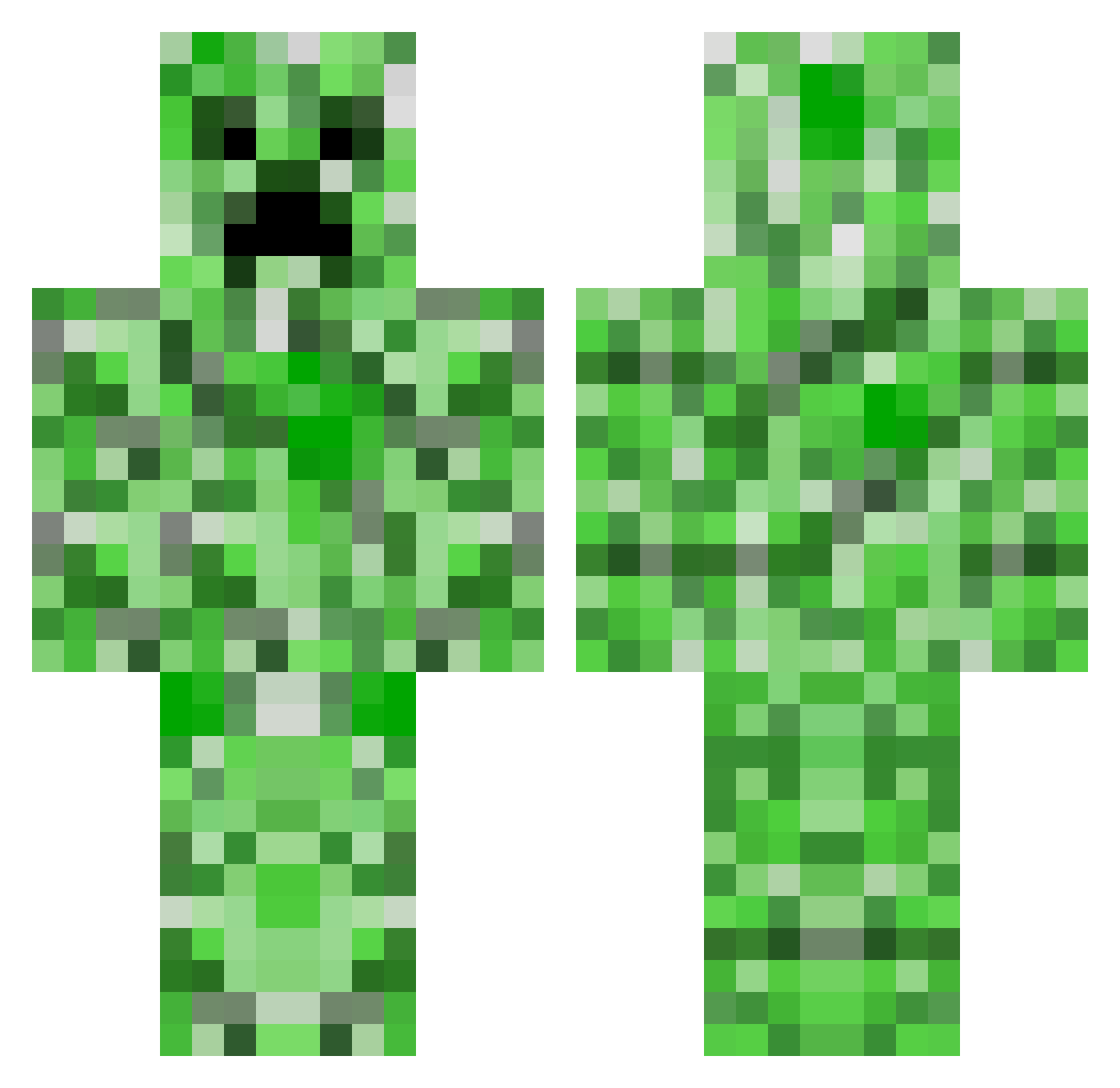
Other players with this skin (45)
Not_kab was the 36th player we have seen with this skin, first spotted on 19.10.2026. The same skin was seen on these players. Open a nickname to see their current skin and skin history.
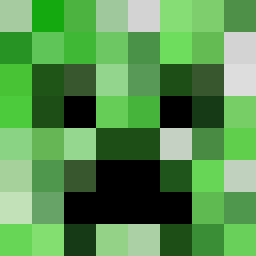 Chilliam1 Slendermantx AFK dplk Renzini ikbarl123 _NYKD54_ MxrcelMC MikaVDM SunkRug42 yexko Cael_Creeper_1 Rain_YuSi boostib Wojtek14 UrMomXe Repurge zkeh1220 HardcoreSecs uloruh Rainer_Winkler3 RapperBurrito79 MeekZz1 Superaitorrrrr kri_pl WonderDonderDing Its_JoshYT MinK_CH YuKi_Snows villager129399 KAWINCE
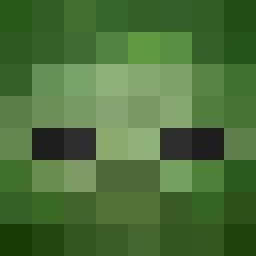 asuhod METCUSTOM 3SecondsCut FreddieKyro meotkt234 AtristicOrca DanIsPhat rlacksdbs Creepermaster443 CraigJKelly M1K3_ De_Cook EnderArthur HughJayness420
More Creeper Minecraft skins
How to install the Not_kab skin
- Press the Download button above to save the skin as a PNG file.
- Minecraft: Bedrock Edition (PE): open the Dressing Room from the main menu (or tap your character → Edit Character), go to Classic Skins → Owned, press the + (new skin) button, choose the downloaded PNG and pick the Classic (Steve) model. Works on PC and mobile; consoles cannot import custom skins.
- Minecraft: Java Edition: open the Minecraft Launcher, go to the Skins tab, click New Skin, load the PNG, pick the Classic (Steve) model and press Save & Use. You can also upload it at minecraft.net → Profile → Change Skin.
The skin does not show up after import - what should I do?
Restart Minecraft and open the Dressing Room again - imported skins sometimes appear only after a restart. Also make sure you selected the imported skin and picked the Classic (Steve) model.
Which model should I choose, Classic or Slim?
This skin is designed for the Classic (Steve) model. If you pick the wrong model, the arms of the skin will look stretched or squeezed.
Is the skin of Not_kab free to download?
Yes. Press Download, save the PNG file and use it in Minecraft: Bedrock Edition or Java Edition - no payment or registration needed. The skin also works on multiplayer servers and Realms.
More skins
Looking for more? Go back to all Minecraft skins and check the top skins of the week, month and all time, or find any player's skin by nickname.