
Nathaninazuma - Minecraft Skins & Skin History
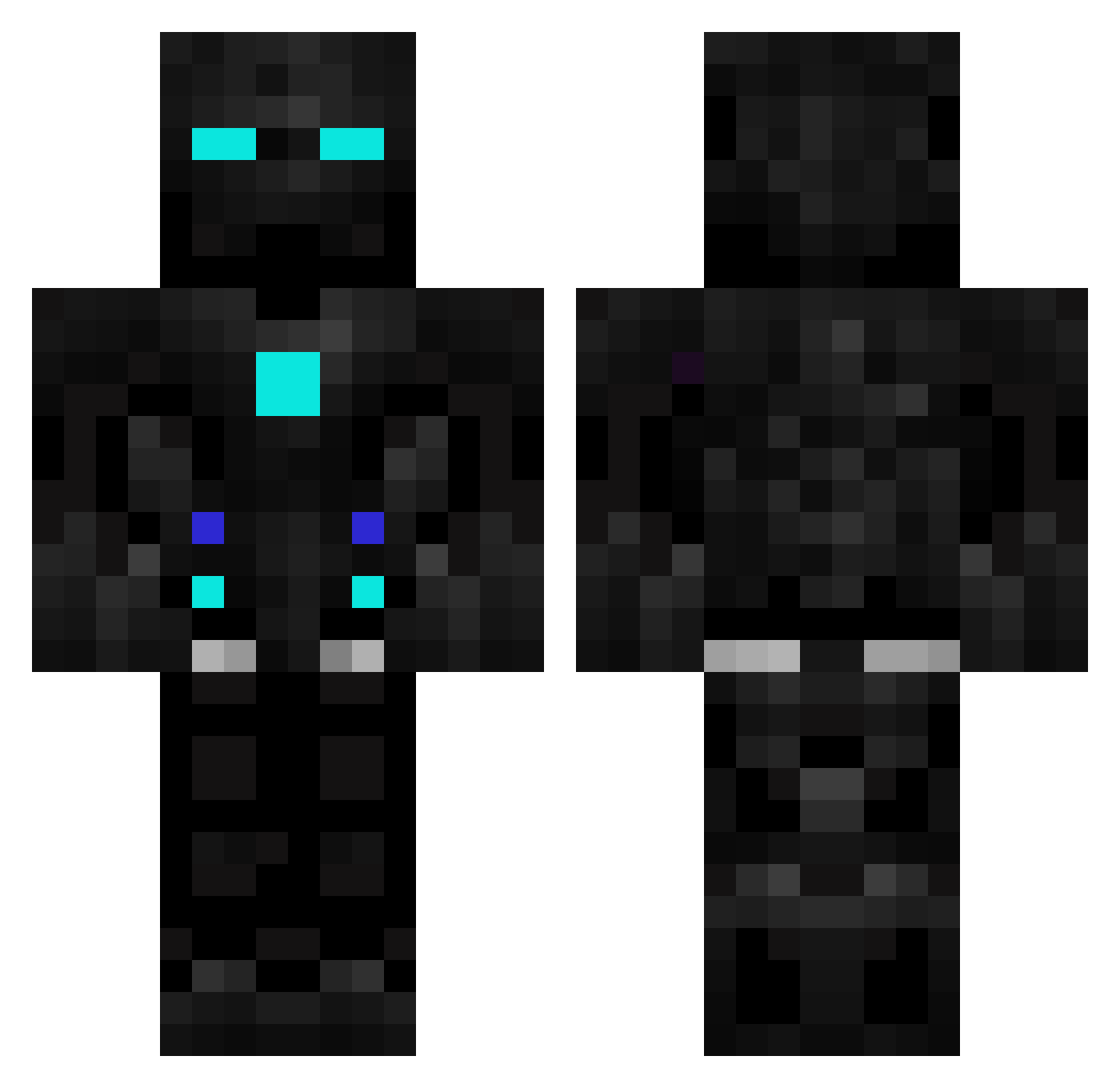
Current Minecraft skin of the player Nathaninazuma, loaded from the official Mojang API. Rotate the 3D model with your mouse or finger, then download the skin as a PNG file and use it in Minecraft: Bedrock Edition or Java Edition for free. When Nathaninazuma changes their skin, this page updates automatically and the old skin stays in the history below.
Other players with this skin (601)
Nathaninazuma was the 479th player we have seen with this skin, first spotted on 20.10.2026. The same skin was seen on these players. Open a nickname to see their current skin and skin history.
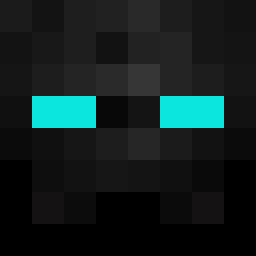 verxzdroxz YoungTerminator D1eg026 Tp_page1 LycoltMC serkus34 SirGreggor Agent_Cooldown CaesarKoala orelitos mdugan EndermanH22 SoleTomasXD Nickdarsh1 Joszlia Blaster222 pomocnik007 FATALITY443 AkiharuGaming Capomastah SM23615 Littelmask BaDMuNdA Hetrix48 XxNAWARxX B00M3R1382 ProofRookie Endermen1812 Escaleider Mobin1234 Octozero neilrp42 SniperOnJoe MagicWave487074 22KSK22 ClappedBy_ymcool ElchKira29 Stuti_ T_ruble RollerMystic emirtosko2 Astroworld27 Mr_Dino77 VijayGuleria thepython232 DevilDino4444 robotic_2 SAVAGExxJOKER OxyInfusion OaktownBaron NightFuryTR Issa_N SullyTM mcbuilder2024 RipplinTV Gab1daf fuad09876 cyborg_waffle Rixo_ Sleek_Cosmonaut
More Robot Minecraft skins
How to install the Nathaninazuma skin
- Press the Download button above to save the skin as a PNG file.
- Minecraft: Bedrock Edition (PE): open the Dressing Room from the main menu (or tap your character → Edit Character), go to Classic Skins → Owned, press the + (new skin) button, choose the downloaded PNG and pick the Classic (Steve) model. Works on PC and mobile; consoles cannot import custom skins.
- Minecraft: Java Edition: open the Minecraft Launcher, go to the Skins tab, click New Skin, load the PNG, pick the Classic (Steve) model and press Save & Use. You can also upload it at minecraft.net → Profile → Change Skin.
The skin does not show up after import - what should I do?
Restart Minecraft and open the Dressing Room again - imported skins sometimes appear only after a restart. Also make sure you selected the imported skin and picked the Classic (Steve) model.
Which model should I choose, Classic or Slim?
This skin is designed for the Classic (Steve) model. If you pick the wrong model, the arms of the skin will look stretched or squeezed.
Is the skin of Nathaninazuma free to download?
Yes. Press Download, save the PNG file and use it in Minecraft: Bedrock Edition or Java Edition - no payment or registration needed. The skin also works on multiplayer servers and Realms.
More skins
Looking for more? Go back to all Minecraft skins and check the top skins of the week, month and all time, or find any player's skin by nickname.