
MrMusee - Minecraft Skins & Skin History
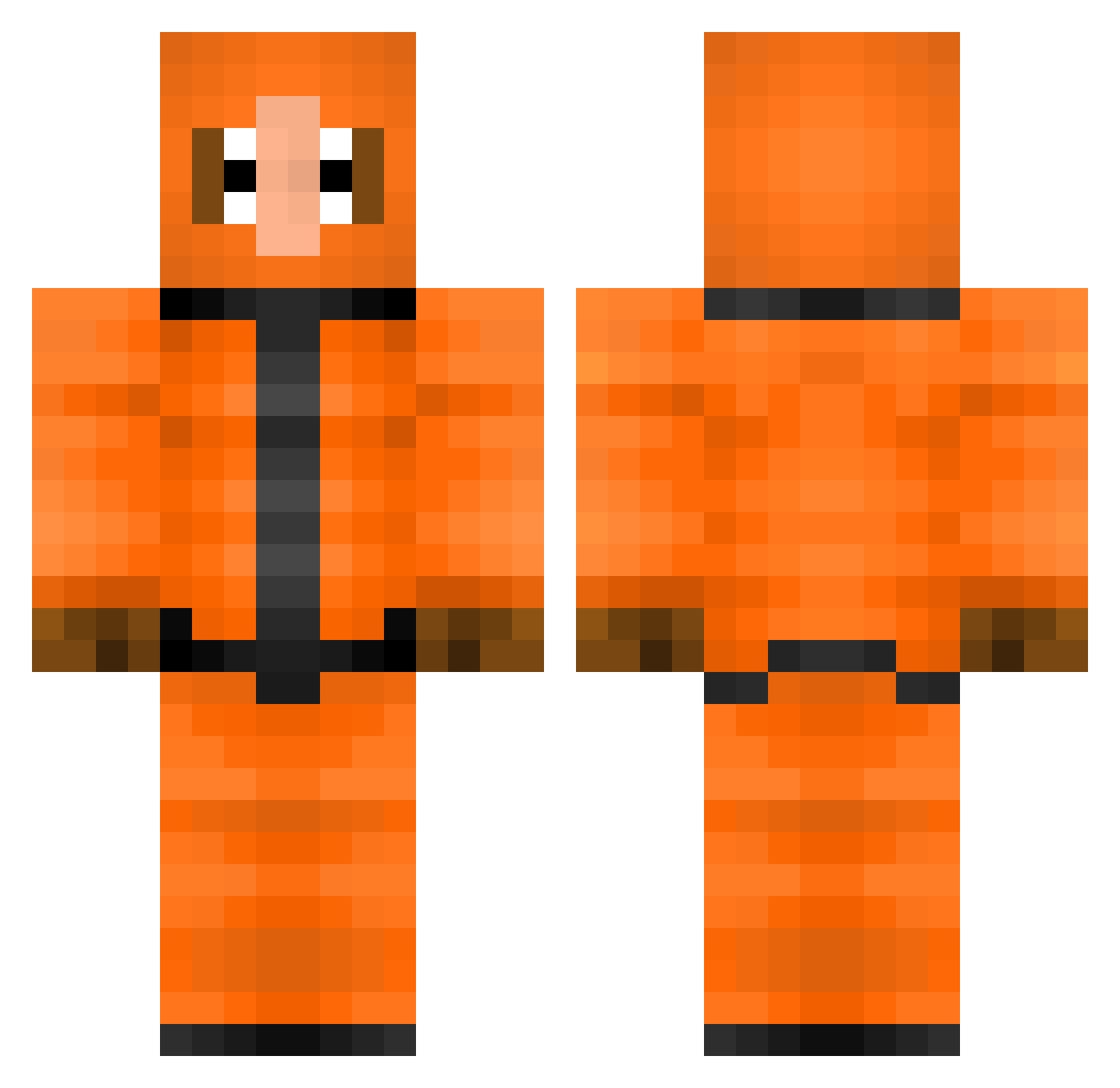
Current Minecraft skin of the player MrMusee, loaded from the official Mojang API. Rotate the 3D model with your mouse or finger, then download the skin as a PNG file and use it in Minecraft: Bedrock Edition or Java Edition for free. When MrMusee changes their skin, this page updates automatically and the old skin stays in the history below.
Other players with this skin (245)
MrMusee was the 212th player we have seen with this skin, first spotted on 24.10.2026. The same skin was seen on these players. Open a nickname to see their current skin and skin history.
 Wasabifrog saphy3 highwoltedpirke chaseleigh06 Paco4235 DrMrLogan87 LocalCatGirl333 SlickGD spitzkopflarry06 GhostHMSM KillerMx69 kennyneverdies nikaoazambujaa Just_Vibing313 Punkyiu Anonim7x7 tce11 Bled76 Scipions Aggrokey I_AM_SPIKE Tyronderking yvngnali PVMetal hasjblokje Dieghito2222 tonton_fritos ytfgdh BOOZOOZ SpectrumR Sandhurst YKenny wolfie814 spicychickennug6 PauLicorice Magnaaa ZiU03 McFlurry45 Twannn420 UnGenesis92 DefectvH Haselnutz JuValju Varsie TKDaGoat McMei flaretrippin Kenny_S2 pridumay VeryMid Levin_edm GoodGuyGah Coove69 Dave69_ axLmk JimmyPop85 bntz spiral1ng Back1nblack HattyTV
More Kenny Mccormick Minecraft skins
See all 79 Kenny Mccormick skins
How to install the MrMusee skin
- Press the Download button above to save the skin as a PNG file.
- Minecraft: Bedrock Edition (PE): open the Dressing Room from the main menu (or tap your character → Edit Character), go to Classic Skins → Owned, press the + (new skin) button, choose the downloaded PNG and pick the Classic (Steve) model. Works on PC and mobile; consoles cannot import custom skins.
- Minecraft: Java Edition: open the Minecraft Launcher, go to the Skins tab, click New Skin, load the PNG, pick the Classic (Steve) model and press Save & Use. You can also upload it at minecraft.net → Profile → Change Skin.
The skin does not show up after import - what should I do?
Restart Minecraft and open the Dressing Room again - imported skins sometimes appear only after a restart. Also make sure you selected the imported skin and picked the Classic (Steve) model.
Which model should I choose, Classic or Slim?
This skin is designed for the Classic (Steve) model. If you pick the wrong model, the arms of the skin will look stretched or squeezed.
Is the skin of MrMusee free to download?
Yes. Press Download, save the PNG file and use it in Minecraft: Bedrock Edition or Java Edition - no payment or registration needed. The skin also works on multiplayer servers and Realms.
More skins
Looking for more? Go back to all Minecraft skins and check the top skins of the week, month and all time, or find any player's skin by nickname.