
MrBoizo - Minecraft Skins & Skin History
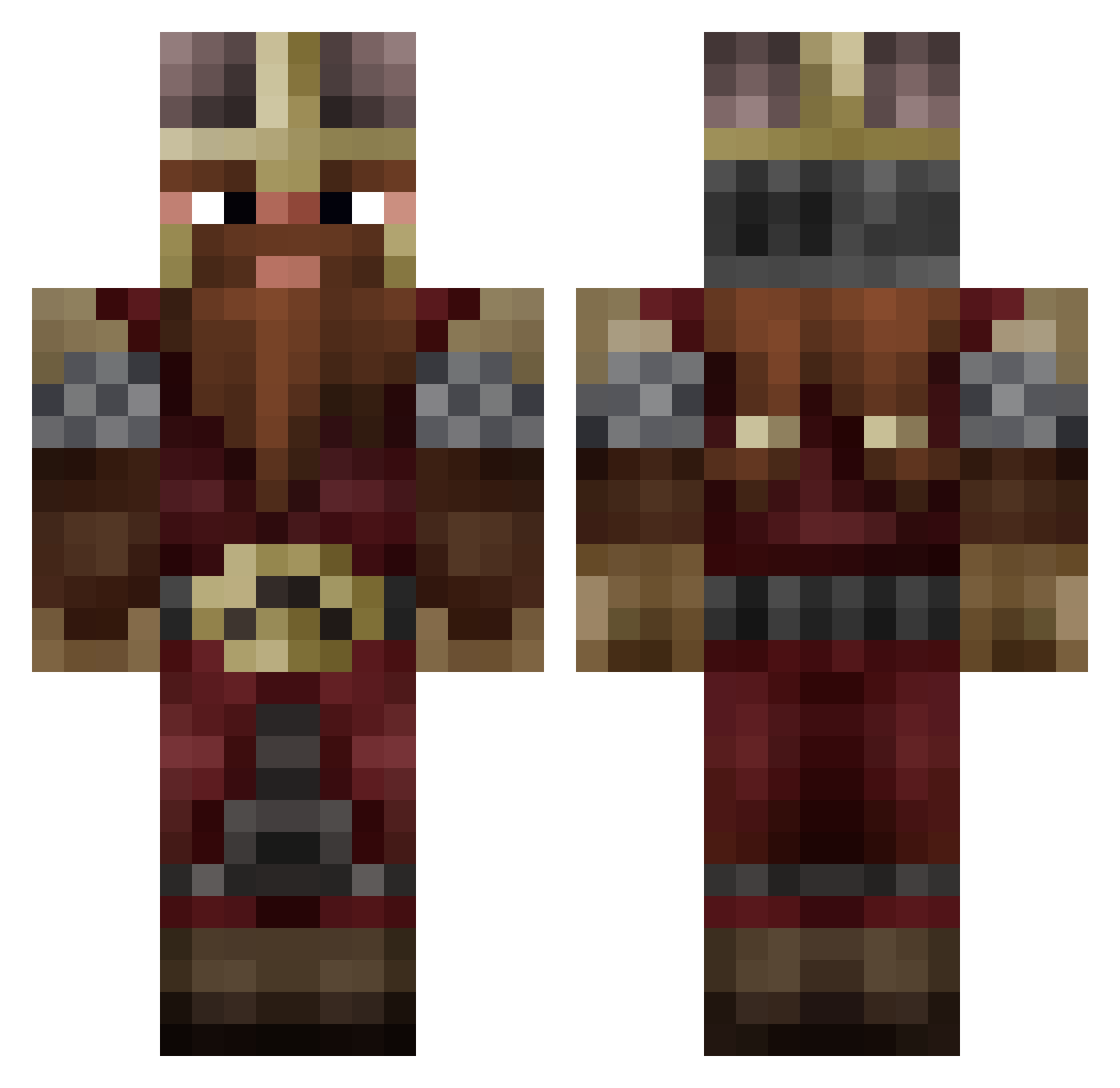
Current Minecraft skin of the player MrBoizo, loaded from the official Mojang API. Rotate the 3D model with your mouse or finger, then download the skin as a PNG file and use it in Minecraft: Bedrock Edition or Java Edition for free. When MrBoizo changes their skin, this page updates automatically and the old skin stays in the history below.
Other players with this skin (1028)
MrBoizo was the 943rd player we have seen with this skin, first spotted on 03.11.2026. The same skin was seen on these players. Open a nickname to see their current skin and skin history.
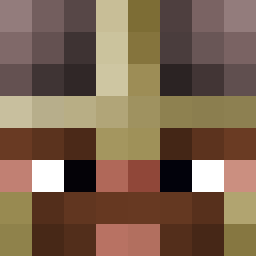 Weargoss Gnomax77 Levy_attends Stasiek Quidith Genocidal_Jawa GimliLeNain SLRkingRing MrJoykinYT CPXX_MANAGER Ulf_Thorbjorn BravoClab microayse12 Blacky2510 Pozzezzed Wbeni Ior83 xKese davidlegay Schnitzelweck Nairod81400 Kabootops Mruwczak MrSaibott Roggenmischbrot7 Bertimaeuss Hassmaster Warparri Spyro7x Catch23_ GhostKiller_7 AliazQ Zerte59 OBEXXX zVarani Gadfire lesnainsposteurs Luodvic1 Seimu37 N0octis Fanours sad_papa Seigneur_Nain TheNewOldSchool SoJist_25 Rafikyus Codiak14 BK_Serious ToTox99 ElGolum marjodomo killian66 yoda3997 egor9233 Ethylowy Nar_cis BarbaMartello Affilon tacogeorge MurieC
More Dwarf Minecraft skins
How to install the MrBoizo skin
- Press the Download button above to save the skin as a PNG file.
- Minecraft: Bedrock Edition (PE): open the Dressing Room from the main menu (or tap your character → Edit Character), go to Classic Skins → Owned, press the + (new skin) button, choose the downloaded PNG and pick the Classic (Steve) model. Works on PC and mobile; consoles cannot import custom skins.
- Minecraft: Java Edition: open the Minecraft Launcher, go to the Skins tab, click New Skin, load the PNG, pick the Classic (Steve) model and press Save & Use. You can also upload it at minecraft.net → Profile → Change Skin.
The skin does not show up after import - what should I do?
Restart Minecraft and open the Dressing Room again - imported skins sometimes appear only after a restart. Also make sure you selected the imported skin and picked the Classic (Steve) model.
Which model should I choose, Classic or Slim?
This skin is designed for the Classic (Steve) model. If you pick the wrong model, the arms of the skin will look stretched or squeezed.
Is the skin of MrBoizo free to download?
Yes. Press Download, save the PNG file and use it in Minecraft: Bedrock Edition or Java Edition - no payment or registration needed. The skin also works on multiplayer servers and Realms.
More skins
Looking for more? Go back to all Minecraft skins and check the top skins of the week, month and all time, or find any player's skin by nickname.