
Moosh_Mar - Minecraft Skins & Skin History
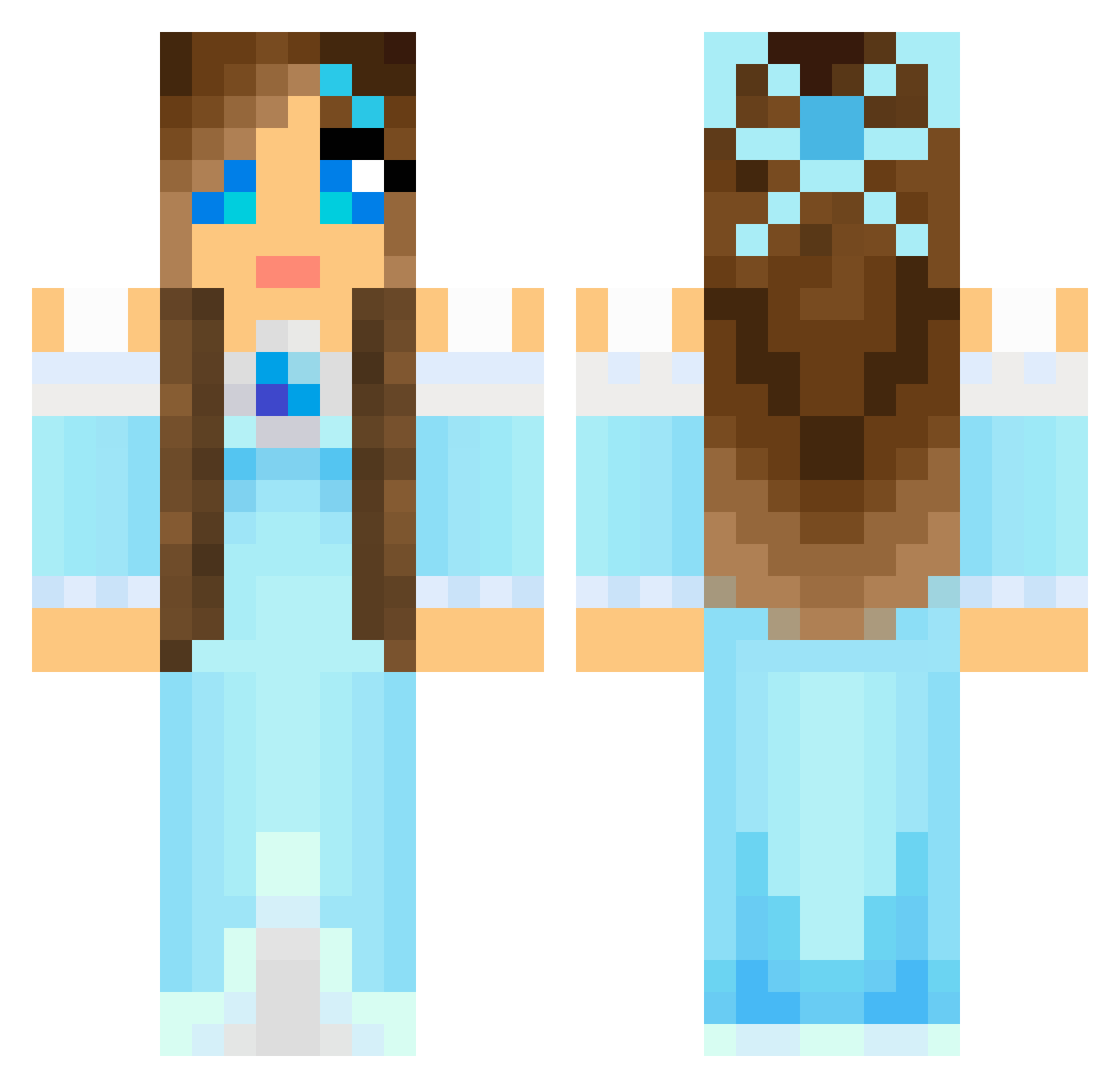
Current Minecraft skin of the player Moosh_Mar, loaded from the official Mojang API. Rotate the 3D model with your mouse or finger, then download the skin as a PNG file and use it in Minecraft: Bedrock Edition or Java Edition for free. When Moosh_Mar changes their skin, this page updates automatically and the old skin stays in the history below.
Other players with this skin (804)
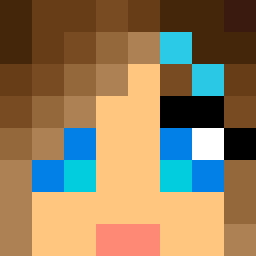
Moosh_Mar was the 624th player we have seen with this skin, first spotted on 15.10.2026. The same skin was seen on these players. Open a nickname to see their current skin and skin history.
 Mickeyfan1 marieevy03 sammyq11402 chlojaw ijselus mathlin Sigridtp Graciousone jonasvh123 starfire736 CanalPrincess chatot18 pinerichland Rhiannon1970 krissylyn03 rubenmun sunflower_rae LittleLoverXD skumis marla999 Doro73 ForeverWhatever Dragonfly905 Aglariel Reesespuff20 Jannimus Icewoowoo4 rikkeblomst2 guldsmedac luxap DANCELOVER21 Exstiletto dinovas Rosie_Fernandez xombielove cocopopss99 alexiae8 __Don__xx athena_h Doublechinz oreopuppy235168 Lilybovee Tiddestar04 Arendelle_Elsa stromyeyes Zannaleelee Bridgitt ncaissie123 Pegasus82 NerfNZ Sereghir Paza_Diamond bexz002 zarakino James_Partridge Butzda SarahDiamond44 MadeDay LushLifePro My_Princess
More Princess Minecraft skins
How to install the Moosh_Mar skin
- Press the Download button above to save the skin as a PNG file.
- Minecraft: Bedrock Edition (PE): open the Dressing Room from the main menu (or tap your character → Edit Character), go to Classic Skins → Owned, press the + (new skin) button, choose the downloaded PNG and pick the Classic (Steve) model. Works on PC and mobile; consoles cannot import custom skins.
- Minecraft: Java Edition: open the Minecraft Launcher, go to the Skins tab, click New Skin, load the PNG, pick the Classic (Steve) model and press Save & Use. You can also upload it at minecraft.net → Profile → Change Skin.
The skin does not show up after import - what should I do?
Restart Minecraft and open the Dressing Room again - imported skins sometimes appear only after a restart. Also make sure you selected the imported skin and picked the Classic (Steve) model.
Which model should I choose, Classic or Slim?
This skin is designed for the Classic (Steve) model. If you pick the wrong model, the arms of the skin will look stretched or squeezed.
Is the skin of Moosh_Mar free to download?
Yes. Press Download, save the PNG file and use it in Minecraft: Bedrock Edition or Java Edition - no payment or registration needed. The skin also works on multiplayer servers and Realms.
More skins
Looking for more? Go back to all Minecraft skins and check the top skins of the week, month and all time, or find any player's skin by nickname.