
McFeenix - Minecraft Skins & Skin History
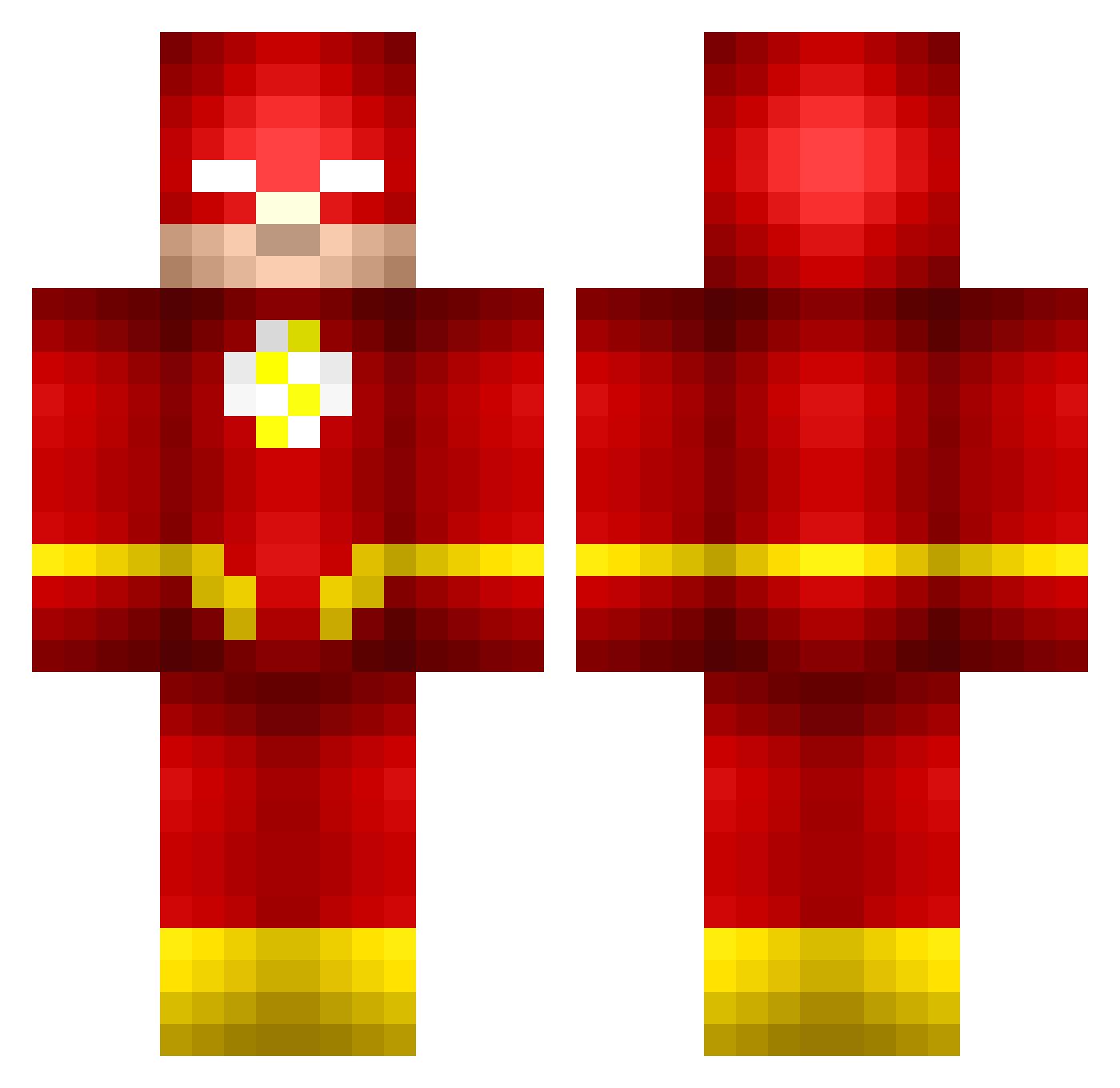
Current Minecraft skin of the player McFeenix, loaded from the official Mojang API. Rotate the 3D model with your mouse or finger, then download the skin as a PNG file and use it in Minecraft: Bedrock Edition or Java Edition for free. When McFeenix changes their skin, this page updates automatically and the old skin stays in the history below.
Other players with this skin (673)
McFeenix was the 603rd player we have seen with this skin, first spotted on 27.10.2026. The same skin was seen on these players. Open a nickname to see their current skin and skin history.
 Finncaeu jonas0405 black_shepard Ida7430 Bren0809 ThatRandomGuy___ 121waluigi MasterKore angel30 JackJarrow NickErlips TelleyTribe Darcapolo willitsme Shadeoflight24 bandwagon987 Danik_Grid Spartime kozykabin ksi800 cswag321 FalconsJulio skov29 Hillblock JohnnyIacc Neon_Trees7 curist DoAsISayNotAsIDo CamelbakSauce2 Moon_Blaze Lukieloko quinn0003 TehFlashh candlewarrior Zeesus99 leeuw82 Titobear flying_grunneger seanglendo96 Saltyman09 snakesniffer12 GeauxJutty sterkemathijs Astride cjecoverley wolax3 DFrog126 BrownBoyMark theshortone18 Midtsilver JakoWako69 akokai98 The_BlackMonster Benjamin582 Shadows68 Glenius UtCung cheesed_face CrazyZeek13 xXGodAtPvPXx
More The Flash Minecraft skins
How to install the McFeenix skin
- Press the Download button above to save the skin as a PNG file.
- Minecraft: Bedrock Edition (PE): open the Dressing Room from the main menu (or tap your character → Edit Character), go to Classic Skins → Owned, press the + (new skin) button, choose the downloaded PNG and pick the Classic (Steve) model. Works on PC and mobile; consoles cannot import custom skins.
- Minecraft: Java Edition: open the Minecraft Launcher, go to the Skins tab, click New Skin, load the PNG, pick the Classic (Steve) model and press Save & Use. You can also upload it at minecraft.net → Profile → Change Skin.
The skin does not show up after import - what should I do?
Restart Minecraft and open the Dressing Room again - imported skins sometimes appear only after a restart. Also make sure you selected the imported skin and picked the Classic (Steve) model.
Which model should I choose, Classic or Slim?
This skin is designed for the Classic (Steve) model. If you pick the wrong model, the arms of the skin will look stretched or squeezed.
Is the skin of McFeenix free to download?
Yes. Press Download, save the PNG file and use it in Minecraft: Bedrock Edition or Java Edition - no payment or registration needed. The skin also works on multiplayer servers and Realms.
More skins
Looking for more? Go back to all Minecraft skins and check the top skins of the week, month and all time, or find any player's skin by nickname.