
MaviEyes - Minecraft Skins & Skin History
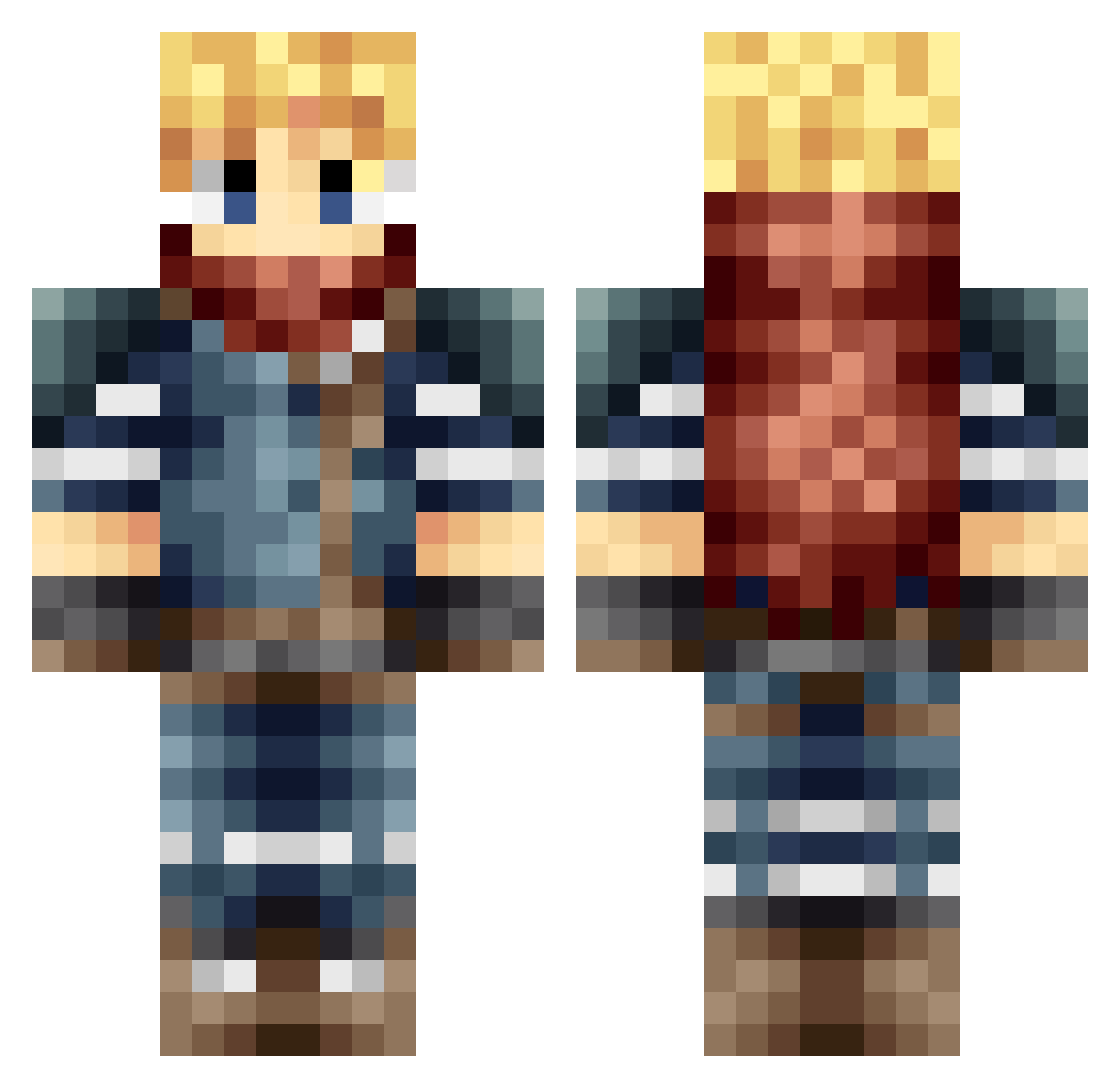
Current Minecraft skin of the player MaviEyes, loaded from the official Mojang API. Rotate the 3D model with your mouse or finger, then download the skin as a PNG file and use it in Minecraft: Bedrock Edition or Java Edition for free. When MaviEyes changes their skin, this page updates automatically and the old skin stays in the history below.
Other players with this skin (665)
MaviEyes was the 544th player we have seen with this skin, first spotted on 20.10.2026. The same skin was seen on these players. Open a nickname to see their current skin and skin history.
 Silkune silverphantom05 Krevet06 kadenbot11 alphawolf109 phipsnow undefx 27Xenon27 CabezaDeMu terflo eekoru _Sleepwalker Nyroon920 Kalrydian Antmonkey93 xMingLeex JLPAG123 Jbyrd16 Fracor Vashmiles2 FlashLeaf P3D0xB SoulLemon11 ScatterAsh GG_18 coolepicdude2004 bluexsnake Tmmh emmerix ravielthegreat1 LuisR402 OmegaOnimusha Pearston B0oOm hoilios 4ing valmindu22 Vict3rG Lyri666 derpboy1234 Dragnear the_savagedonkey PureCane Nick_Vince RyoGrattius Amygorawr AzothLiquid NFcreeper100 Cubes01 ghj_007 Baconatorbot HabaekBakado taisho930 Agut10 Tommele bluebert R4ziel Cloud_Strife atpurpura Serr33
More Adventurer Minecraft skins
How to install the MaviEyes skin
- Press the Download button above to save the skin as a PNG file.
- Minecraft: Bedrock Edition (PE): open the Dressing Room from the main menu (or tap your character → Edit Character), go to Classic Skins → Owned, press the + (new skin) button, choose the downloaded PNG and pick the Classic (Steve) model. Works on PC and mobile; consoles cannot import custom skins.
- Minecraft: Java Edition: open the Minecraft Launcher, go to the Skins tab, click New Skin, load the PNG, pick the Classic (Steve) model and press Save & Use. You can also upload it at minecraft.net → Profile → Change Skin.
The skin does not show up after import - what should I do?
Restart Minecraft and open the Dressing Room again - imported skins sometimes appear only after a restart. Also make sure you selected the imported skin and picked the Classic (Steve) model.
Which model should I choose, Classic or Slim?
This skin is designed for the Classic (Steve) model. If you pick the wrong model, the arms of the skin will look stretched or squeezed.
Is the skin of MaviEyes free to download?
Yes. Press Download, save the PNG file and use it in Minecraft: Bedrock Edition or Java Edition - no payment or registration needed. The skin also works on multiplayer servers and Realms.
More skins
Looking for more? Go back to all Minecraft skins and check the top skins of the week, month and all time, or find any player's skin by nickname.