
Makkytek - Minecraft Skins & Skin History
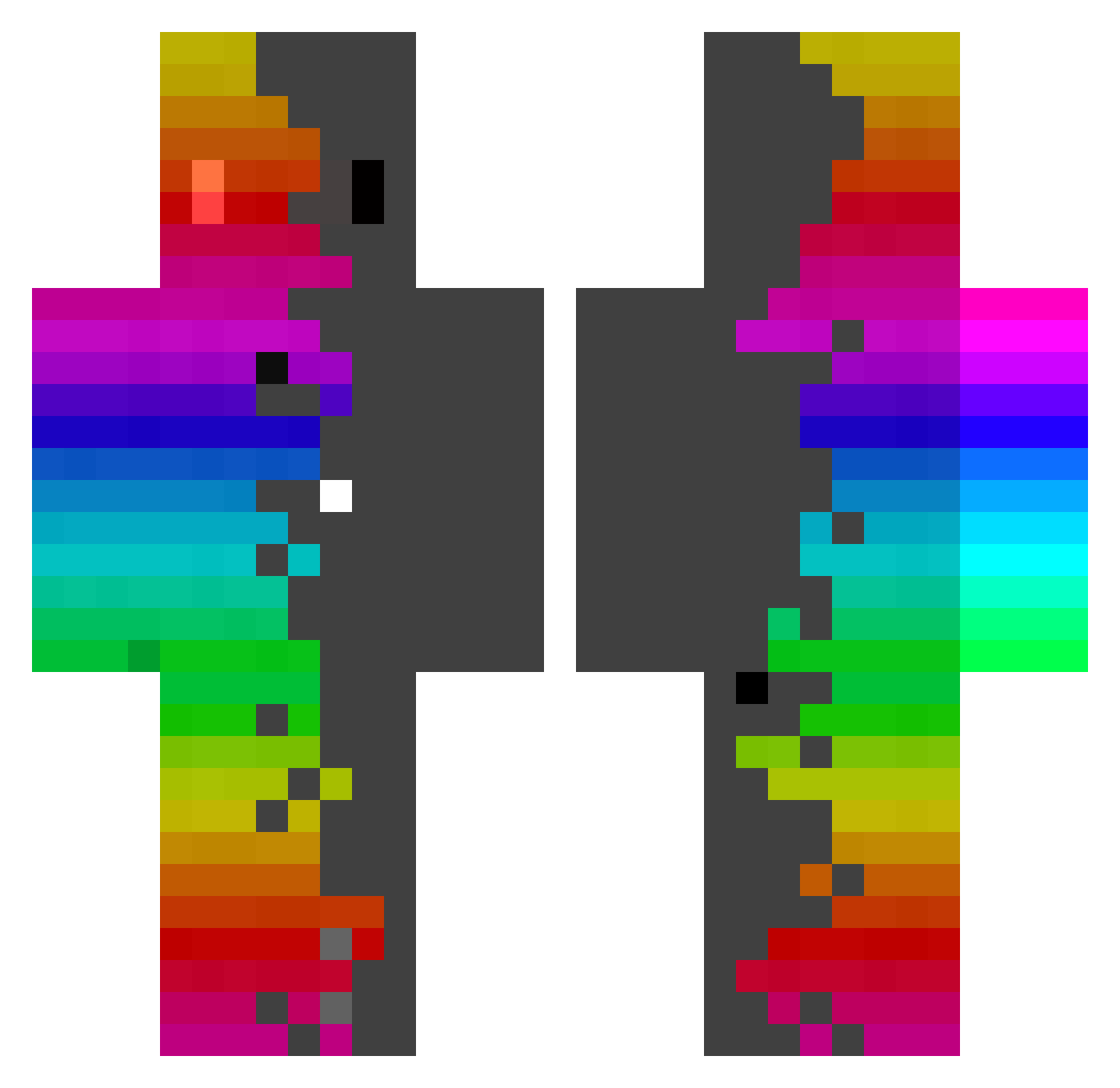
Current Minecraft skin of the player Makkytek, loaded from the official Mojang API. Rotate the 3D model with your mouse or finger, then download the skin as a PNG file and use it in Minecraft: Bedrock Edition or Java Edition for free. When Makkytek changes their skin, this page updates automatically and the old skin stays in the history below.
Other players with this skin (440)
Makkytek was the 319th player we have seen with this skin, first spotted on 13.10.2026. The same skin was seen on these players. Open a nickname to see their current skin and skin history.
 FofoM GULUM Coolslek99 almame PhoenixWrath_73 GandalfDayi8286 ikura111111 specity5 Zer0Kimisaki Gown99 BobbiMonsta micronine RobsoLindo Lucky984668 Shaw_AS Niawcha sky_jade Vexuenn joaqo_pirocud123 Daniele6606 Duke_081 WinterOdysseus OvetchKing NoxStefan Tensebag JIN0312 Kielgana bokjk lilartemis BDOMINIK2012 MeLazzy WSG_720 SZAKZA Oonurb Joriistcool ROASCH Mellow_Craft Stormraddd lianybrothers olive2h ferdusanb whtmdqls kfbgi CimBoy07 Renbo_Random TheIrishAll mine_xplore SpiegelJaguar31 SrPolage NoobGood vitorianatalia riyhp Romek201112 dataB2 Adam_Hraje Goatisues Bubba6248 Fontxu VitorMaximo Kencito_botcito
How to install the Makkytek skin
- Press the Download button above to save the skin as a PNG file.
- Minecraft: Bedrock Edition (PE): open the Dressing Room from the main menu (or tap your character → Edit Character), go to Classic Skins → Owned, press the + (new skin) button, choose the downloaded PNG and pick the Classic (Steve) model. Works on PC and mobile; consoles cannot import custom skins.
- Minecraft: Java Edition: open the Minecraft Launcher, go to the Skins tab, click New Skin, load the PNG, pick the Classic (Steve) model and press Save & Use. You can also upload it at minecraft.net → Profile → Change Skin.
The skin does not show up after import - what should I do?
Restart Minecraft and open the Dressing Room again - imported skins sometimes appear only after a restart. Also make sure you selected the imported skin and picked the Classic (Steve) model.
Which model should I choose, Classic or Slim?
This skin is designed for the Classic (Steve) model. If you pick the wrong model, the arms of the skin will look stretched or squeezed.
Is the skin of Makkytek free to download?
Yes. Press Download, save the PNG file and use it in Minecraft: Bedrock Edition or Java Edition - no payment or registration needed. The skin also works on multiplayer servers and Realms.
More skins
Looking for more? Go back to all Minecraft skins and check the top skins of the week, month and all time, or find any player's skin by nickname.