
MajorGSS - Minecraft Skins & Skin History
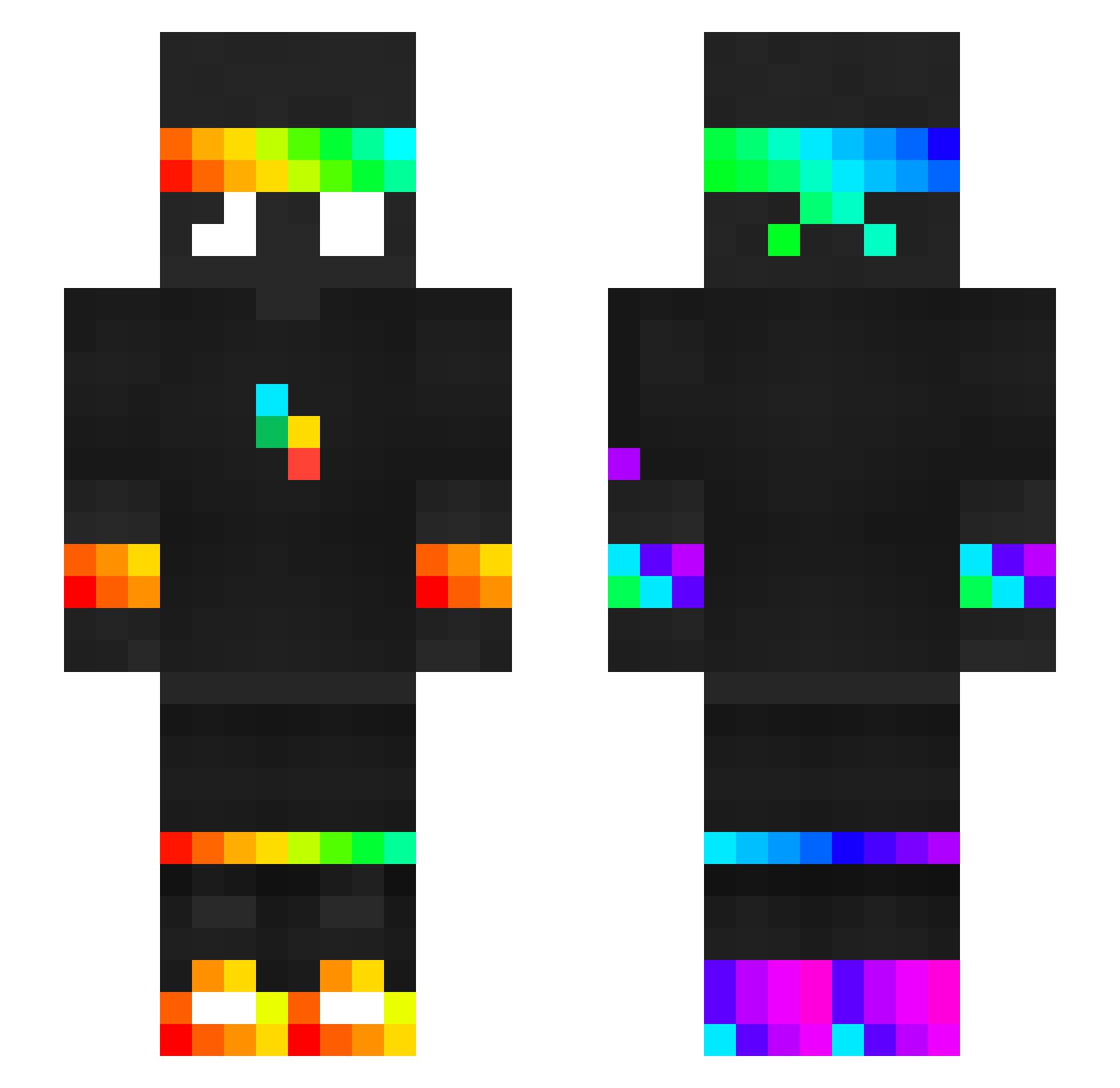
Current Minecraft skin of the player MajorGSS, loaded from the official Mojang API. Rotate the 3D model with your mouse or finger, then download the skin as a PNG file and use it in Minecraft: Bedrock Edition or Java Edition for free. When MajorGSS changes their skin, this page updates automatically and the old skin stays in the history below.
Other players with this skin (440)
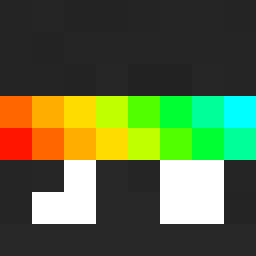
MajorGSS was the 394th player we have seen with this skin, first spotted on 31.10.2026. The same skin was seen on these players. Open a nickname to see their current skin and skin history.
 MiracleBok CreepersAnnoying FlamingArrow2 YoYopgITA LeLeopenudo Yassir97440 Filip727 blvnyx j3drey v3rtixx _Kanoox atomiscool1 frogmuu smbghost1 emrantghenoob firemanFinn56446 SebbeGalaxy Crashin0 TheRealMayo12 ASYS_23_07 Bilad0_LP hehezar GhostRider67549 BatuhanYldzq Toxic_Boy02 mmee12345678 Trisztan009 helios4688 Ec0symic ninioreo FaZe_XatZi_09 wplankterwNL SEB7509 rafhon lvlupkardesler D0m1n1c6 JASONL4F AJS_YT1 maspear lesuwo pnav1 zBig_PvP skibidiyoink123 Skelettiot nitschm1 ChickHickzz GalaxyLord_18 NavernoePro WallopingBoss Ginkevin mooseysdb CorniCornelius erCoppa05 Nelko Mr_Kotlet TuDVB iCode02 EricAndrade SKINTIN Sniper2345x
More RGB Minecraft skins
How to install the MajorGSS skin
- Press the Download button above to save the skin as a PNG file.
- Minecraft: Bedrock Edition (PE): open the Dressing Room from the main menu (or tap your character → Edit Character), go to Classic Skins → Owned, press the + (new skin) button, choose the downloaded PNG and pick the Slim (Alex) model. Works on PC and mobile; consoles cannot import custom skins.
- Minecraft: Java Edition: open the Minecraft Launcher, go to the Skins tab, click New Skin, load the PNG, pick the Slim (Alex) model and press Save & Use. You can also upload it at minecraft.net → Profile → Change Skin.
The skin does not show up after import - what should I do?
Restart Minecraft and open the Dressing Room again - imported skins sometimes appear only after a restart. Also make sure you selected the imported skin and picked the Slim (Alex) model.
Which model should I choose, Classic or Slim?
This skin is designed for the Slim (Alex) model. If you pick the wrong model, the arms of the skin will look stretched or squeezed.
Is the skin of MajorGSS free to download?
Yes. Press Download, save the PNG file and use it in Minecraft: Bedrock Edition or Java Edition - no payment or registration needed. The skin also works on multiplayer servers and Realms.
More skins
Looking for more? Go back to all Minecraft skins and check the top skins of the week, month and all time, or find any player's skin by nickname.