
LiterallyWemmbu - Minecraft Skins & Skin History
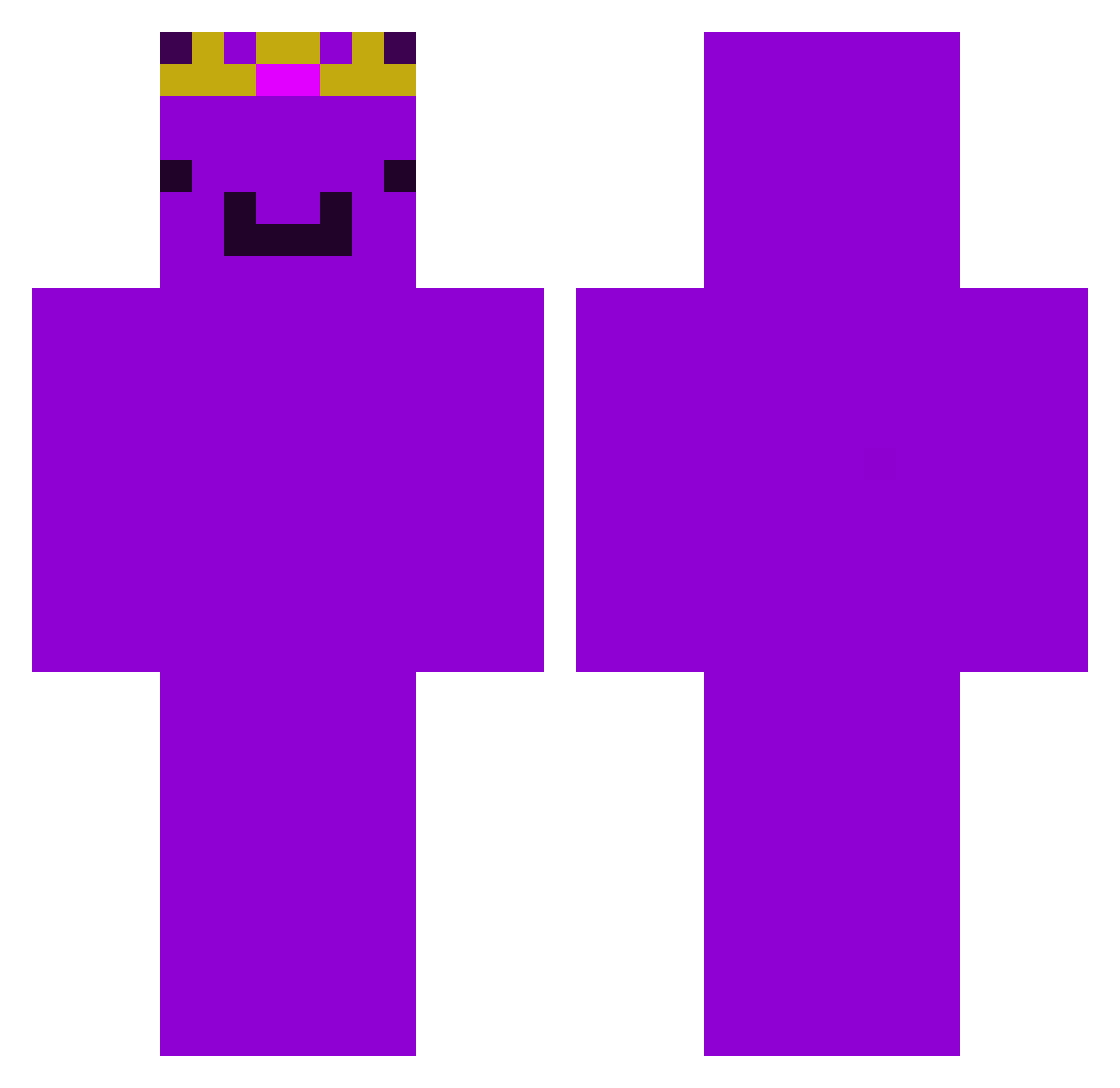
Current Minecraft skin of the player LiterallyWemmbu, loaded from the official Mojang API. Rotate the 3D model with your mouse or finger, then download the skin as a PNG file and use it in Minecraft: Bedrock Edition or Java Edition for free. When LiterallyWemmbu changes their skin, this page updates automatically and the old skin stays in the history below.
Other players with this skin (478)
LiterallyWemmbu was the 401st player we have seen with this skin, first spotted on 25.10.2026. The same skin was seen on these players. Open a nickname to see their current skin and skin history.
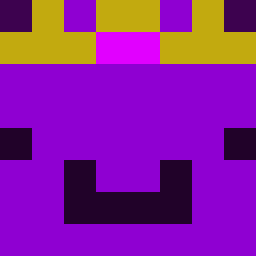 Dobbyprogamer NSplys Schnitzlauch MrMidnightf LekBosi risul0 ciao2010 hamoqi TeodorValkov mlggo NWPO_2 Cozyyyyyu sparkymcc Patientplayz havixso Thandee123 YT_KingPhoenix Cptobvious50 HolyGabe2014 MaThoPro ImSimplyCool Axol0tll Czapek7 snakyboo ImAtomicG Franklinasz xander_101 Slayer4o Komar_888 JustPearTT kirxz8 HUGE_CHAAD iambad1 Herobrine720720 ChocoMilkshake15 Askk_dl S581 Pauli437 MilanStrongman nrh1st AwesomeArnav09 meolvo Y0ungSlayer FreeMCAlts_VA2SG mikusfrikus yoboyjoseph15 EnderBrine32 Oiwat klexyke TacticTurtle884 COOLPaddy2010 Lennoxishere PizzaTim101 _xmc13 gyattmester Lucas2706GHG ItsRealLucaYT Strxxw Itz_Bearr xrisavgitis1967
More Crown Minecraft skins
How to install the LiterallyWemmbu skin
- Press the Download button above to save the skin as a PNG file.
- Minecraft: Bedrock Edition (PE): open the Dressing Room from the main menu (or tap your character → Edit Character), go to Classic Skins → Owned, press the + (new skin) button, choose the downloaded PNG and pick the Classic (Steve) model. Works on PC and mobile; consoles cannot import custom skins.
- Minecraft: Java Edition: open the Minecraft Launcher, go to the Skins tab, click New Skin, load the PNG, pick the Classic (Steve) model and press Save & Use. You can also upload it at minecraft.net → Profile → Change Skin.
The skin does not show up after import - what should I do?
Restart Minecraft and open the Dressing Room again - imported skins sometimes appear only after a restart. Also make sure you selected the imported skin and picked the Classic (Steve) model.
Which model should I choose, Classic or Slim?
This skin is designed for the Classic (Steve) model. If you pick the wrong model, the arms of the skin will look stretched or squeezed.
Is the skin of LiterallyWemmbu free to download?
Yes. Press Download, save the PNG file and use it in Minecraft: Bedrock Edition or Java Edition - no payment or registration needed. The skin also works on multiplayer servers and Realms.
More skins
Looking for more? Go back to all Minecraft skins and check the top skins of the week, month and all time, or find any player's skin by nickname.