
Leonard937 - Minecraft Skins & Skin History
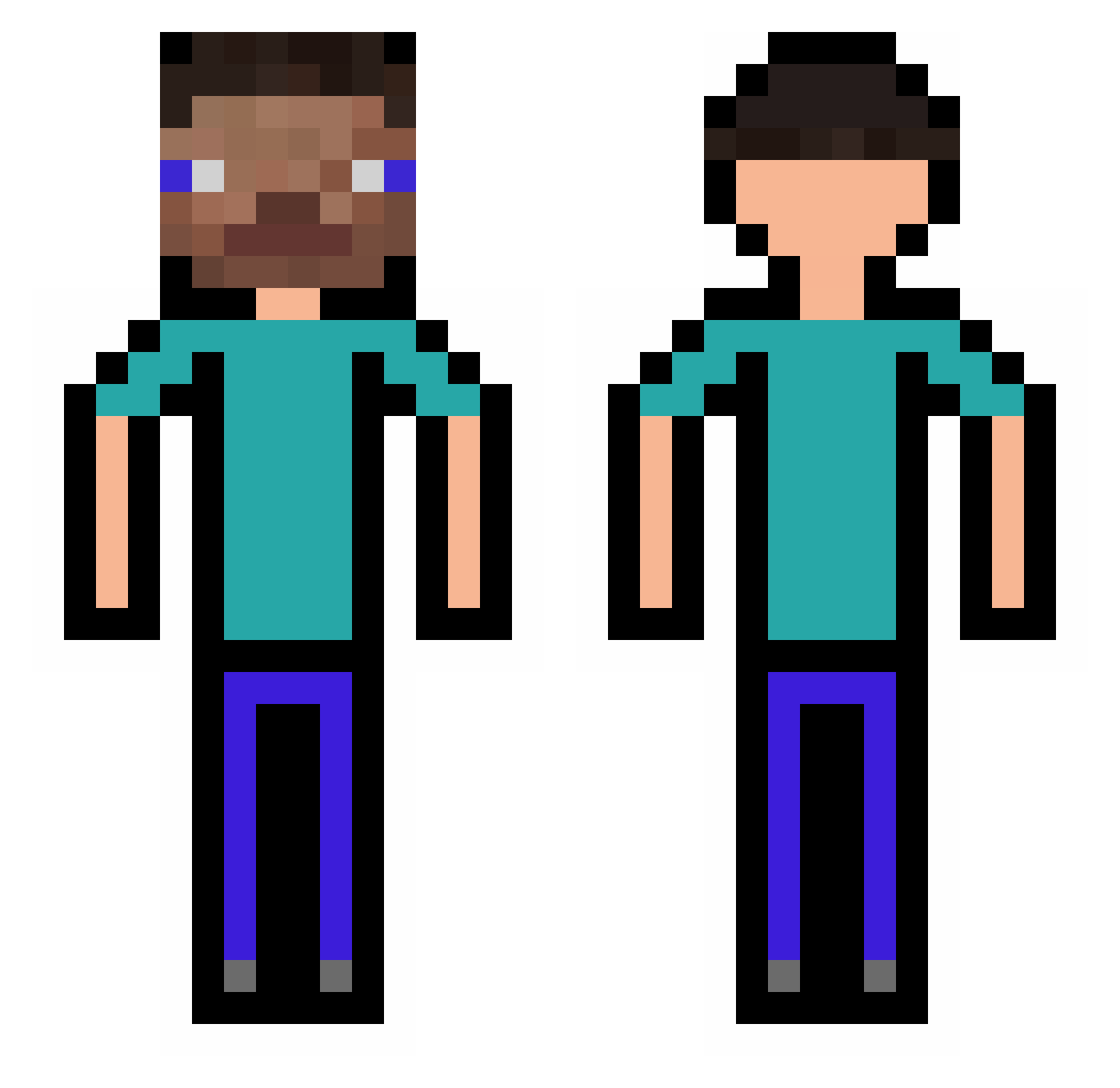
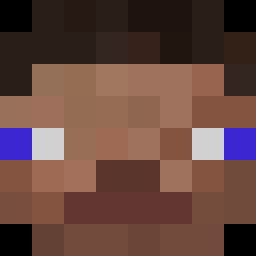
Current Minecraft skin of the player Leonard937, loaded from the official Mojang API. Rotate the 3D model with your mouse or finger, then download the skin as a PNG file and use it in Minecraft: Bedrock Edition or Java Edition for free. When Leonard937 changes their skin, this page updates automatically and the old skin stays in the history below.
Other players with this skin (317)
Leonard937 was the 246th player we have seen with this skin, first spotted on 21.10.2026. The same skin was seen on these players. Open a nickname to see their current skin and skin history.
 mlodykokos2 MasnyMazy baianolegal 114514xym Sr_Temblores Weijaijia Bartucha84 Chillin_3 snowplum_ Cahier_24x32 JAJA_BENEDYKTA pan_zhe xmshane baderbad31 jefpoep TaoChenG flenzfaluffa Samsimon667 Eqweee Zisoooo DominoO0O CcH2 bitsane OgJaum171 Youngboug N____O_ boogerballs558 lothcs kaiitho THENIC0O Duhailan put1_ EroNikz LogDile13 DerpyDax hejcr xiangsui6 Fuse_Sutart COMEBACKKENNY JhojanFA mmchew Pixeldonky Kwa_n69 Veixlyyy tavomocia69 Nkoov LoLWi TimoSecoue publicg TacoRex Shiinainese chc2 fanpreet Natillas777 SKETINKET waffel0909 Sveext senorscoots dqmz piber12
How to install the Leonard937 skin
- Press the Download button above to save the skin as a PNG file.
- Minecraft: Bedrock Edition (PE): open the Dressing Room from the main menu (or tap your character → Edit Character), go to Classic Skins → Owned, press the + (new skin) button, choose the downloaded PNG and pick the Classic (Steve) model. Works on PC and mobile; consoles cannot import custom skins.
- Minecraft: Java Edition: open the Minecraft Launcher, go to the Skins tab, click New Skin, load the PNG, pick the Classic (Steve) model and press Save & Use. You can also upload it at minecraft.net → Profile → Change Skin.
The skin does not show up after import - what should I do?
Restart Minecraft and open the Dressing Room again - imported skins sometimes appear only after a restart. Also make sure you selected the imported skin and picked the Classic (Steve) model.
Which model should I choose, Classic or Slim?
This skin is designed for the Classic (Steve) model. If you pick the wrong model, the arms of the skin will look stretched or squeezed.
Is the skin of Leonard937 free to download?
Yes. Press Download, save the PNG file and use it in Minecraft: Bedrock Edition or Java Edition - no payment or registration needed. The skin also works on multiplayer servers and Realms.
More skins
Looking for more? Go back to all Minecraft skins and check the top skins of the week, month and all time, or find any player's skin by nickname.